Introduction
We are going to help you remove and replace a component of your HP Chromebook CB2L. The component that this guide helps you with is the Audio Port of the HP Chromebook CB2L. Please take a look at this troubleshooting page to confirm that this component needs replacement.
What you need
-
-
Flip Chromebook over so that the bottom panel is facing upward.
-
Use the plastic opening tool to remove the blue panel.
 Ask FixBot
-
-
-
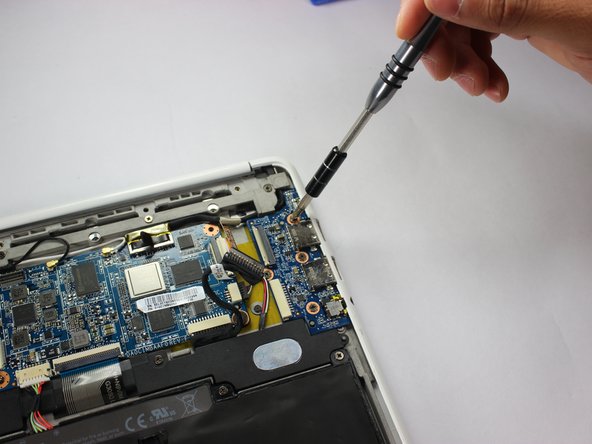
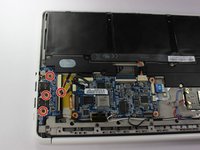
Unscrew the six 1.2mm screws on the metal plate using Phillips #1 screwdriver.
-
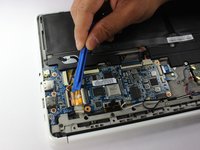
Lift the white panel by gently prying around the edges using the plastic opening tool.
-
-
-
-
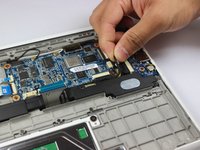
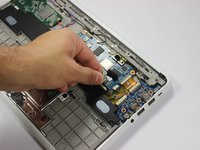
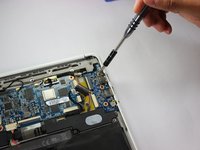
Disconnect the black wire which connects the audio port to motherboard.
-
Disconnect the gold strip connecting the audio port to motherboard
-




To reassemble your device, follow these instructions in reverse order.
Cancel: I did not complete this guide.
One other person completed this guide.

Team

USF Tampa, Team S2-G6, Lacy Spring 2017 Member of USF Tampa, Team S2-G6, Lacy Spring 2017
USFT-LACY-S17S2G6
3 Members
4 Guides authored
