Introduction
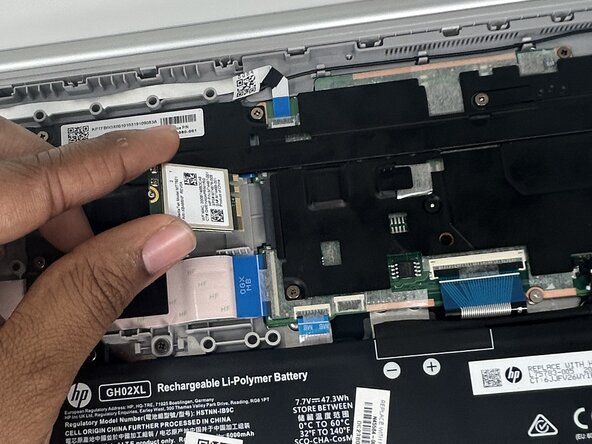
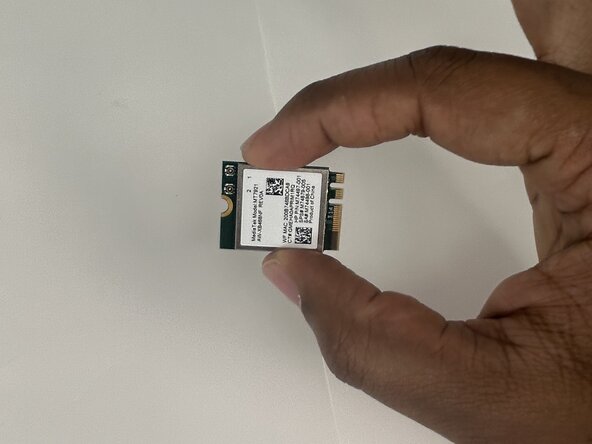
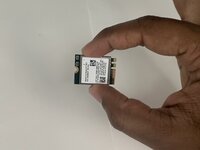
If you are experiencing slow internet connection or an inability to connect to the internet and have ruled out software issues, use this guide to replace your HP Chromebook 15a-nb001dx's Wi-Fi module
The Wi-Fi module is the primary connector from your laptop to the internet. If you notice any problems with buffering apps, your laptop is most likely not connecting properly. Updating or replacing the Wi-Fi module should rectify these issues.
When replacing the Wi-Fi module, make sure the device is powered off.
What you need
-
-
-
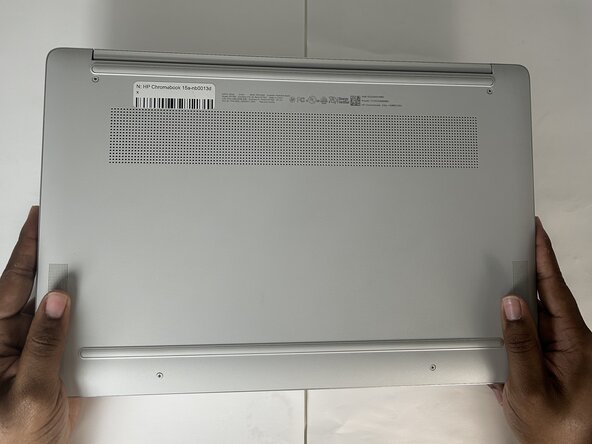
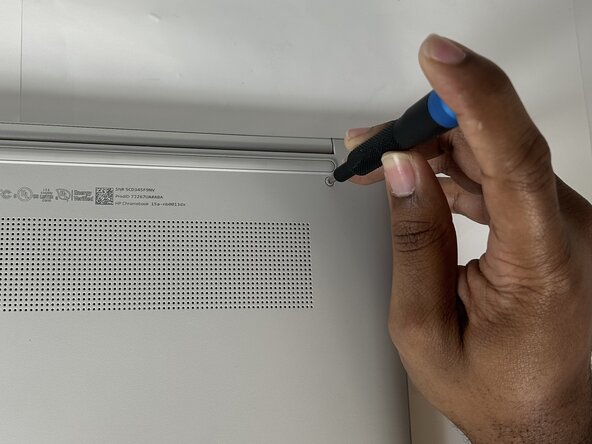
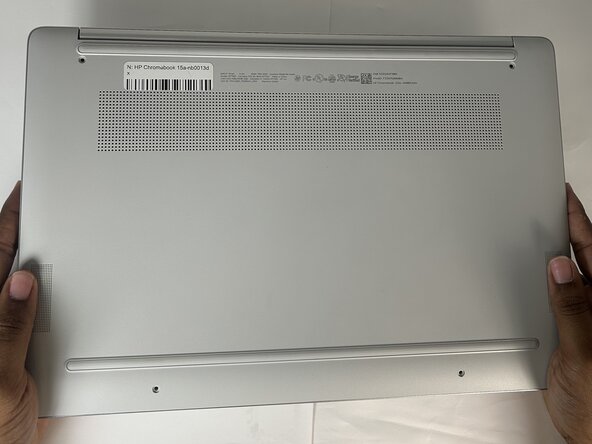
Use a Phillips screwdriver to remove four 6.6 mm screws that secure the lower case.
-
-
-
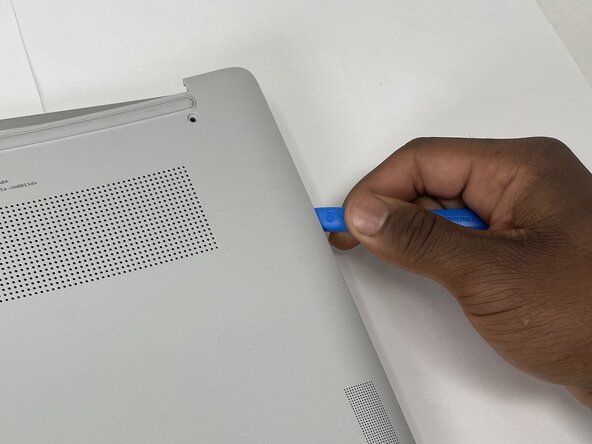
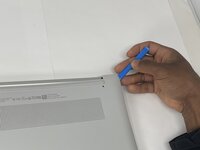
Insert an opening tool into the seam between the lower case and the chassis, near the hinge.
-
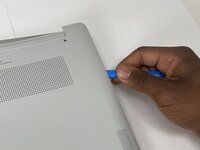
Pry around the entire perimeter of the lower case until it fully releases.
-
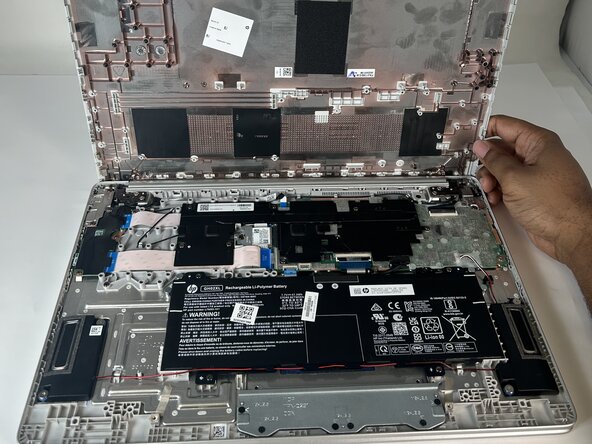
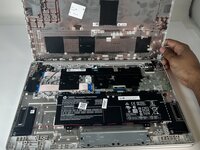
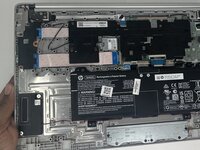
Remove the lower case.
-
-
-
-
-
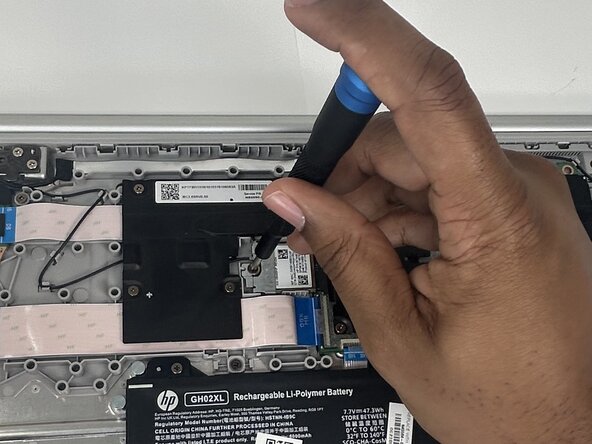
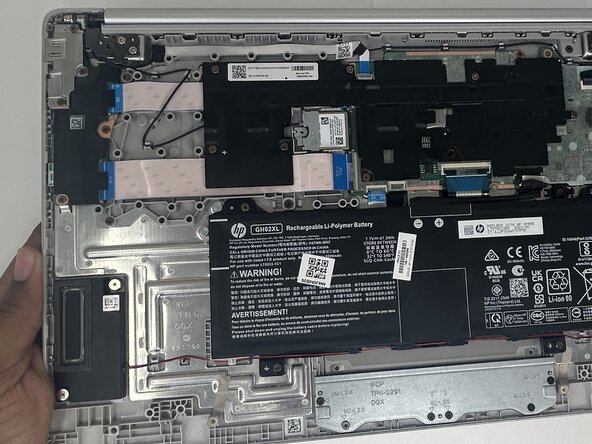
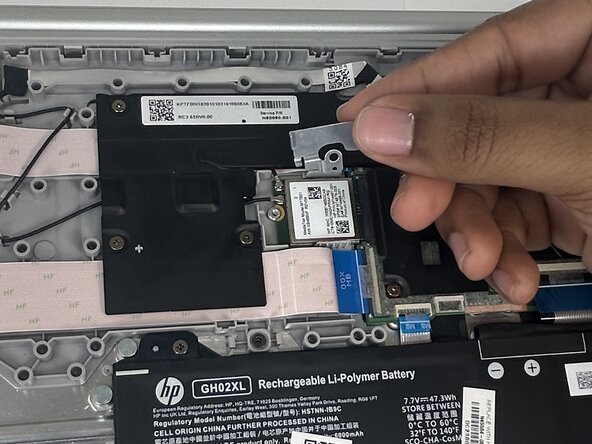
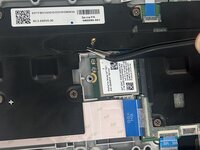
Use a Phillips #0 screwdriver to remove the one 4.1 mm screw that secures the metal bracket on top of the Wi-Fi module.
-
-
-
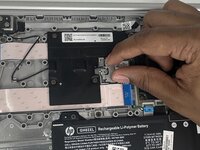
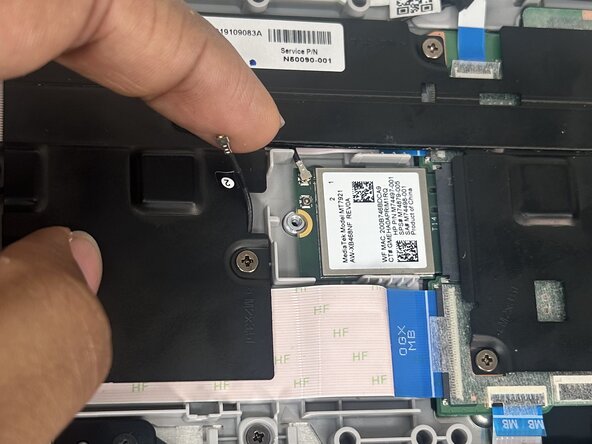
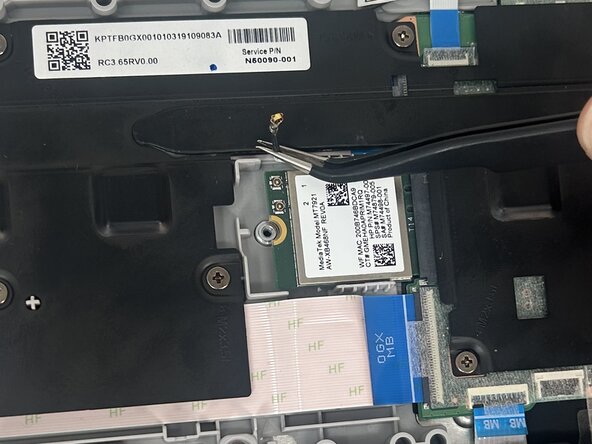
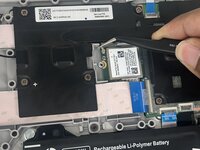
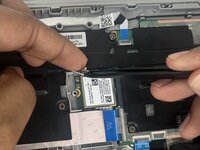
Use angled tweezers to lift up and disconnect the lower Wi-Fi module coaxial connector.
-
-
-
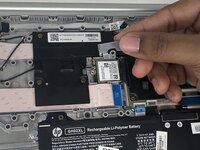
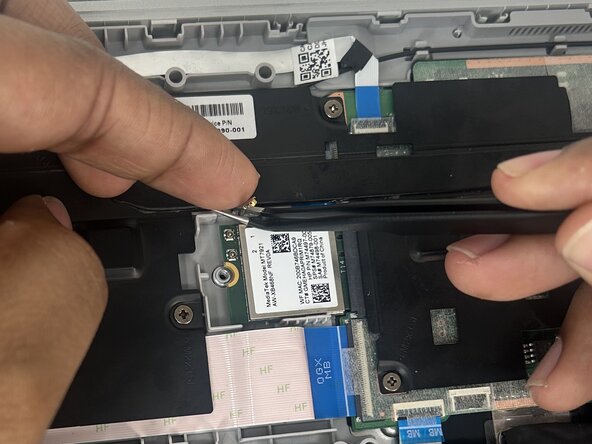
Use angled tweezers to lift up and disconnect the upper Wi-Fi module coaxial connector.
-
-



 Ask FixBot








To reassemble your device, follow the above steps in reverse order.
Take your e-waste to an R2 or e-Stewards certified recycler.
Repair didn’t go as planned? Try some basic troubleshooting or ask our Answers community for help.

Team

University of Memphis, Team 1-3, Sneed Spring 2025 Member of University of Memphis, Team 1-3, Sneed Spring 2025
UM-SNEED-S25S1G3
4 Members
34 Guides authored
