What you need
-
-
-
Remove the eleven Phillips screws securing the lower case.
-
Remove the two rubber stoppers, then remove the two Phillips screws hidden underneath.
 Ask FixBot
-
-
-
Flip the laptop over and open the lid.
-
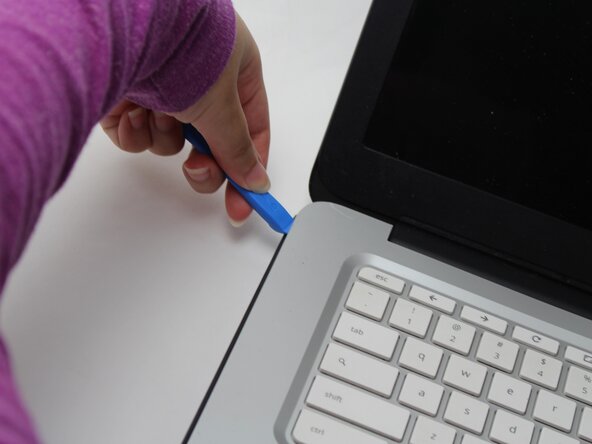
Insert an opening pick into the seam between the keyboard assembly and chassis.
-
Slide the pick along the edge to release the plastic clips, then use an opening tool to pry around the entire perimeter until the keyboard assembly fully releases.
-
-
-
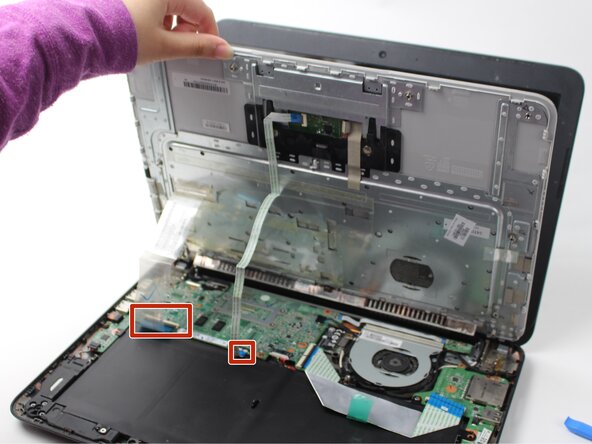
Lift the keyboard perpendicular to the laptop.
-
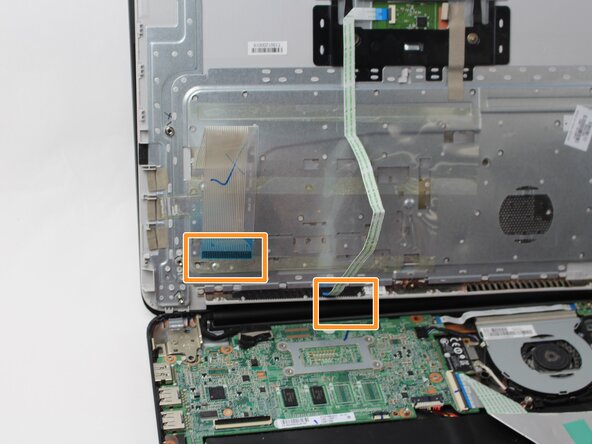
Flip up each of the two black ZIF locking flaps that secure the keyboard and trackpad ribbon cables to their motherboard sockets.
-
Disconnect the keyboard and trackpad ribbon cables.
-
Remove the keyboard.
-
-
-
-
-
-
Use your fingernail or the flat end of a spudger to gently disconnect the battery connector from its motherboard connector.
-
-
-
Use a Phillips #0 screwdriver to remove the three screws that secure the battery.
-
-
-
-
-
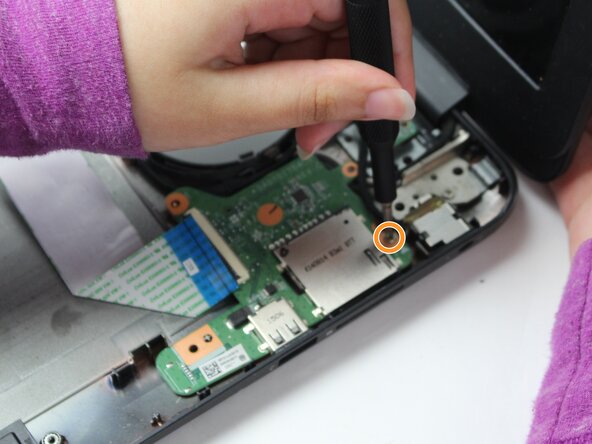
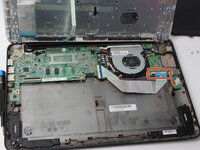
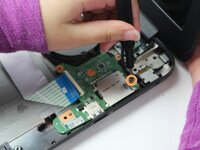
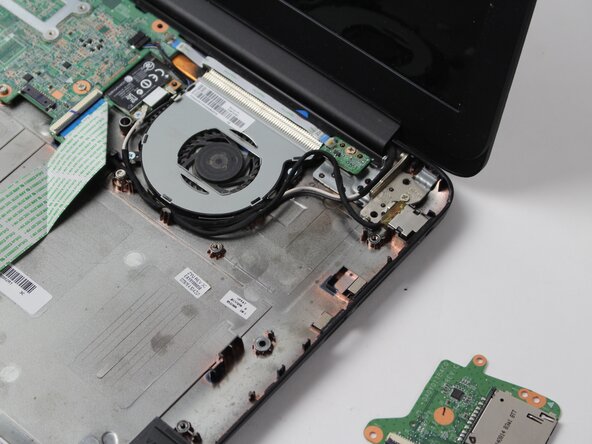
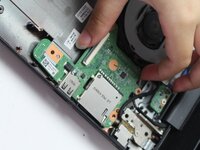
Lift the black ZIF locking flap on the daughterboard.
-
Disconnect the ribbon cable.
-
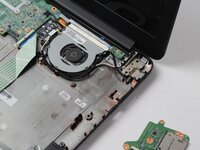
Remove the single screw near the SD card with a Phillips #0 screwdriver.
-
-







To reassemble your device, follow the above steps in reverse order.
Take your e-waste to an R2 or e-Stewards certified recycler.
Repair didn’t go as planned? Try some basic troubleshooting or ask our Answers community for help.

Team

Sam Houston State, Team 17-3, Thornton Spring 2025 Member of Sam Houston State, Team 17-3, Thornton Spring 2025
SHSU-THORNTON-S25S17G3
3 Members
60 Guides authored
