Introduction
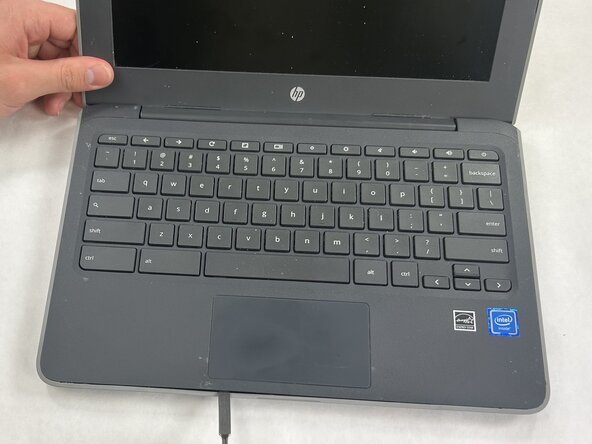
This guide shows how to replace the keyboard assembly in the HP Chromebook 11 G7 EE. The keyboard enables text input, and depending on the replacement part, the assembly may also include the palm rest.
You may need to replace it if the built-in keyboard does not respond, individual keys are stuck, or the keyboard cable or assembly is damaged.
Before you begin, power off the Chromebook and disconnect it from the charger.
What you need
-
-
Flip the Chromebook over so the bottom cover is facing up.
-
Remove the nine Phillips #1 screws securing the bottom case:
-
Six 6.6 mm-long screws
-
Three 9.1 mm-long screws
-
Insert an iFixit opening tool or pick between the bottom cover and keyboard assembly.
-
Slide it around the edges to release the plastic clips.
 Ask FixBot
-
-
-
-
Gently lift the keyboard assembly up to allow enough space to disconnect the ribbon cables attached to the motherboard.
-
Use a spudger or a clean fingernail to flip up the black locking flap on the large keyboard cable ZIF connector—this is the unlocked position.
-
Pull the blue pull tab on the keyboard ribbon cable straight out of the connector.
-
Repeat this process for the smaller touchpad ribbon cable next to it.
-



To reassemble your device, follow these instructions in reverse order. Take your e-waste to an R2 or e-Stewards certified recycler.

Team

UMass Dartmouth, Team 5-7, Rioux Spring 2026 Member of UMass Dartmouth, Team 5-7, Rioux Spring 2026
UMASSD-RIOUX-S26S5G7
2 Members
5 Guides authored
