Free Shipping on Domestic Orders $75+

HP Beats Special Edition 15-p390nr Screen Replacement

What you need

    1. HP Beats Special Edition 15-p390nr Screen  Replacement, Screen: step 1, image 1 of 1
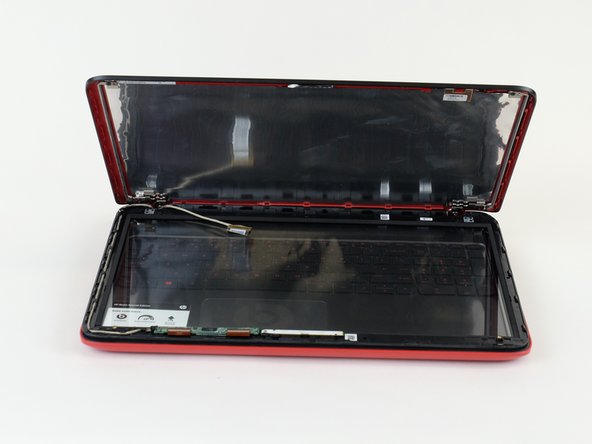
      • Use metal spudger to pry the screen from the back panel.

      • Popping sounds are normal

      • Make sure device is turned off

      Ask FixBot

      Add Comment

    2. HP Beats Special Edition 15-p390nr Screen  Replacement: step 2, image 1 of 1
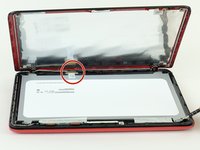
      • Use the Phillips #0 screwdriver to remove the four screws around the screen.

      Ask FixBot

      Add Comment

    3. HP Beats Special Edition 15-p390nr Screen  Replacement: step 3, image 1 of 2 HP Beats Special Edition 15-p390nr Screen  Replacement: step 3, image 2 of 2
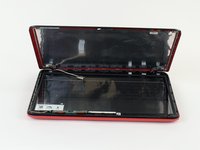
      • Unclip wire from the screen and lift screen to remove.

      Ask FixBot

      Add Comment

Conclusion

To reassemble your device, follow these instructions in reverse order.

Cancel: I did not complete this guide.

2 other people completed this guide.

1 Guide Comment

Just wondering where I can get the screen 🤦🏾‍♂️

Desmond Osborne - Reply Share

Add Comment

View Statistics:

Past 24 Hours: 0

Past 7 Days: 10

Past 30 Days: 52

All Time: 2,989