Introduction
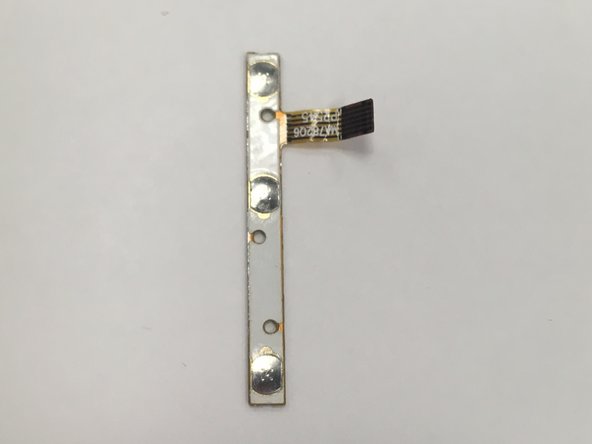
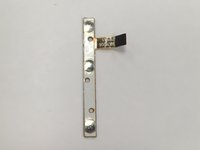
This guide can help if your power or volume buttons are broken. The power/ volume board may not be completely attached to the control board so be careful when unhooking the clip.
What you need
-
-
-
Using a Torx T4 screwdriver, remove the four 5 mm screws on the back panel.
 Ask FixBot
-
-
-
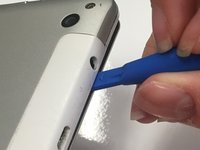
Insert the tip of a plastic opening tool in the seam between the front and back panels.
-
-
-
-
Slide the plastic opening tool around all edges of the device until the back panel detaches.
-
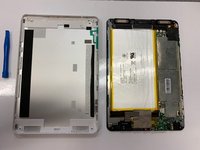
Lift off the back panel.
-
-
-
-
Tool used on this step:Tweezers$4.99
-
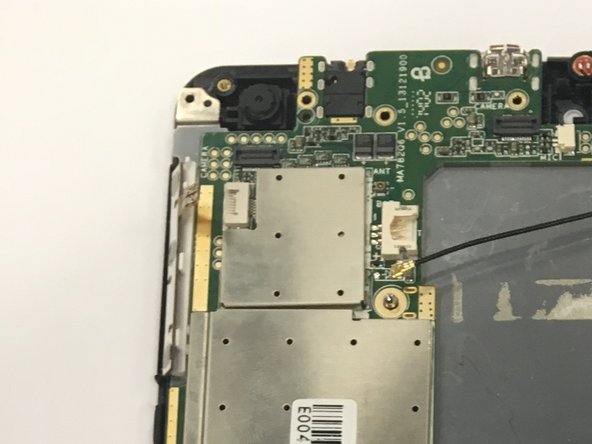
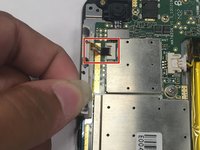
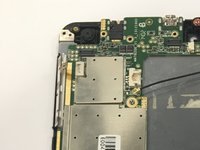
Disconnect the power/ volume button board from the control board by pulling the ribbon cable out of the white connector. You can use tweezers or your fingers.
-
-





To reassemble your device, follow these instructions in reverse order.

Team

University of Alabama, Team S1-G1, Bedsole Spring 2019 Member of University of Alabama, Team S1-G1, Bedsole Spring 2019
UA-BEDSOLE-S19S1G1
4 Members
72 Guides authored
