Free Shipping on Domestic Orders $75+

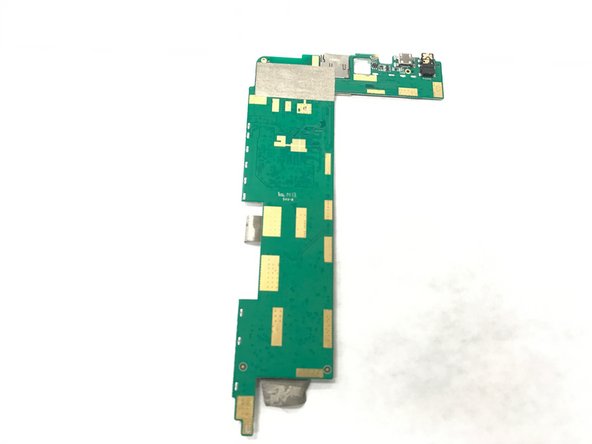
HP 7 Plus 1302 Motherboard Replacement

What you need

    1. HP 7 Plus 1302 Motherboard Replacement, Back Cover: step 1, image 1 of 1
      • Using the T5 Torx Screwdriver, remove the T5x3mm screws located in all 4 corners.

      • Device should be turned off and unplugged before starting the replacements.

      Ask FixBot

      Add Comment

    2. HP 7 Plus 1302 Motherboard Replacement: step 2, image 1 of 2 HP 7 Plus 1302 Motherboard Replacement: step 2, image 2 of 2
      • Use the plastic opening tool to push in between the front and the back of the tablet.

      • Slide the plastic opening tool around all 4 sides of the tablet to separate the back cover.

      • Be careful when you are trying to remove the back as it can damage the screen if you force it too much.

      Ask FixBot

      Add Comment

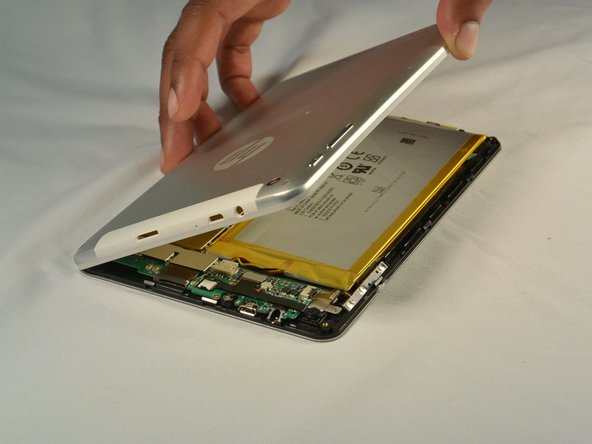
    3. HP 7 Plus 1302 Motherboard Replacement: step 3, image 1 of 2 HP 7 Plus 1302 Motherboard Replacement: step 3, image 2 of 2
      • Continue sliding the plastic opening tool around the tablet until all 4 sides are separated from each other.

      • Remove the back cover.

      Ask FixBot

      Add Comment

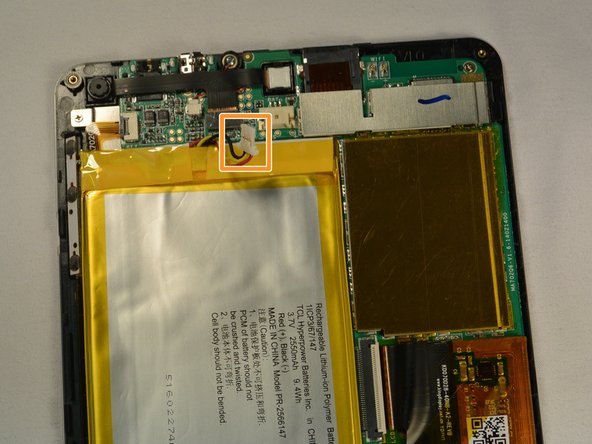
    1. HP 7 Plus 1302 Motherboard Replacement, Battery: step 4, image 1 of 2 HP 7 Plus 1302 Motherboard Replacement, Battery: step 4, image 2 of 2
      • Push out the battery connector using the spudger.

      • Swing the battery connector clear of the connector socket.

      Ask FixBot

      Add Comment

    2. HP 7 Plus 1302 Motherboard Replacement: step 5, image 1 of 1
      • Lift the battery from the device.

      Ask FixBot

      Add Comment

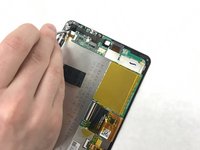
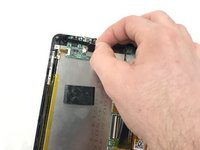
    1. HP 7 Plus 1302 Motherboard Replacement, Motherboard: step 6, image 1 of 2 HP 7 Plus 1302 Motherboard Replacement, Motherboard: step 6, image 2 of 2
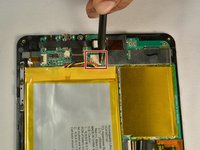
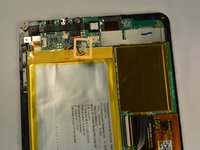
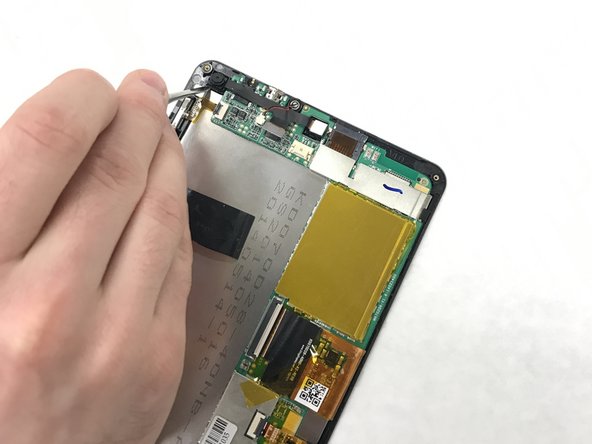
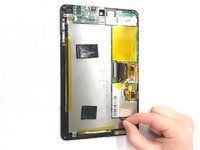
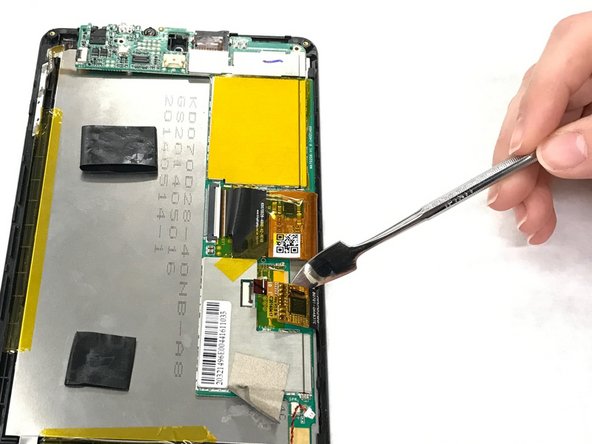
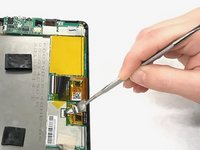
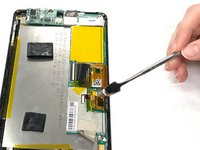
      • Pry the connector that attaches the front and back camera with a metal spudger.

      Ask FixBot

      Add Comment

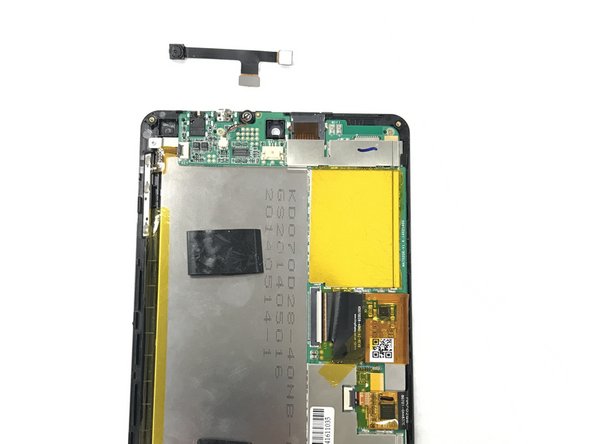
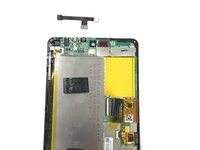
    2. HP 7 Plus 1302 Motherboard Replacement: step 7, image 1 of 2 HP 7 Plus 1302 Motherboard Replacement: step 7, image 2 of 2
      • Pull the camera from the connectors.

      Ask FixBot

      Add Comment

    3. HP 7 Plus 1302 Motherboard Replacement: step 8, image 1 of 2 HP 7 Plus 1302 Motherboard Replacement: step 8, image 2 of 2
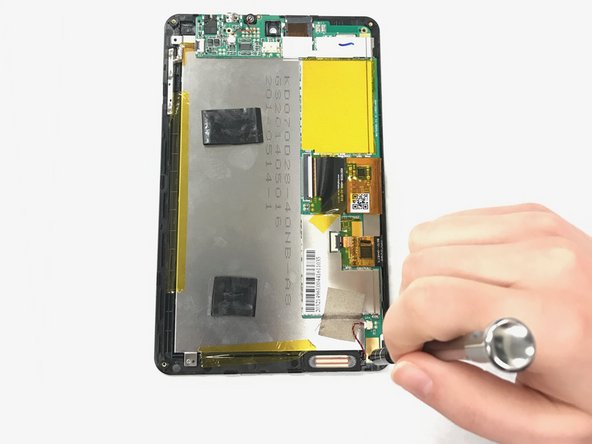
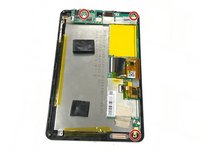
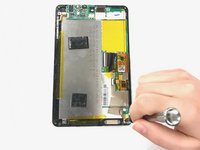
      • Identify the three T5x1mm screws and remove them with a Phillips #000

      Ask FixBot

      Add Comment

    4. HP 7 Plus 1302 Motherboard Replacement: step 9, image 1 of 2 HP 7 Plus 1302 Motherboard Replacement: step 9, image 2 of 2
      Tool used on this step:
      Tweezers
      $4.99
      Buy
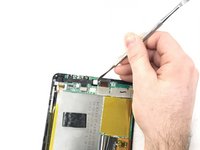
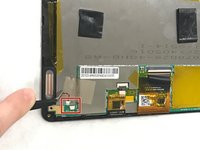
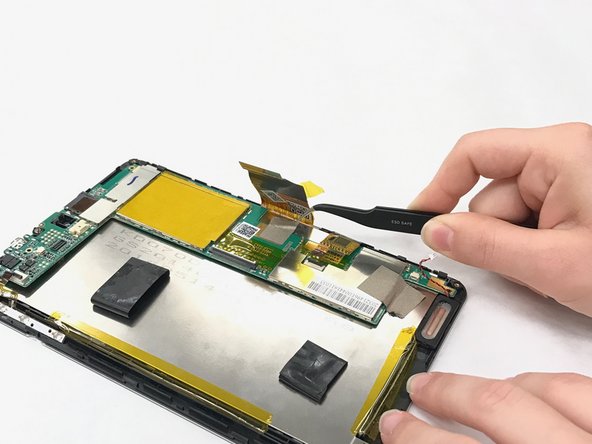
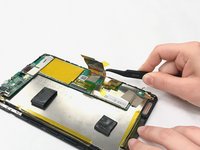
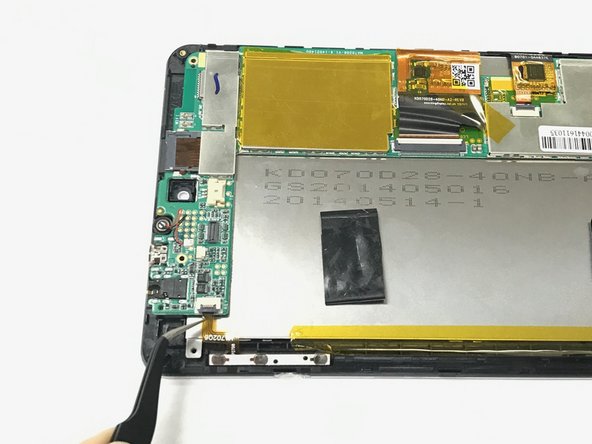
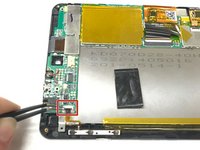
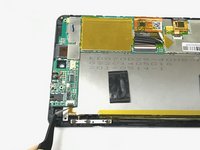
      • Unplug the connector with the tweezers.

      • Remove the tape.

      Ask FixBot

      Add Comment

    5. HP 7 Plus 1302 Motherboard Replacement: step 10, image 1 of 2 HP 7 Plus 1302 Motherboard Replacement: step 10, image 2 of 2
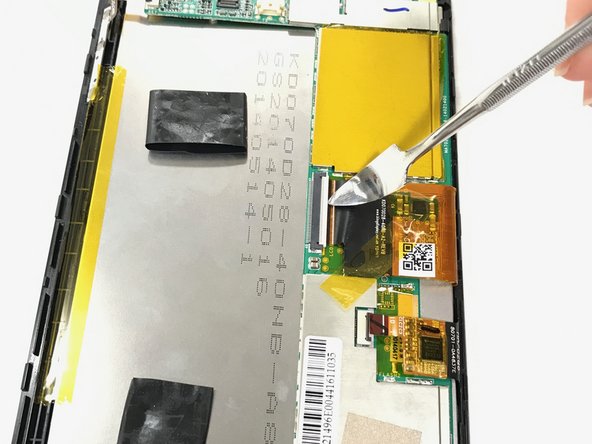
      • Flip the ZIF connector with the metal spudger.

      • Pull the ribbon connector out.

      Ask FixBot

      Add Comment

    6. HP 7 Plus 1302 Motherboard Replacement: step 11, image 1 of 3 HP 7 Plus 1302 Motherboard Replacement: step 11, image 2 of 3 HP 7 Plus 1302 Motherboard Replacement: step 11, image 3 of 3
      • Pull the orange tape with the tweezers.

      • Flip the ZIF connector with the spudger.

      • Pull the ribbon connector with the tweezers.

      Ask FixBot

      Add Comment

    7. HP 7 Plus 1302 Motherboard Replacement: step 12, image 1 of 1
      • Remove the gray tape below the ribbon connector.

      Ask FixBot

      Add Comment

    8. HP 7 Plus 1302 Motherboard Replacement: step 13, image 1 of 2 HP 7 Plus 1302 Motherboard Replacement: step 13, image 2 of 2
      • Flip the ZIF connector.

      • Pull the ribbon connector out with the tweezers.

      Ask FixBot

      Add Comment

    9. HP 7 Plus 1302 Motherboard Replacement: step 14, image 1 of 2 HP 7 Plus 1302 Motherboard Replacement: step 14, image 2 of 2
      • Pull the circuit board off.

      Ask FixBot

      Add Comment

Conclusion

To reassemble your device, follow these instructions in reverse order.

Cancel: I did not complete this guide.

Damaris Torres-Crespo

Member since: 01/30/17

204 Reputation

2 Guides authored

Team

IUPUI, Team 1-4, Baechle Spring 2017 Member of IUPUI, Team 1-4, Baechle Spring 2017

IUPUI-BAECHLE-S17S1G4

4 Members

45 Guides authored

0 Guide Comments

Add Comment

View Statistics:

Past 24 Hours: 0

Past 7 Days: 6

Past 30 Days: 27

All Time: 424