Introduction
This guide will show you how to remove and replace the cameras on your HP 7 Plus 1301. This will include opening the back cover of your tablet, disconnecting both cameras and removing them. This guide will show you a detailed step by step process even if you have no experience in tablets and electronics. Please click on the links below to purchase the necessary tools needed for this project.
What you need
-
-
-
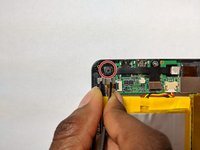
Using a Torx T5 screwdriver, remove the 3mm screws on all four corners of the device.
 Ask FixBot
-
-
-
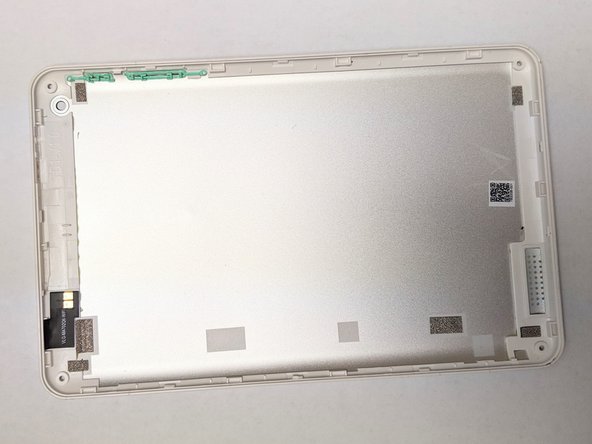
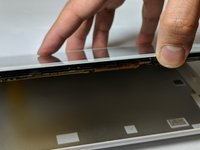
Using the plastic opening tool, push in between the front, then slide it around.
-
Slide the plastic opening tool all the way around the tablet to separate the back cover.
-
-
-
Continue sliding the plastic opening tool around the tablet until the cover fully separates from the device.
-
Remove the back cover.
-
-
-
-
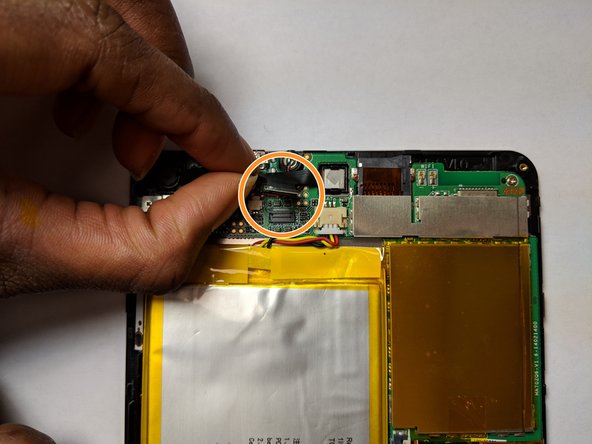
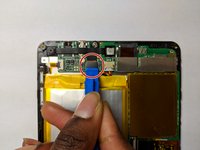
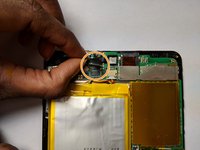
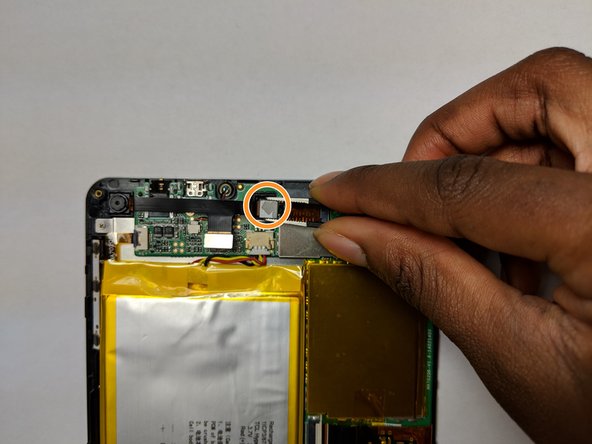
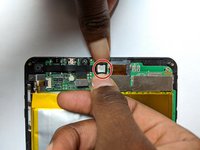
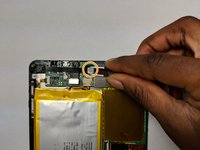
Using the opening tool, locate the rectangular gray connector near the camera and gently release its connection.
-
Lift the connector out and away from the board.
-
-
Tool used on this step:Tweezers$4.99
-
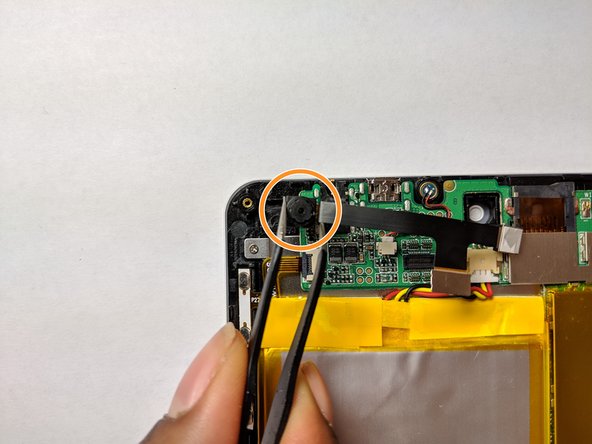
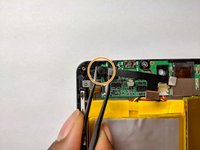
Gently push the tabs on both sides until the front camera is loose.
-
Using your blunt tweezers, lift the front camera gently away from the board.
-
-
-
Using your angled tweezers, gently pry out the back camera.
-
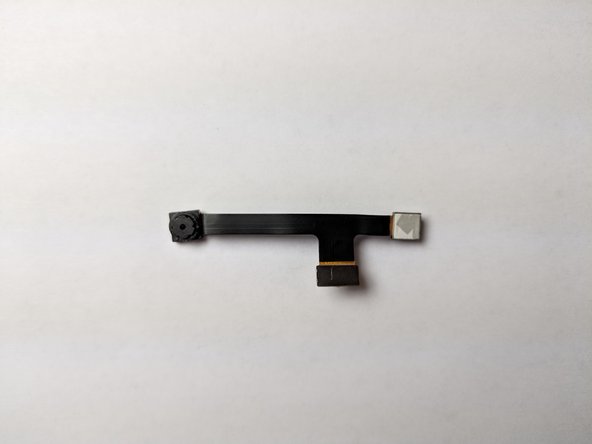
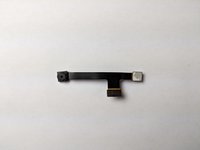
Lift the back camera out of its socket and gently pull out both cameras.
-
-







To reassemble your device, follow these instructions in reverse order.
Cancel: I did not complete this guide.
One other person completed this guide.

Team

UC Davis, Team S20-G6, Lore Winter 2019 Member of UC Davis, Team S20-G6, Lore Winter 2019
UCD-LORE-W19S20G6
3 Members
48 Guides authored
