
HP 7 1800 Display Replacement

Last updated on Jun 18, 2015
Views: 2.4K
View statistics:
- Past 24 Hours:
- 5
- Past 7 Days:
- 20
- Past 30 Days:
- 91
- All Time:
- 2,412
Comments: 2
2 guide comments.
Go to guide commentsCompleted: 5 6
5 people have marked this guide "completed." Will you be next?
6 people have marked this guide "completed." Including you — great job!
Favorites: 1 2
1 person has favorited (and subscribed to) this guide. Will you be next?
2 people have favorited (and subscribed to) this guide — including you!
Introduction
Go to step 1 ↓This guide requires you to take apart nearly the entire tablet to get to the display. Be sure to keep track of the screws.
What you need
Tools
-
Spudger4.9
-


-
-
-
Carefully insert a Spudger into one of the corners of the tablet.
-
Slide the Spudger along the edge popping the tabs out along the way.
 Ask FixBot
-
-
Tool used on this step:Tweezers$4.99
-
Slide the Spudger under the battery to lift it off the adhesive.
-
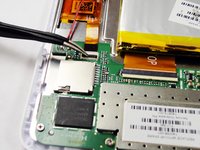
Gently pull the cable connection from the motherboard using tweezers.
-
-
-
-
Tool used on this step:Tweezers$4.99
-
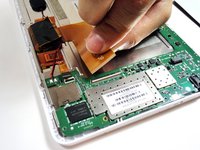
Remove the larger ribbon cable by gently flipping the beige latch and pulling it out with tweezers.
-
-
-
Remove the smaller ribbon cable by gently flipping the black latch and pulling it out with tweezers.
-
-
-
Remove the following 7 screws:
-
Six 4.17mm Phillips #00 around the motherboard.
-
One 2.67mm Phillips #00 next to the front facing camera.
-
-
-
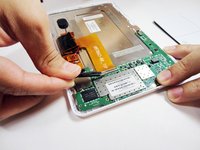
Gently pry the front facing camera plug up and off of the motherboard.
-
-
-
-
-
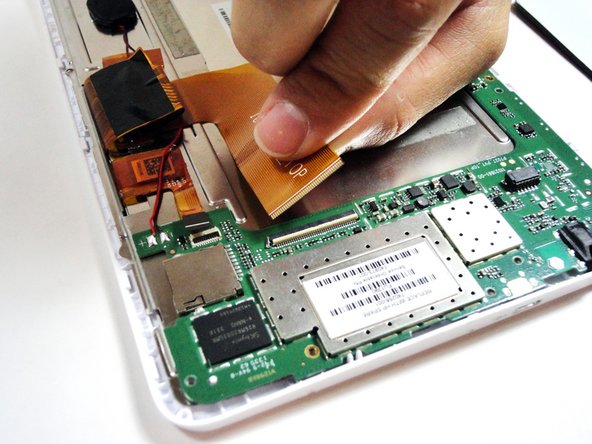
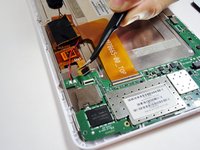
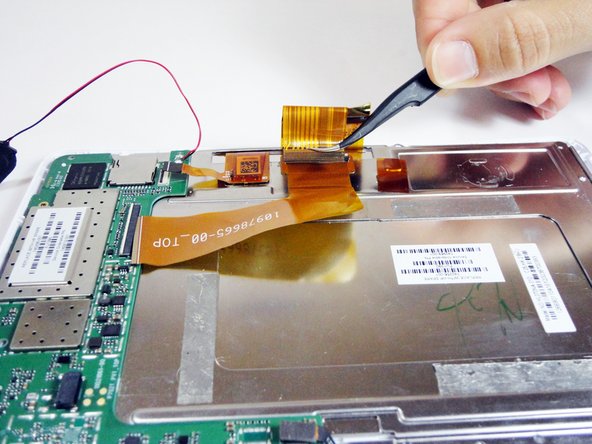
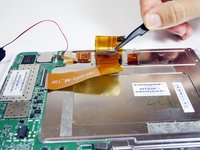
On the metal plate inside of the device, there is a ribbon cable in a loop. Flip the white tab and pull the cable out.
-
-
-
-
Unscrew the following black screws:
-
Seven 2.82mm Phillips #00 around the metal casing.
-
-








To reassemble your device, follow these instructions in reverse order.
Cancel: I did not complete this guide.
5 other people completed this guide.

Team

USF Tampa, Team 4-1, Brown Winter 2015 Member of USF Tampa, Team 4-1, Brown Winter 2015
USFT-BROWN-W15S4G1
4 Members
84 Guides authored
2 Guide Comments
I have this same tablet but I cannot find a replacement screen. Do you know where I could find one?
I have the same problem
