Introduction
This guide will detail how to replace the wireless card of the HP 17-x027ds. The wireless card should be replaced if you are having trouble connecting to wireless networks and have already troubleshot the wireless network itself.
What you need
-
-
-
Flip the laptop so you can see the serial number and the four 7mm screws in all the corners.
-
Click the hinges by pushing them inward, which are located at the top.
-
Remove the battery by pulling it out.
 Ask FixBot
-
-
-
Remove the 2 pieces of black tape that are each covering a 7mm screw at the top corners of the laptop.
-
Remove the fourteen 7mm screws with a JIS #00 screwdriver.
-
-
-
-
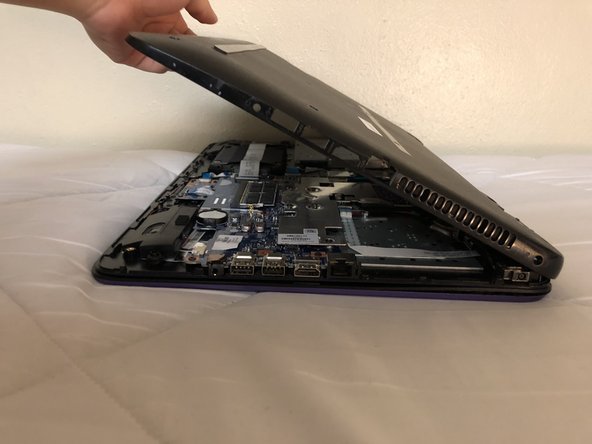
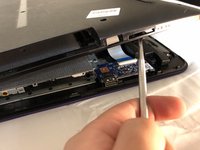
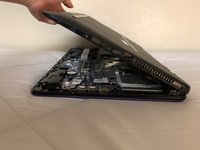
Lift the bottom cover of the laptop with a metal spudger by wedging the sides first and going all around.
-
-
-
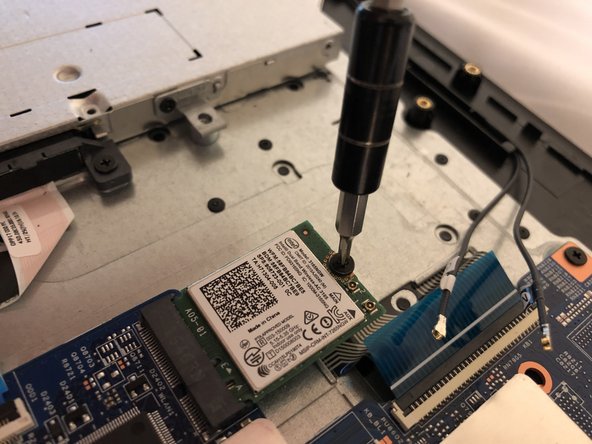
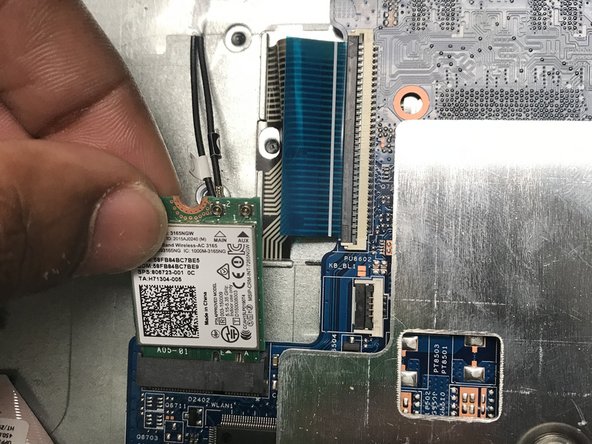
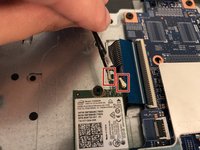
Carefully pull the two cables attached to the CPU.
-
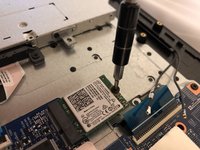
Remove the screw holding down the CPU with the same screwdriver tip as before.
-
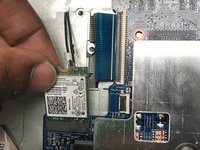
Gently pull on the CPU to remove it.
-
-



To reassemble your device, follow these instructions in reverse order.

Team

University of North Texas, Team S3-G1, Raign Fall 2018 Member of University of North Texas, Team S3-G1, Raign Fall 2018
UNT-RAIGN-F18S3G1
4 Members
60 Guides authored
