Introduction
The motherboard is the link between all the different components in the computer. If you've had your device for a while and it malfunctions, you might assume it's a problem with the motherboard. Before you start opening up the device, check connection and peripherals and listen for beeps.
What you need
-
-
-
Remove the four screws (13.7mm) with a Phillips #0 screwdriver.
-
Be sure to lift all four rubber tabs to access screws (7.51mm) underneath.
 Ask FixBot
-
-
-
Use the Philips 0 screwdriver to unscrew the screws (7.51mm) that were underneath the battery.
-
-
-
-
-
-
Remove screw (7.51mm) on USB port with "Phillips 0 Screwdriver".
-
Lift the USB port over and away from hard drive.
-
-
-
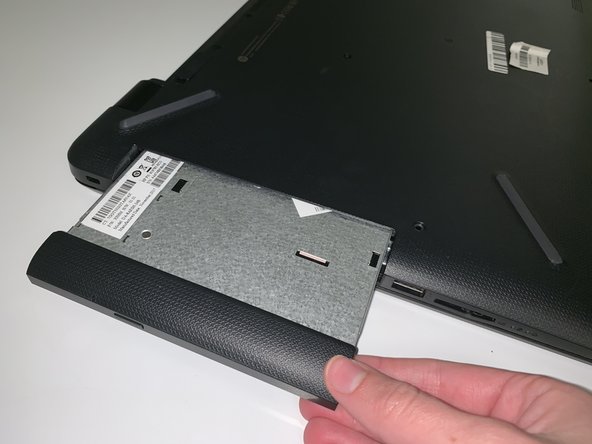
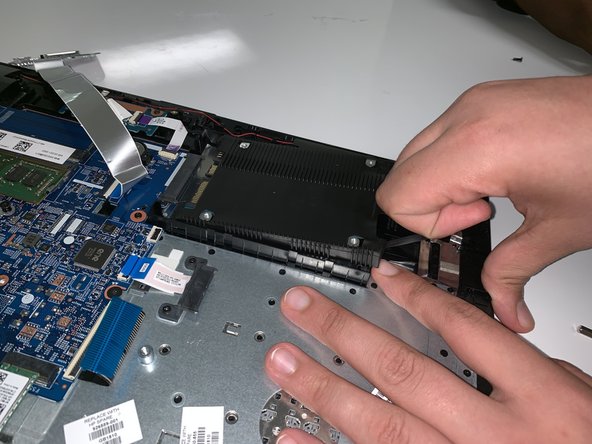
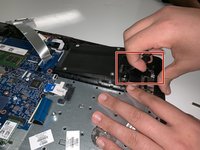
Lift rubber black tabs located on the hard drive upwards.
-
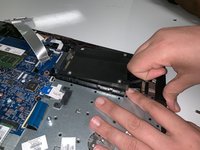
Disconnect hard drive from motherboard by pulling towards you.
-
-
-
-
-
Remove the screws (7.51mm) with a Phillips #0 screwdriver.
-
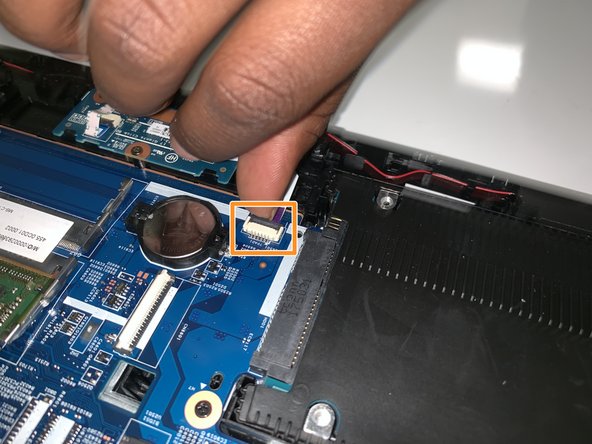
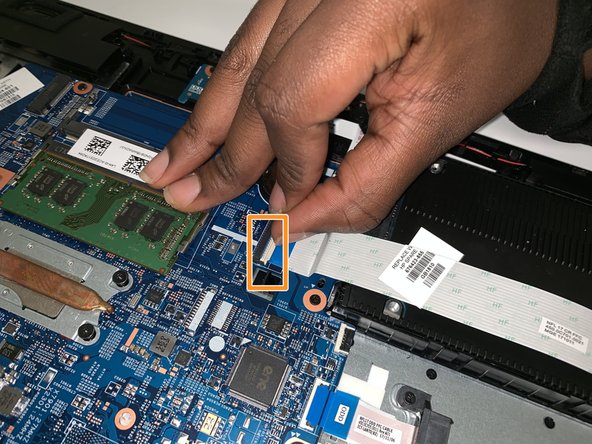
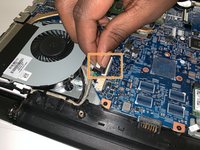
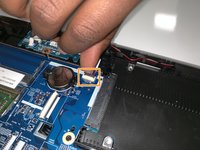
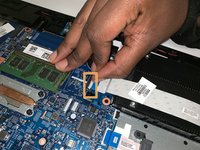
Once all of the screws are removed, remove the motherboard from the device.
-






To reassemble your device, follow these instructions in reverse order.
Cancel: I did not complete this guide.
One other person completed this guide.

Team

University of North Texas, Team S7-G2, Thompson Fall 2018 Member of University of North Texas, Team S7-G2, Thompson Fall 2018
UNT-THOMPSON-F18S7G2
6 Members
84 Guides authored
