Introduction
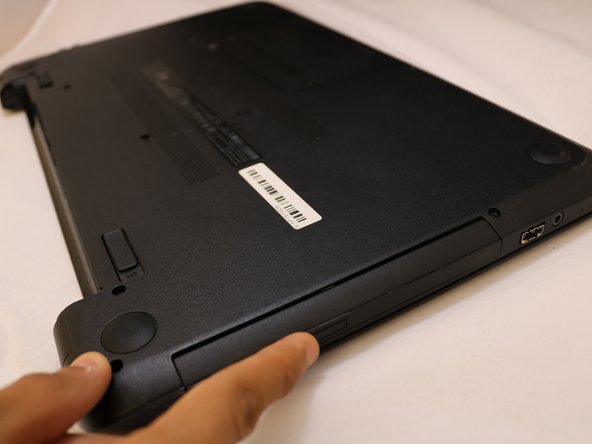
These two steps will help you to replace the DVD.
What you need
-
-
-
-
Start take out the screws to open the laptop cover and replace the DVD plug. Use Phillips screwdriver Flathead 2.5 mm
-

 Ask FixBot


Conclusion
To reassemble your device, follow these instructions in reverse order.

Team

Eastern Washington University, Team S2-G7, Munoz Fall 2018 Member of Eastern Washington University, Team S2-G7, Munoz Fall 2018
EWU-MUNOZ-F18S2G7
3 Members
60 Guides authored
