
HP 15-f033wm Screen Replacement

Aaron Chabot and one other contributor
Last updated on Dec 30, 2017
Views: 2K
View statistics:
- Past 24 Hours:
- 2
- Past 7 Days:
- 25
- Past 30 Days:
- 94
- All Time:
- 2,038
Comments: 0
No one has left comments on this guide. Will you be first?
Go to guide commentsCompleted: 4 5
4 people have marked this guide "completed." Will you be next?
5 people have marked this guide "completed." Including you — great job!
Favorites: 1 2
1 person has favorited (and subscribed to) this guide. Will you be next?
2 people have favorited (and subscribed to) this guide — including you!
Needs Better Images
Better photos will improve this guide. Help out by taking, editing, or uploading new ones!
Introduction
Go to step 1 ↓In the case that the screen on your laptop doesn’t show anything or the touch display is unresponsive, your laptop may have a faulty screen.
What you need
Tools
-
Spudger4.9


-
-
-
Turn power off using the power button located in the top left corner of the keyboard. Press and hold the power button for 3 seconds until it turns off.
 Ask FixBot
-
-
-
Close the laptop and flip it over so that the HP cover logo is on the underside of the laptop.
-
-
-
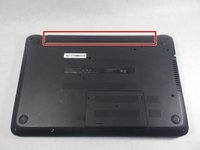
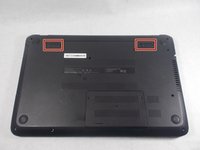
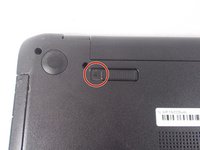
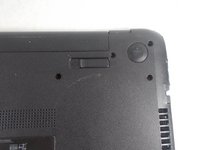
Locate the battery and the two switches that release the battery when they are unlocked.
-
-
-
-
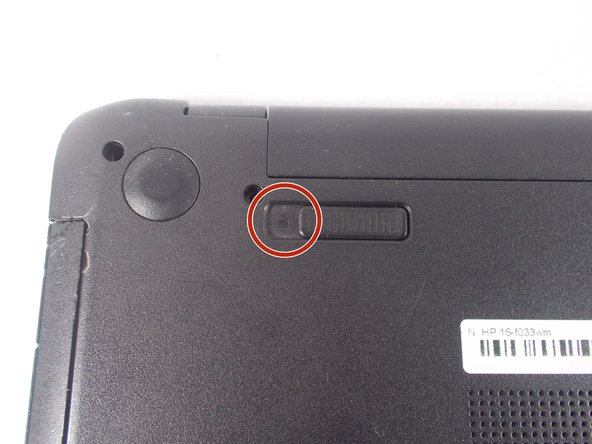
Slide the left switch to the right so that the icon of a locked padlock is no longer visible and the icon of an unlocked padlock is now visible.
-
-
-
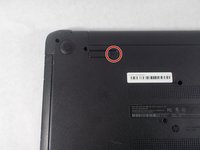
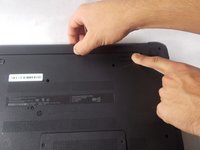
With your left hand, slide the right switch to the left and hold it in place. This will unlock the battery and allow you to easily slide it out of its port.
-
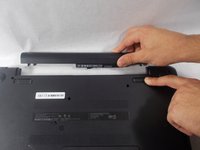
While holding the switch in place, use your right hand to gently remove the battery from its port.
-
-
-
-
-
After removing the battery, remove the bezel. Do this by prying it away from the faulty screen using the spudger.
-
Make sure screen is angles as far back as possible to fully remove the bottom hinges of the bezel without damaging the laptop.
-
-
-
Remove the four 3 mm PH1 Phillips head screws in each corner of the screen, fastening the screen to the rest of the laptop.
-
-
-
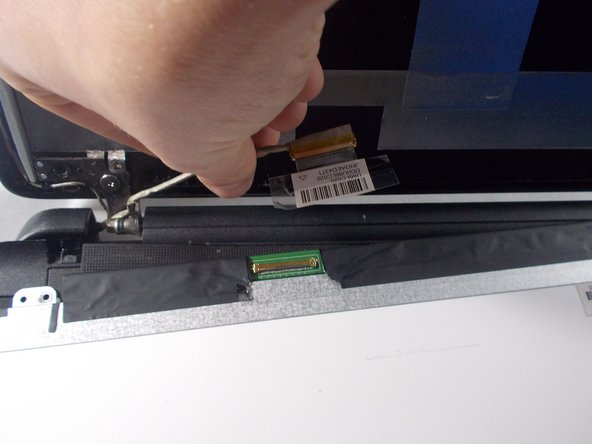
Remove the tape on top of the video cable.
-
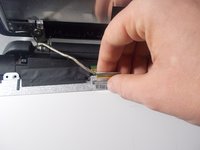
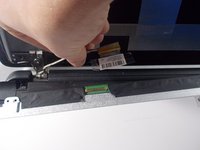
Gently disconnect the video cable.
-
-







To reassemble your device, follow these instructions in reverse order.
Cancel: I did not complete this guide.
4 other people completed this guide.

Team

UMass Dartmouth, Team S1-G4, Simcock Fall 2017 Member of UMass Dartmouth, Team S1-G4, Simcock Fall 2017
UMASSD-SIMCOCK-F17S1G4
3 Members
72 Guides authored
