Introduction
This guide shows how to replace or upgrade the RAM in your HP-f004dx laptop computer. Some reasons you may need to replace include optional upgrading as well as a faulty RAM module.
Please consult the RAM section of our troubleshooting guide here if you are unsure if your RAM module is faulty or not.
What you need
-
-
-
Flip laptop over to the back, so that the stickers are showing and the RAM panel is facing up.
 Ask FixBot
-
-
-
Use a Phillips #0 screwdriver to unscrew the two 2mm RAM shield screws from the bottom of the laptop.
-
-
-
-
Remove the RAM shield.
-
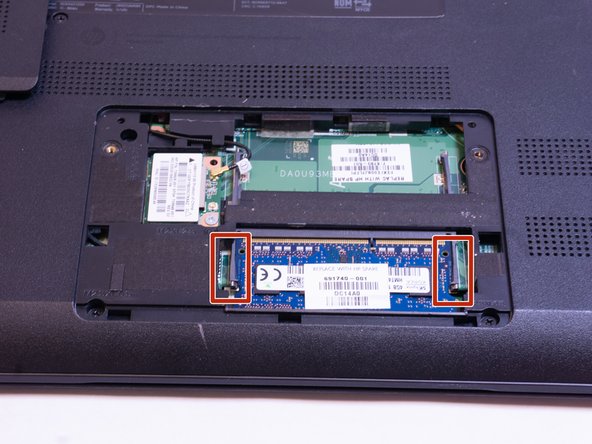
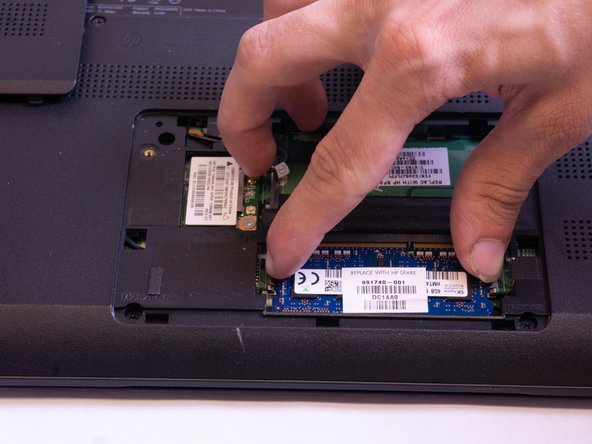
Small brackets secure the RAM. Push the brackets to the side to free the RAM.
-
-


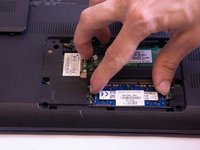

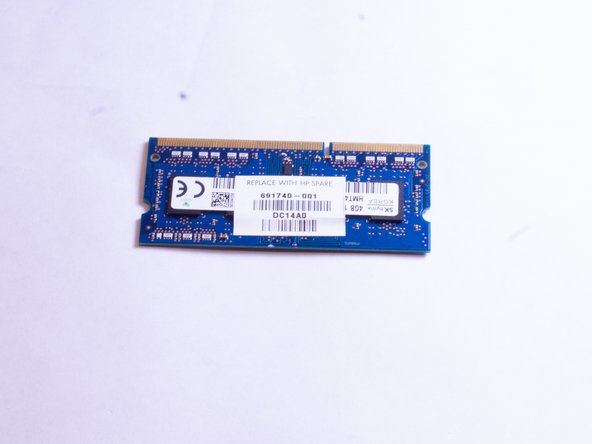
To reassemble your device, follow these instructions in reverse order.

Team

Appalachian State University, Team S1-G1, Menagarishvili Fall 2018 Member of Appalachian State University, Team S1-G1, Menagarishvili Fall 2018
APSU-MENAGARISHVILI-F18S1G1
5 Members
60 Guides authored
1 Guide Comment
Cuánto es el maximo de ram permitido para este modelo? Estoy pensando en ampliarlo a 8 o 16
