Introduction
This guide will show you how to replace your optical drive. The optical drive is how your HP laptop will read and burn optical CD disks. If you are unsure if your optical drive needs to be fixed, consult the troubleshooting page here
What you need
-
-
-
After testing the battery and discovering that it needs to be replaced, you will begin by placing the computer upside-down on a flat surface.
 Ask FixBot
-
-
-
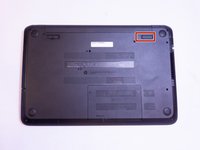
Locate a switch in the upper left corner with a lock symbol next to it.
-
Slide the switch to the right until you see an unlocked symbol on the opposite side.
-
-
-
-
There is another switch on the opposite side of the computer with a battery symbol next to it.
-
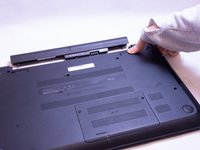
Slide this switch to the left and the battery should detach from the computer.
-
To completely remove the battery, simply pull the battery away from the computer.
-
-
-
-
-
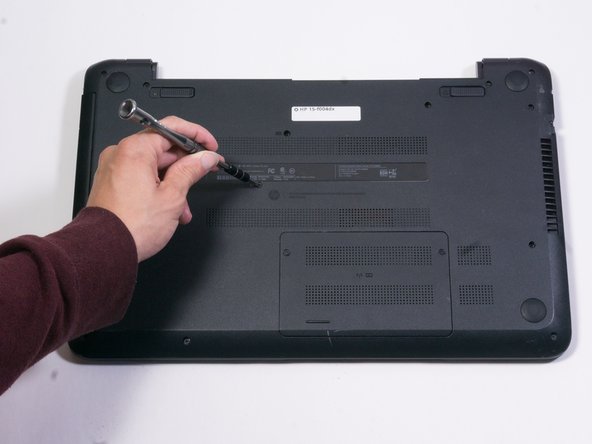
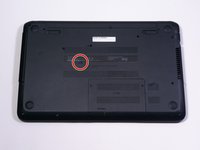
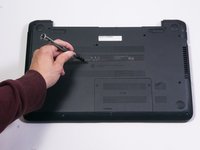
Use a J1 or PH1 screwdriver to remove the 6.5mm screw that secures the optical drive.
-
-
-
Once the optical drive screw has been removed, use a plastic opening tool to loosen the optical drive.
-
-





To reassemble your device, follow these instructions in reverse order.

Team

Appalachian State University, Team S1-G1, Menagarishvili Fall 2018 Member of Appalachian State University, Team S1-G1, Menagarishvili Fall 2018
APSU-MENAGARISHVILI-F18S1G1
5 Members
60 Guides authored
