
HP 15-ef2025nr SSD Replacement

kyle mccomas and 2 other contributors
Last updated on May 15, 2023
Views: 910
View statistics:
- Past 24 Hours:
- 1
- Past 7 Days:
- 16
- Past 30 Days:
- 76
- All Time:
- 910
Comments: 10
10 comments on steps.
Completed: 0 1
No one has marked this guide "completed." Will you be the first?
1 person has marked this guide "completed." It's you — great job!
Favorites: 1 2
1 person has favorited (and subscribed to) this guide. Will you be next?
2 people have favorited (and subscribed to) this guide — including you!
Introduction
Go to step 1 ↓Your device wont turn on or when running a BIOS/UEFI memory test shows that your SSD is no longer functioning. The Solid State Drive (SSD) is the long storage memory device. When you install a program or save a document this is where that data is stored. Operating system boot files are also located here, and are what allow you to use your device. When the SSD is no longer working properly it should always be replaced.
What you need
Tools


-
-
-
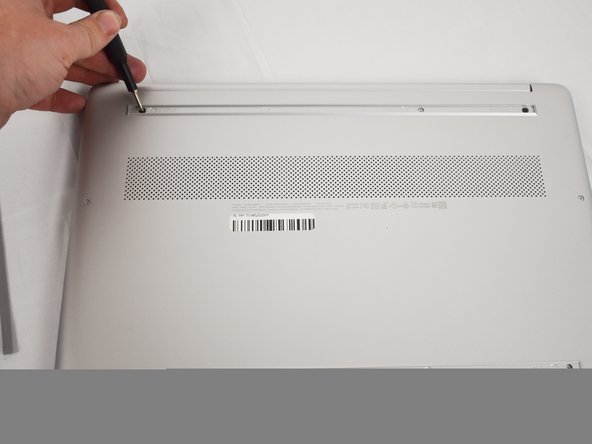
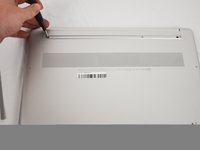
Use an opening tool to remove the rubber strips by prying up a corner and gently pulling off the strip.
-
-
-
-
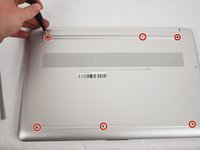
Use a Phillips screwdriver to remove the eight 3 mm screws (including the 2 screws that were not under the rubber strips) securing the lower case.
-
-
-
Flip the laptop over and open the lid.
-
Insert an opening tool into the seam between the edge of the lower case and the chassis.
-
Gently pry around the entire perimeter until the lower case separates from the chassis.
-
Close the lid and flip the laptop back over.
-
Remove the lower case.
-
-
-
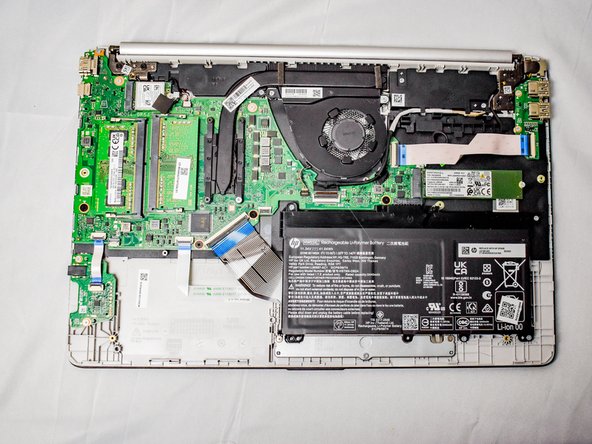
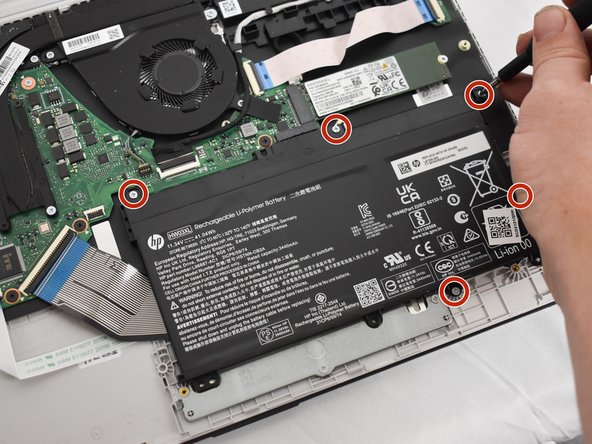
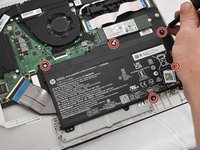
Remove the five 2 mm Phillips screws holding the battery down.
-
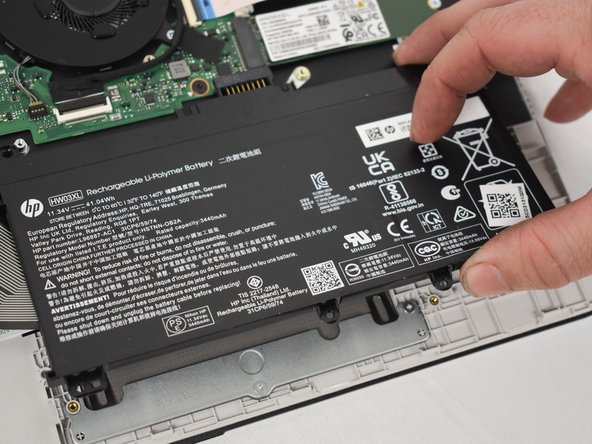
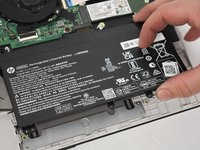
Gently lift the front edge of the battery up to disconnect the socket.
-
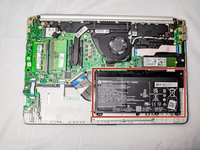
Lift the battery up and out.
-
-
-
-
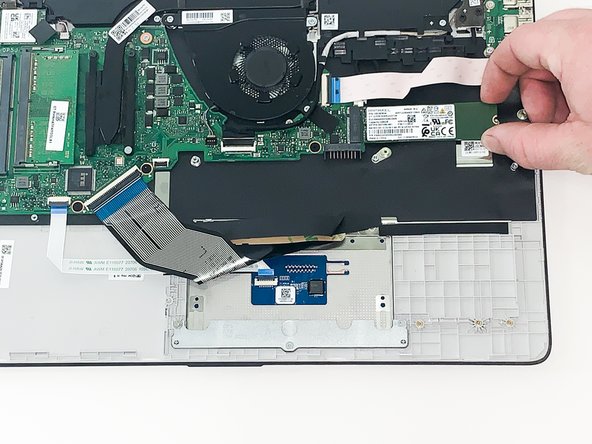
Remove the single 1 mm screw securing the SSD.
-
Gently remove the SSD by pulling it directly out of its port.
-
-

 Ask FixBot




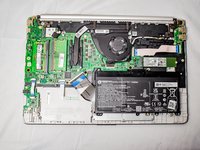




To reassemble your device, follow these instructions in reverse order.

Team

Austin Community College, Team 1-1, Watkins Spring 2023 Member of Austin Community College, Team 1-1, Watkins Spring 2023
AUSTINCC-WATKINS-S23S1G1
4 Members
60 Guides authored
