Introduction
This guide explains how to replace the bottom panel of the HP 15-dy2072dx in case of warping, cracks, and any general wear and tear.
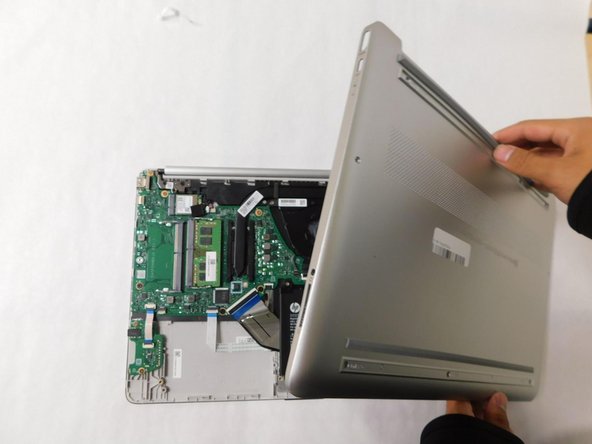
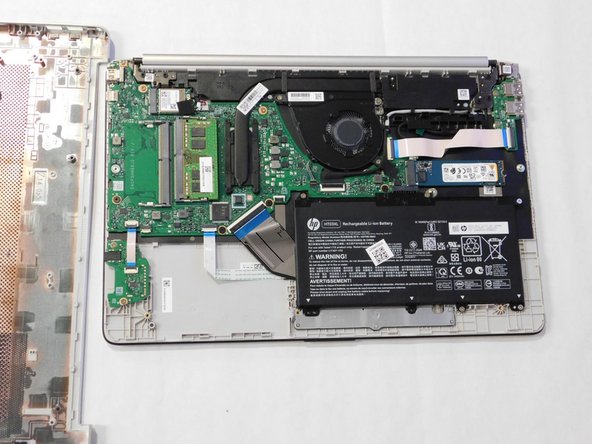
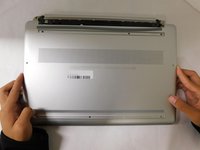
The bottom panel is responsible for covering most internal parts such as the battery, hard drive, memory, and the motherboard. The panel has the device information printed onto it such as the model number.
The panel usually comes equipped with two strips of rubber to allow for the laptop to rest on a hard surface. This is not always the case with secondhand panels.
What you need
-
-
-
-
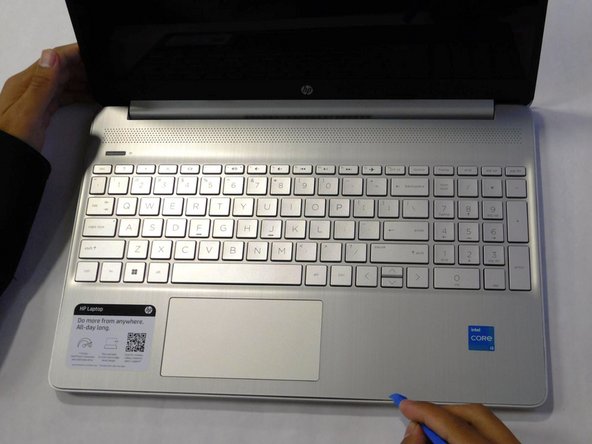
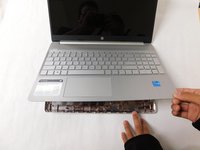
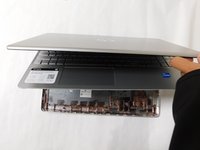
Flip the laptop over and open the lid.
-
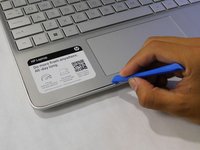
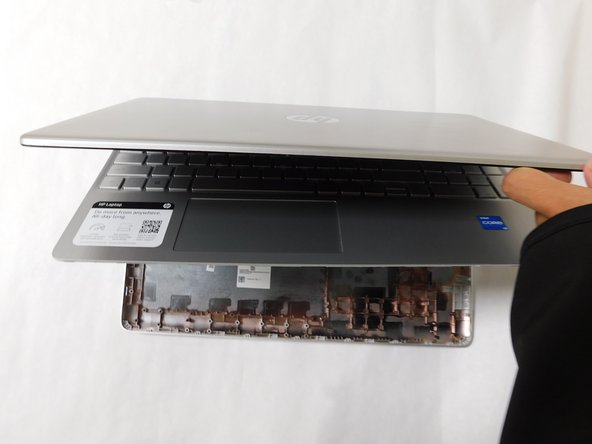
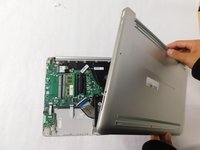
Separate the bottom panel from the main body by using the iFixit opening tool.
-

 Ask FixBot




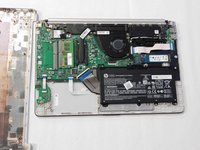
To reassemble your device, follow these instructions in reverse order.
Cancel: I did not complete this guide.
2 other people completed this guide.

Team

Gateway, Team 1-4, Pee Fall 2023 Member of Gateway, Team 1-4, Pee Fall 2023
GCC-PEE-F23S1G4
4 Members
96 Guides authored
