Introduction
If your HP 15-dw0xxx laptop is not charging, this could indicate that your battery is getting old and dying. All laptops have a certain life span and after owning one for a long time, the battery gets worn out. The best way to resolve this issue is to replace the battery with a new one. Before using this guide, check to make sure your charging cable is working properly and is not faulty. In some cases, all you need to do is replace the charging cable and not the battery. This guide is designed to help you safely and properly replace your laptop’s battery in an easy to follow way. Before beginning, make sure to power off your laptop and disconnect it from all power sources.
What you need
-
-
-
Remove the seven screws from the rear panel using a Phillips #00 screwdriver.
 Ask FixBot
-
-
-
Insert the tip of a spudger between the rear panel and the top case to separate the top case from bottom case.
-
Slowly slide the spudger around the device to loosen the bottom part.
-
Pull the bottom case out gently.
-
-
-


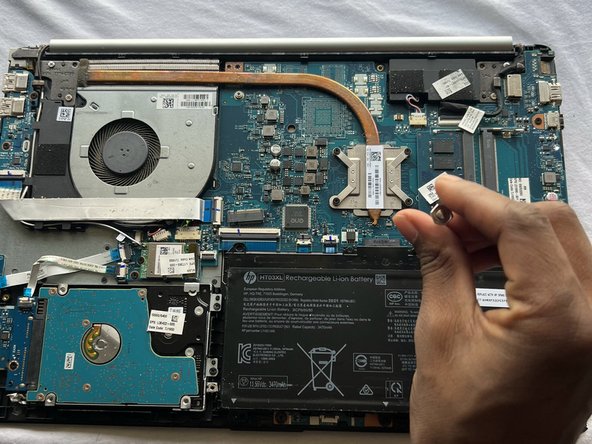
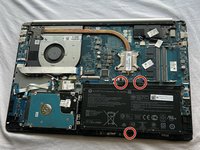
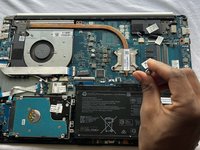

To reassemble your device, follow these instructions in reverse order.
Cancel: I did not complete this guide.
10 other people completed this guide.

Team

York University, Team B-9, Allen Fall 2022 Member of York University, Team B-9, Allen Fall 2022
YORK-ALLEN-F22SBG9
2 Members
12 Guides authored
