Introduction
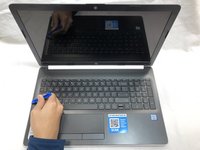
This is a difficult-level guide to replacing a HP 15-da0012dx Laptop Screen. Major steps are powering the laptop off, removing the motherboard, and disconnecting the screen’s display hinges.
During steps 8 and 11, handle the wires with care to avoid damage.
What you need
-
-
-
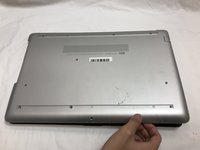
Turn your laptop over so that the Laptop Identification Tag on the underside of the laptop faces the ceiling.
 Ask FixBot
-
-
-
Using the plastic opening tools, peel back the plastic feet from the underside of the laptop.
-
-
-
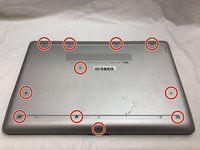
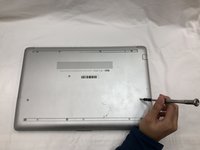
Using a Phillips #1 screwdriver, remove the eleven 9.0 mm screws holding the back cover in place.
-
-
-
Flip the computer over and open the screen.
-
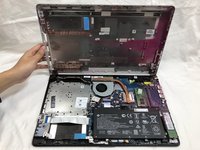
Start from a corner and run the plastic opening tools along the edge of the back cover.
-
After the cover has been completely loosened around the entire perimeter, close the screen and flip the computer over.
-
Gently pry back the cover starting from the middle, bottom edge.
-
-
-
-
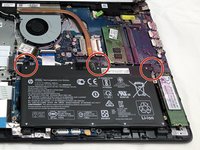
Using the Phillips #1 screwdriver, remove the three 8.0 mm screws holding the battery in place.
-
-
-
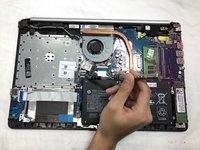
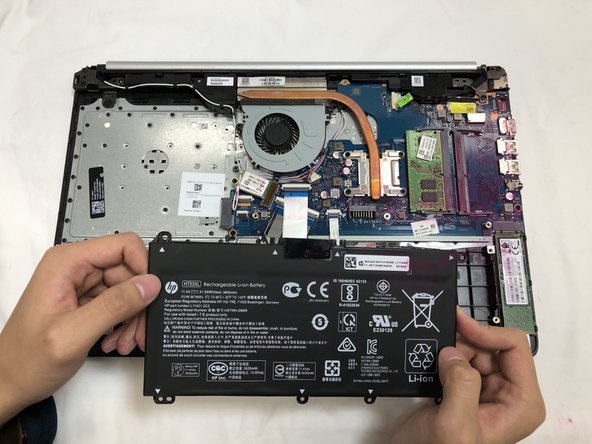
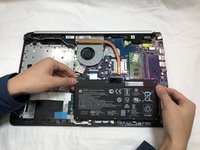
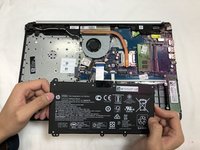
Remove the battery by tilting the top of the battery towards you and pulling the battery away from the mounting tabs.
-
-
-
-
-
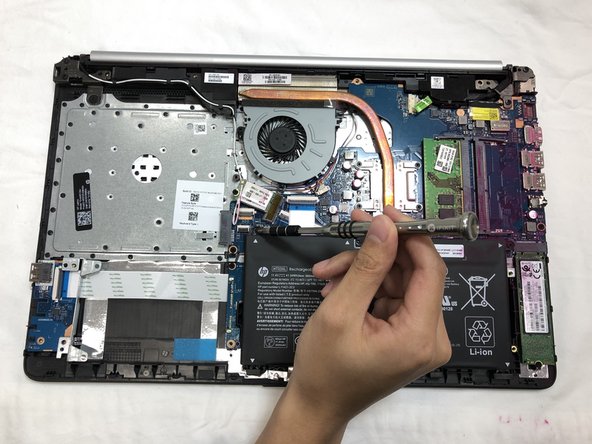
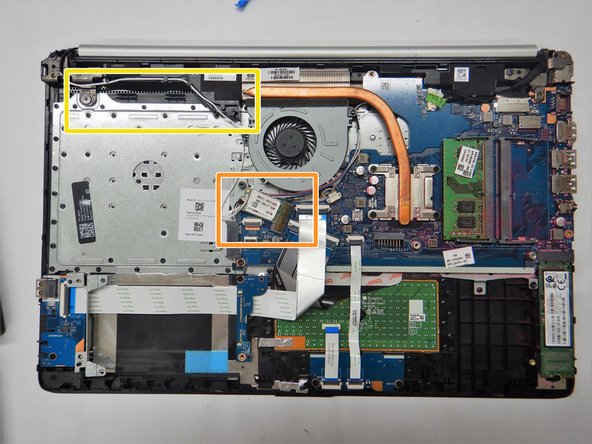
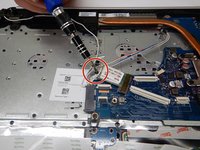
Remove the 3 mm Phillips #0 screw securing the WLAN card in place.
-
Carefully remove the WLAN card from the motherboard.
-
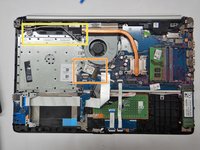
Gently remove the antenna cable from the wire guides in the speaker and chassis.
-
Place WLAN card off to the side being careful not to pull on the antenna cable.
-
-
Tool used on this step:Tweezers$4.99
-
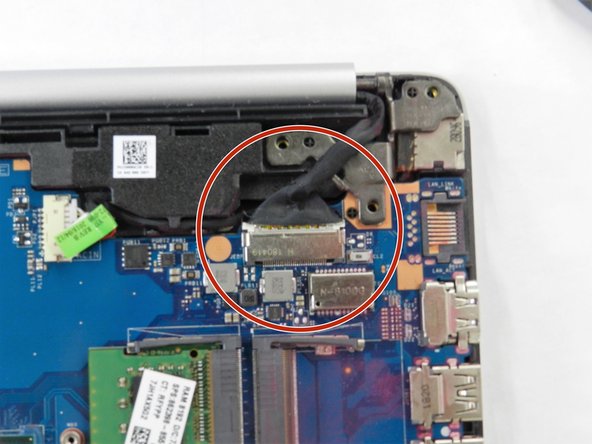
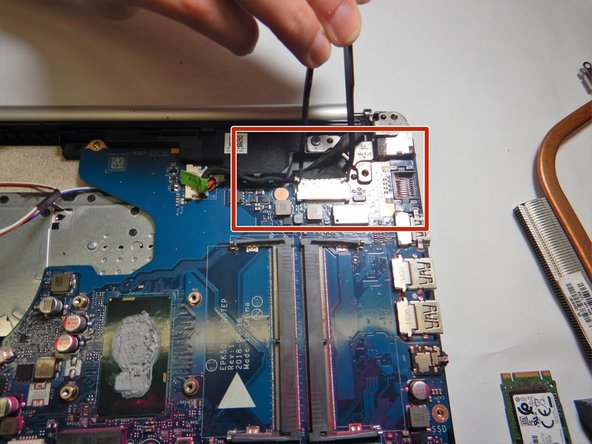
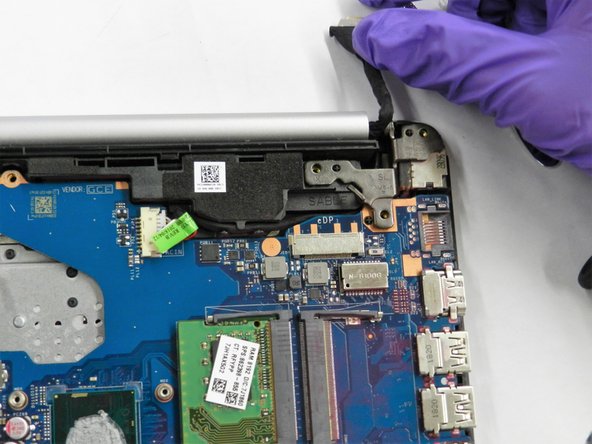
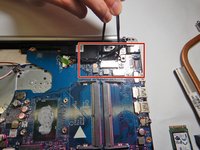
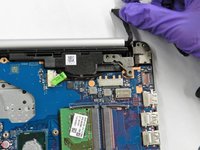
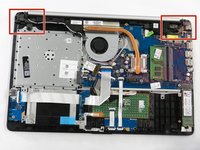
Carefully use the metal tweezers to remove the display connection to the motherboard.
-
-
-
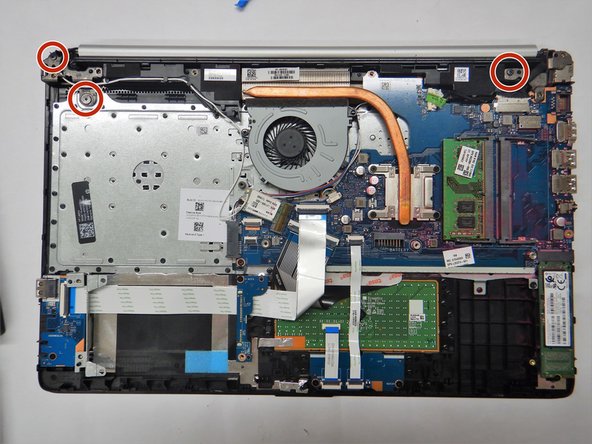
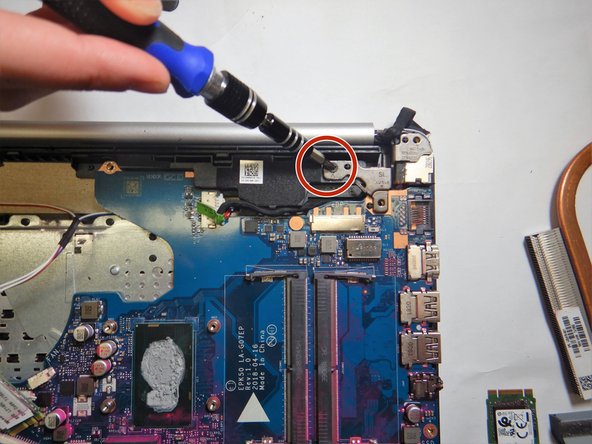
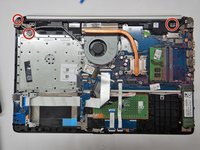
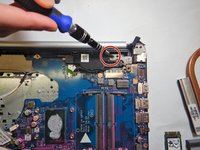
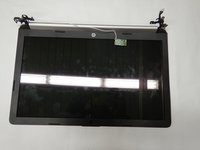
Use the Phillips #1 screwdriver to disconnect the display hinges from the base of the laptop.
-
-
-
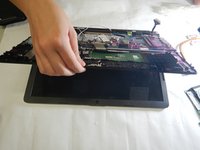
Making sure to hold both the base and the screen, partially open laptop.
-
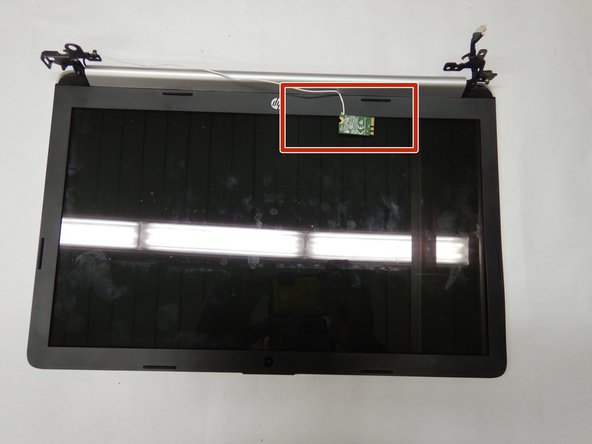
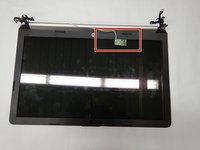
Carefully remove screen from laptop, making sure that the WLAN card is safely removed with it.
-
-
-
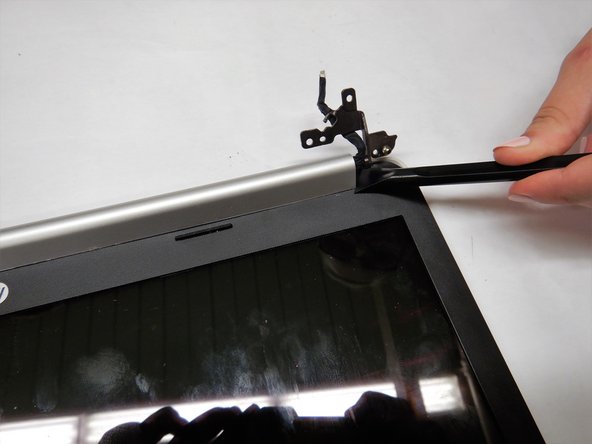
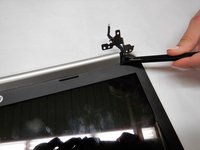
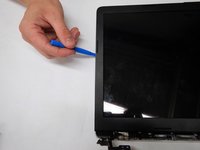
Carefully use the pry tool to separate the screen side of the hinge cover from the screen.
-
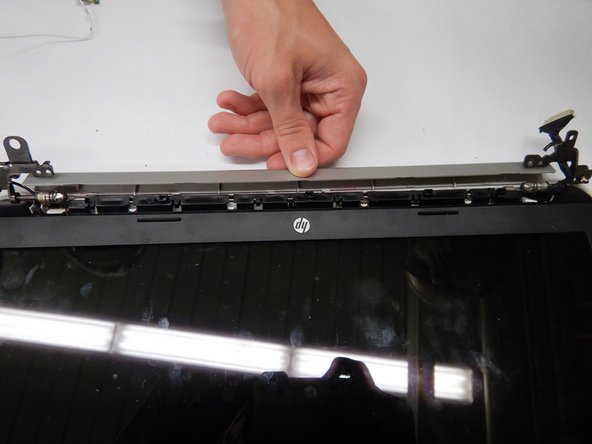
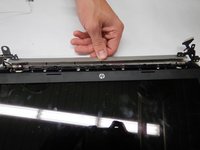
Rotate the hinge cover away from the screen to remove it from the screen.
-
-
-
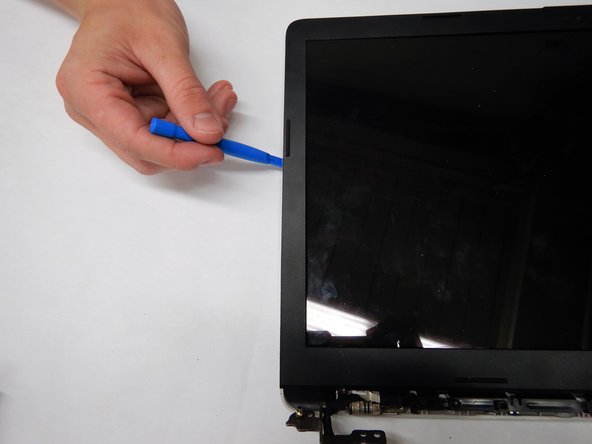
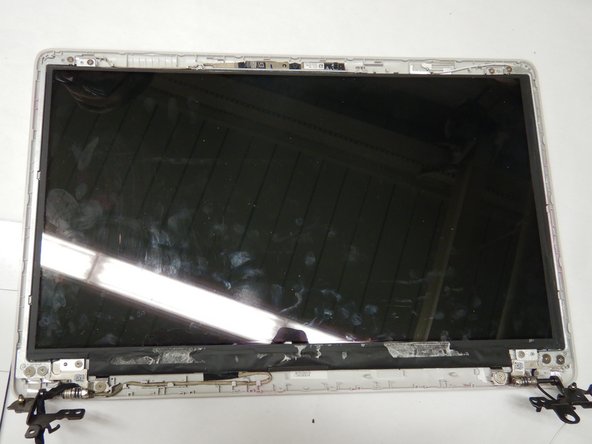
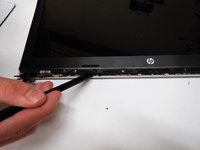
Starting from the area near the hinges, gently remove the adhesive display bezel from around the screen using the iFixit opening tool.
-
-
-
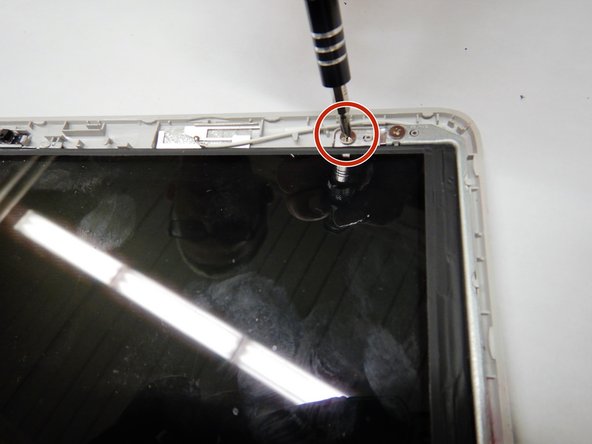
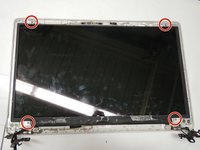
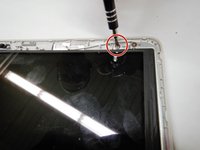
Use the Phillips #1 screwdriver to remove the four 3.0 mm screws securing the screen to the top cover.
-
-
-
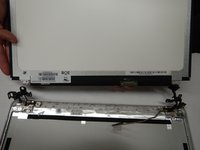
Carefully lift the screen, being aware to not pull on the display cable connecting the screen to the top cover.
-
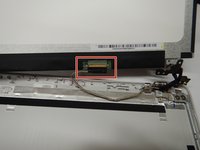
Gently remove the display cable from the back of the screen.
-
Remove the screen from the display assembly.
-
-




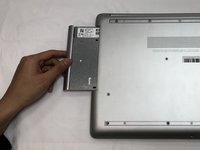
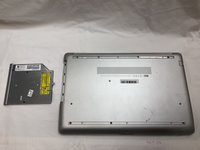













To reassemble your device, follow these instructions in reverse order.
Cancel: I did not complete this guide.
2 other people completed this guide.

Team

The Citadel Military College of South Carolina, Team S2-G6, Eggleston Fall 2019 Member of The Citadel Military College of South Carolina, Team S2-G6, Eggleston Fall 2019
CMCSC-EGGLESTON-F19S2G6
3 Members
36 Guides authored
