Introduction
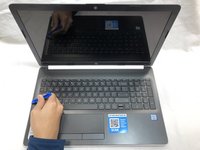
If your HP 15-da0012x motherboard does not display anything, or an error code appears, this is the guide to replace it. A motherboard is the centerpiece of a PC, connecting every part to each other in a uniform way. A faulty motherboard can result in failure to start or pass the first stages of startup or cause an issue with other PC parts not working. A new motherboard will help in solving multiple issues, however this process can be challenging for beginners and some experience may be required.
Prior to beginning the guide, be sure to disconnect your computer from the charging cable, power off your device and remove your battery.
What you need
-
-
-
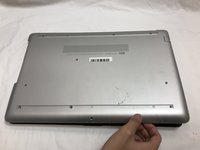
Turn your laptop over so that the Laptop Identification Tag on the underside of the laptop faces the ceiling.
 Ask FixBot
-
-
-
Using the plastic opening tools, peel back the plastic feet from the underside of the laptop.
-
-
-
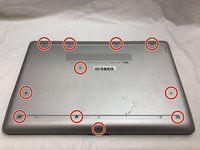
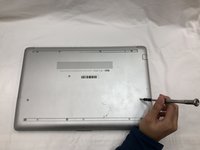
Using a Phillips #1 screwdriver, remove the eleven 9.0 mm screws holding the back cover in place.
-
-
-
Flip the computer over and open the screen.
-
Start from a corner and run the plastic opening tools along the edge of the back cover.
-
After the cover has been completely loosened around the entire perimeter, close the screen and flip the computer over.
-
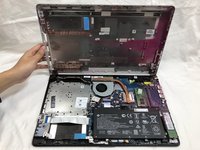
Gently pry back the cover starting from the middle, bottom edge.
-
-
-
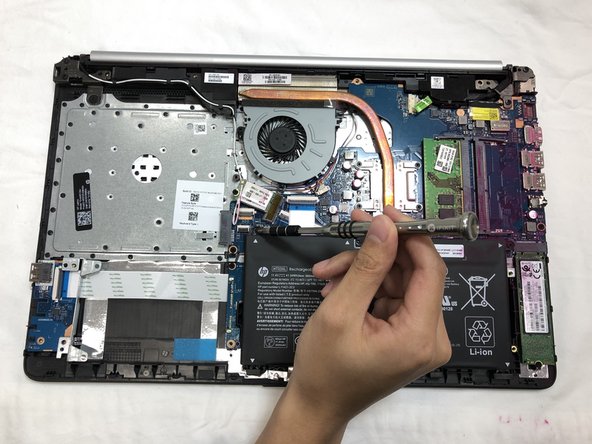
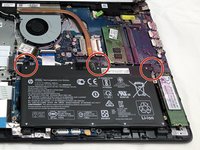
Using the Phillips #1 screwdriver, remove the three 8.0 mm screws holding the battery in place.
-
-
-
-
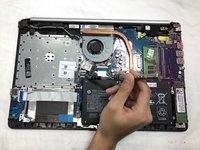
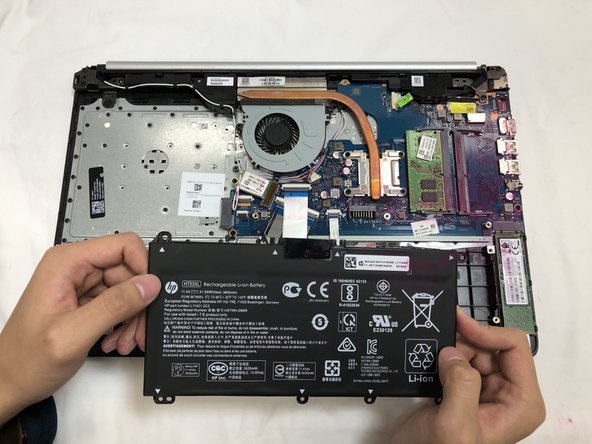
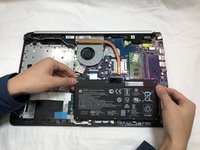
Remove the battery by tilting the top of the battery towards you and pulling the battery away from the mounting tabs.
-
-
-
-
-
Spread the retention clips on either side of the RAM module outward until you hear a click sound.
-
-
-
-
-
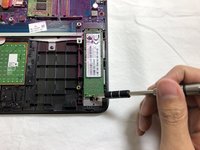
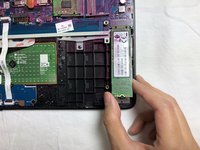
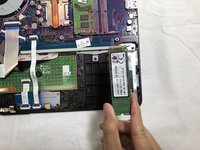
Using the Phillips #1 screwdriver, remove the single 3.0 mm screw holding the SSD module in place.
-
-
-
-
-
Using the Phillips #1 Screwdriver, remove the single 3.0 mm screw holding the wifi card and gently pull the wifi card away.
-
-
-
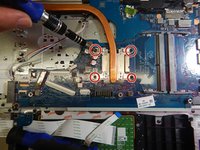
Using the Phillips #1 Screwdriver, remove the four 3.0 mm screws holding the heat sink in place.
-
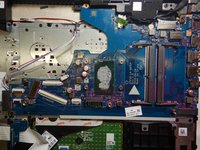
Gently pull the heat sink out of the laptop.
-
-
-
Using the Phillips #1 screwdriver, remove the single 3.0 mm screw holding the small circuit board.
-
Gently remove the small circuit board.
-
-
Tool used on this step:Tweezers$4.99
-
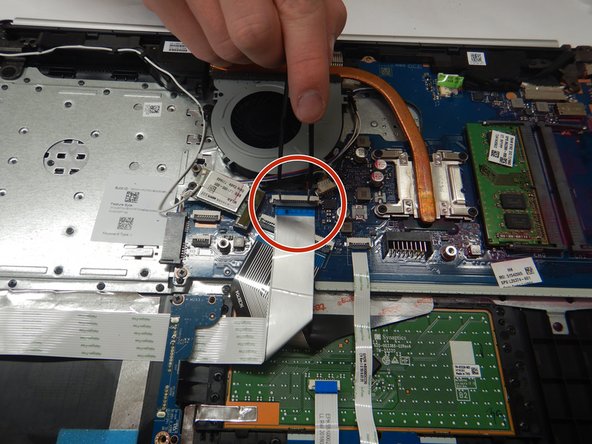
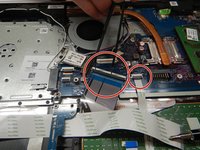
Using the metal tweezers, disconnect the ribbon cables from the motherboard .
-
First remove the USB board cable followed by the keyboard and touchpad cables.
-
-
-
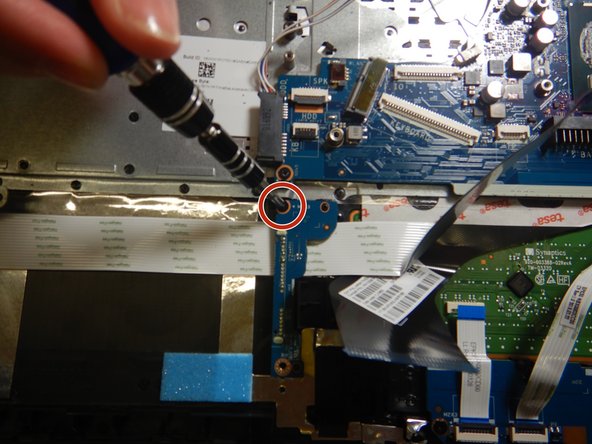
Using the Phillips #1 screwdriver, remove the single 3.0 mm screw holding the USB card in place.
-
Gently remove the USB card from the laptop.
-
-
-
Remove the speaker cable from the cable holder.
-
Tilt the bottom of the laptop up 30 degrees to move the monitor holders up to allow access to the rest of the laptop, and then return the laptop to its original state.
-
-
-
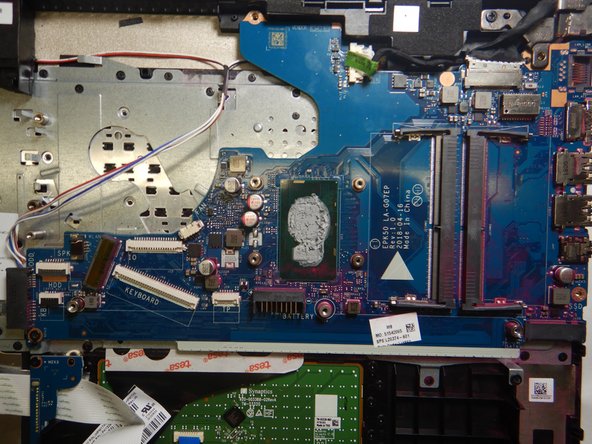
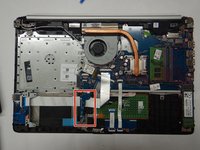
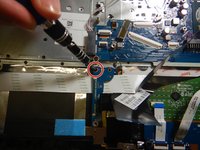
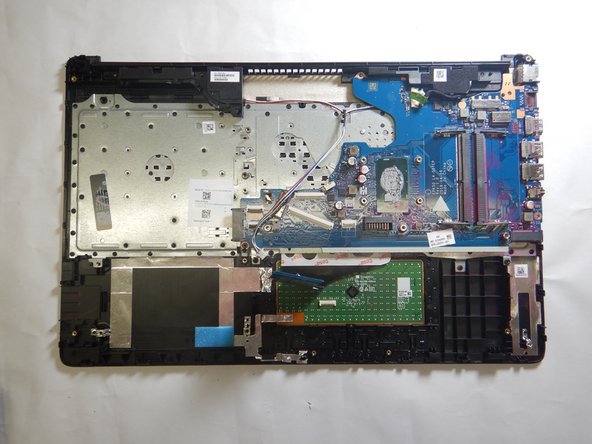
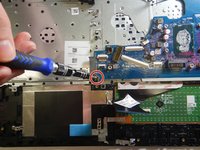
Using the Phillips #1 Screwdriver, remove the 3 mm screw from the motherboard.
-
Carefully remove the motherboard.
-
-




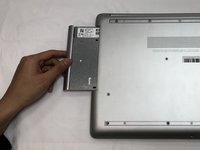
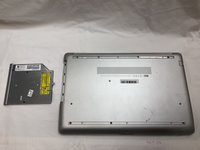




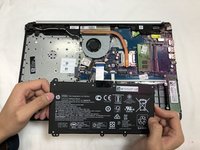

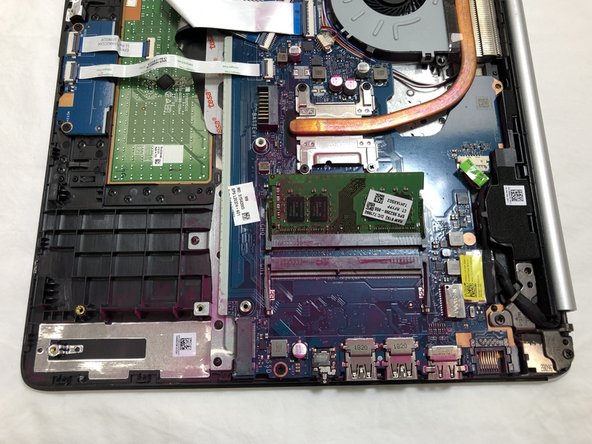

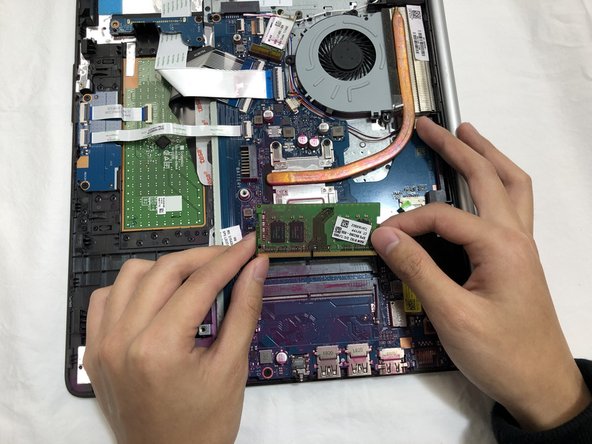


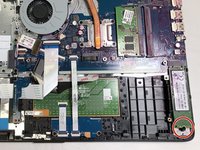










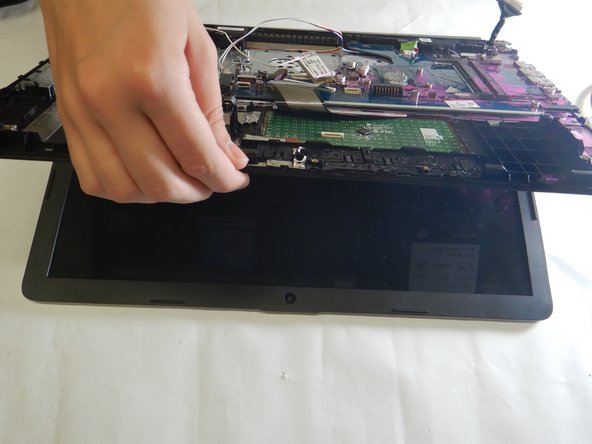
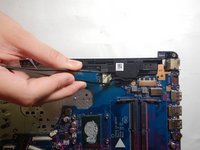
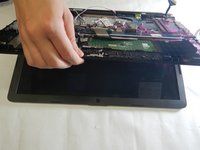

To reassemble your device, follow these instructions in reverse order.
Cancel: I did not complete this guide.
2 other people completed this guide.

Team

The Citadel Military College of South Carolina, Team S2-G6, Eggleston Fall 2019 Member of The Citadel Military College of South Carolina, Team S2-G6, Eggleston Fall 2019
CMCSC-EGGLESTON-F19S2G6
3 Members
36 Guides authored
