Free Shipping on Domestic Orders $75+

HP 15-ay014dx Motherboard Replacement

What you need

    1. HP 15-ay014dx Motherboard Replacement, Battery: step 1, image 1 of 1
      • Disconnect device from power source and power down.

      Ask FixBot
      Add Comment

    2. HP 15-ay014dx Motherboard Replacement: step 2, image 1 of 1
      • With the device turned upside down, use your index fingers to push the battery latches in towards each other.

      Ask FixBot
      Add Comment

    3. HP 15-ay014dx Motherboard Replacement: step 3, image 1 of 1
      • The latch on your left will stay at the inward position, while the latch on the right will slide back out.

      • Gently grasp the battery and pull it back away from the device and yourself.

      Ask FixBot
      Add Comment

    1. HP 15-ay014dx Motherboard Replacement, Optical Drive: step 4, image 1 of 1
      • Close the laptop and lay it down with the bottom facing up.

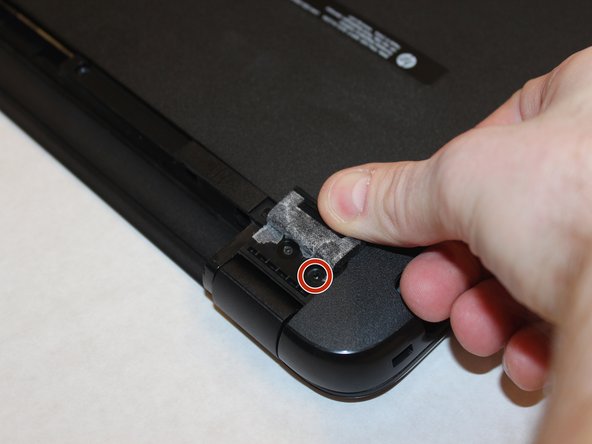
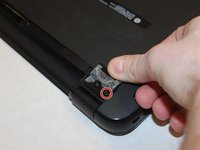
      • Using a size #00 Phillips screw drive remove the screw holding in the optical drive.

      Ask FixBot

      Add Comment

    2. HP 15-ay014dx Motherboard Replacement: step 5, image 1 of 1
      • Grip the optical drive and gently pull it out.

      Ask FixBot
      Add Comment

    1. HP 15-ay014dx Motherboard Replacement, RAM: step 6, image 1 of 1
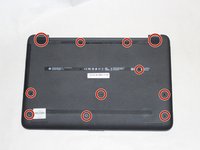
      • Remove the 11 screws holding the body of the laptop together with a size #00 Phillips screwdriver.

      Ask FixBot
      Add Comment

    2. HP 15-ay014dx Motherboard Replacement: step 7, image 1 of 2 HP 15-ay014dx Motherboard Replacement: step 7, image 2 of 2
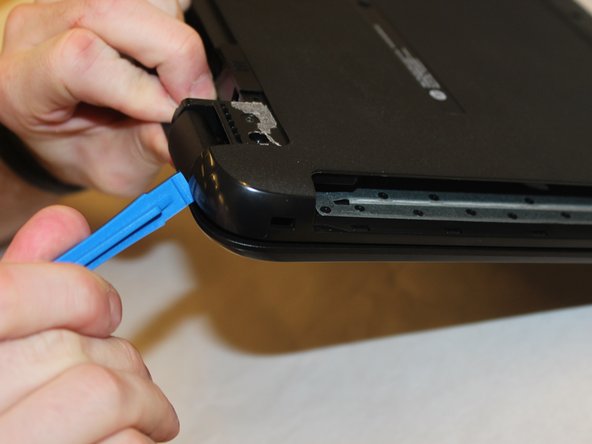
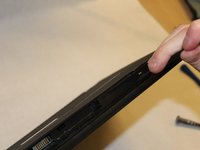
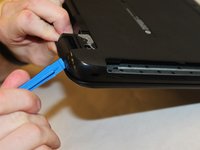
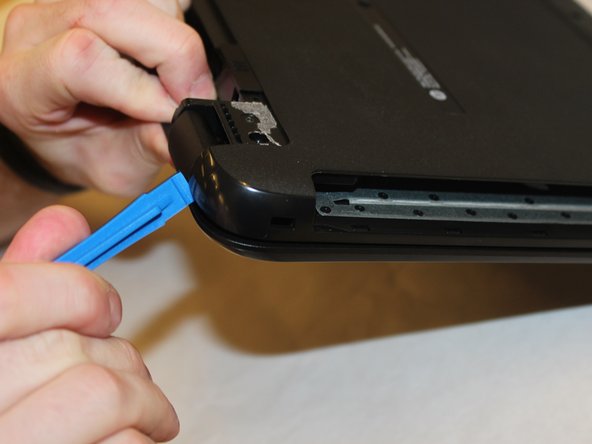
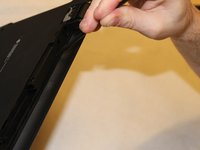
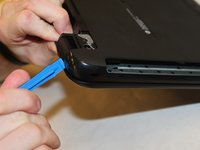
      • Use the spudger to press the tabs in the back of the computer. Carefully remove the back of the laptop by prying around the sides using the plastic opening tool.

      Ask FixBot
      Add Comment

    3. HP 15-ay014dx Motherboard Replacement: step 8, image 1 of 2 HP 15-ay014dx Motherboard Replacement: step 8, image 2 of 2
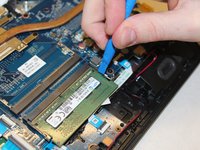
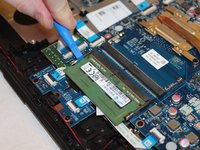
      • Undo the clips holding the RAM in place using the plastic opening tool.

      Ask FixBot

      Add Comment

    4. HP 15-ay014dx Motherboard Replacement: step 9, image 1 of 1
      • Carefully pull out the RAM from the motherboard.

      Ask FixBot

      Add Comment

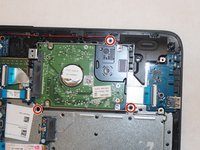
    1. HP 15-ay014dx Motherboard Replacement, Hard Drive Disk: step 10, image 1 of 2 HP 15-ay014dx Motherboard Replacement, Hard Drive Disk: step 10, image 2 of 2
      • Remove the highlighted screws holding the body of the laptop together with a size #00 Phillips screwdriver.

      Ask FixBot

      Add Comment
    2. HP 15-ay014dx Motherboard Replacement: step 11, image 1 of 3 HP 15-ay014dx Motherboard Replacement: step 11, image 2 of 3 HP 15-ay014dx Motherboard Replacement: step 11, image 3 of 3
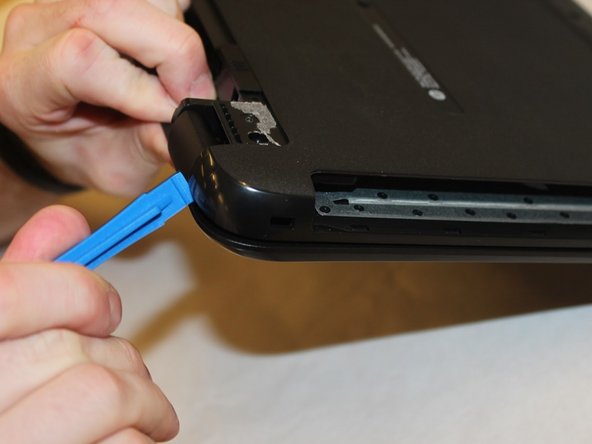
      • Using the spudger, push in the tabs in the back that hold the body together. Carefully pry the body apart by working the spudger around the body.

      • Pull the back cover off.

      Ask FixBot

      Add Comment

    3. HP 15-ay014dx Motherboard Replacement: step 12, image 1 of 3 HP 15-ay014dx Motherboard Replacement: step 12, image 2 of 3 HP 15-ay014dx Motherboard Replacement: step 12, image 3 of 3
      Tool used on this step:
      Tweezers
      $4.99
      Buy
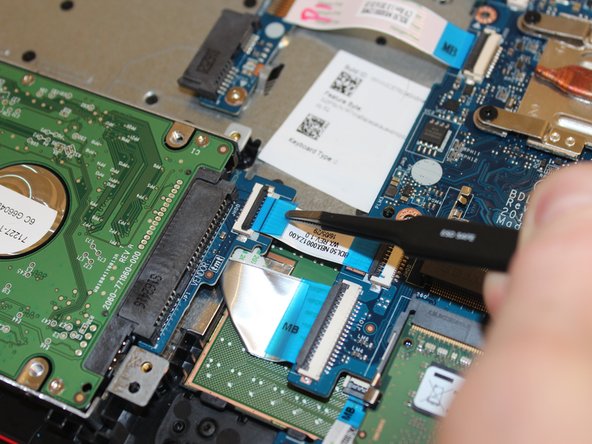
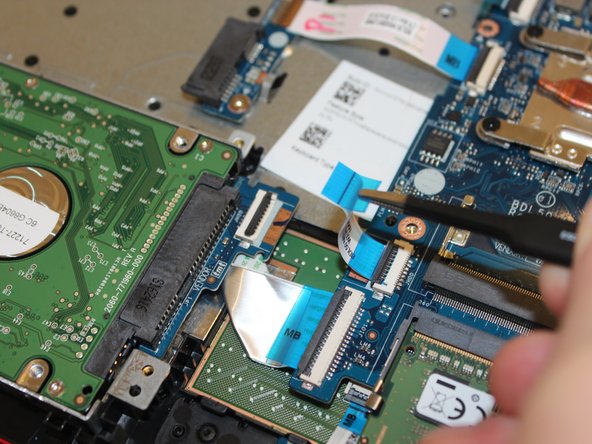
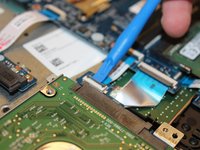
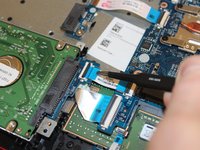
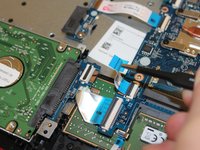
      • Pry up on the clamp holding the SATA power ribbon using the plastic opening tool.

      • Pull out the SATA power ribbon using the tweezers.

      Ask FixBot

      Add Comment

    4. HP 15-ay014dx Motherboard Replacement: step 13, image 1 of 2 HP 15-ay014dx Motherboard Replacement: step 13, image 2 of 2
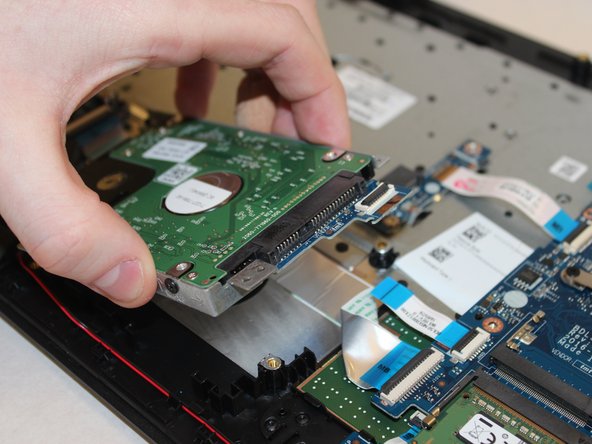
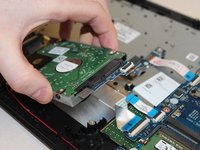
      • Remove the highlighted screws holding the hard drive to the body using the Philips #00 screwdriver.

      • Remove the hard drive.

      Ask FixBot

      Add Comment

    5. HP 15-ay014dx Motherboard Replacement: step 14, image 1 of 1
      • Remove the 4 screws holding the hard drive to the hard drive cage using the Philips #00 screwdriver.

      Ask FixBot

      Add Comment

    1. HP 15-ay014dx Motherboard Replacement, Wireless Card: step 15, image 1 of 1
      • Remove the 11 screws holding the body of the laptop together with a size #00 Phillips screwdriver.

      Ask FixBot

      Add Comment

    2. HP 15-ay014dx Motherboard Replacement: step 16, image 1 of 2 HP 15-ay014dx Motherboard Replacement: step 16, image 2 of 2
      • Using the spudger, push in the tabs in the back that hold the body together. Carefully pry the body apart by working the spudger around the body.

      Ask FixBot

      Add Comment

    3. HP 15-ay014dx Motherboard Replacement: step 17, image 1 of 2 HP 15-ay014dx Motherboard Replacement: step 17, image 2 of 2
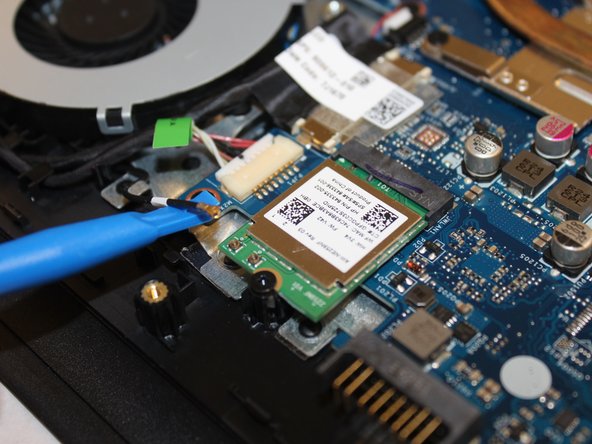
      • Using the spudger, carefully pry the wire connecting the wireless card to the motherboard off of it.

      Ask FixBot

      Add Comment

    4. HP 15-ay014dx Motherboard Replacement: step 18, image 1 of 1
      • Using the size #00 Phillips screwdriver remove the single screw holding it in place.

      Ask FixBot

      Add Comment

    5. HP 15-ay014dx Motherboard Replacement: step 19, image 1 of 1
      • carefully pull the card of its slot.

      Ask FixBot

      Add Comment

    1. HP 15-ay014dx Motherboard Replacement, Motherboard: step 20, image 1 of 3 HP 15-ay014dx Motherboard Replacement, Motherboard: step 20, image 2 of 3 HP 15-ay014dx Motherboard Replacement, Motherboard: step 20, image 3 of 3
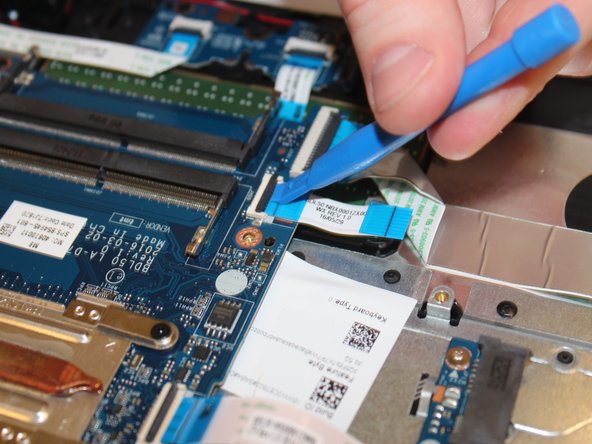
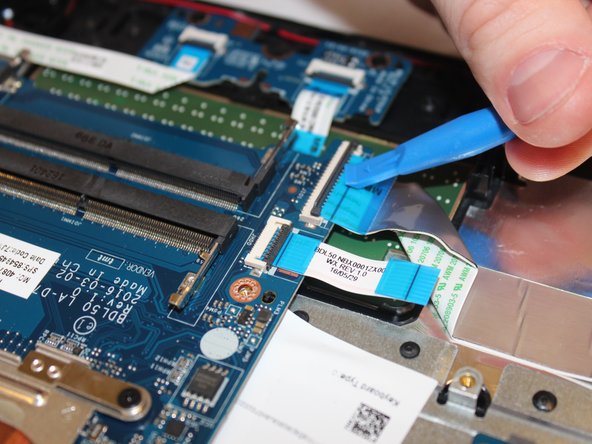
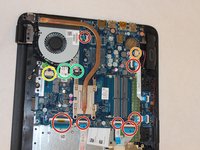
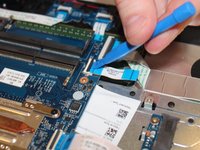
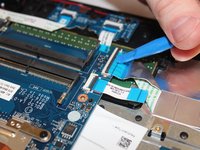
      • Disconnect all ribbon connectors by flipping up the black tabs and gently pulling them out.

      • Disconnect​ ​the​ ​speakers​ ​by​ ​gently ​pulling​​ ​the​ ​connector ​out.

      • Disconnect​ ​the​ ​Fan​ ​by​ ​gently ​pulling​​ ​the​ ​connector​ ​out.

      • Disconnect the power by gently pulling the connectors out.

      Ask FixBot

      Add Comment

    2. HP 15-ay014dx Motherboard Replacement: step 21, image 1 of 1
      • Unscrew the five screws securing the motherboards.

      Ask FixBot

      Add Comment

    3. HP 15-ay014dx Motherboard Replacement: step 22, image 1 of 1
      • Gently lift the motherboard up and out of the casing.

      Ask FixBot

      Add Comment

Conclusion

To reassemble your device, follow these instructions in reverse order.

Cancel: I did not complete this guide.

2 other people completed this guide.

Drake Scoville

Member since: 09/21/17

578 Reputation

4 Guides authored

0 Guide Comments

Add Comment

View Statistics:

Past 24 Hours: 2

Past 7 Days: 10

Past 30 Days: 33

All Time: 2,112