Free Shipping on Domestic Orders $75+

HP 15-ay014dx Hard Drive Disk Replacement

What you need

    1. HP 15-ay014dx Hard Drive Disk Replacement, Battery: step 1, image 1 of 1
      • Disconnect device from power source and power down.

      Ask FixBot

      Add Comment

    2. HP 15-ay014dx Hard Drive Disk Replacement: step 2, image 1 of 1
      • With the device turned upside down, use your index fingers to push the battery latches in towards each other.

      Ask FixBot

      Add Comment

    3. HP 15-ay014dx Hard Drive Disk Replacement: step 3, image 1 of 1
      • The latch on your left will stay at the inward position, while the latch on the right will slide back out.

      • Gently grasp the battery and pull it back away from the device and yourself.

      Ask FixBot

      Add Comment

    1. HP 15-ay014dx Hard Drive Disk Replacement, Optical Drive: step 4, image 1 of 1
      • Close the laptop and lay it down with the bottom facing up.

      • Using a size #00 Phillips screw drive remove the screw holding in the optical drive.

      Ask FixBot

      Add Comment

    2. HP 15-ay014dx Hard Drive Disk Replacement: step 5, image 1 of 1
      • Grip the optical drive and gently pull it out.

      Ask FixBot

      Add Comment

    1. HP 15-ay014dx Hard Drive Disk Replacement, Hard Drive Disk: step 6, image 1 of 2 HP 15-ay014dx Hard Drive Disk Replacement, Hard Drive Disk: step 6, image 2 of 2
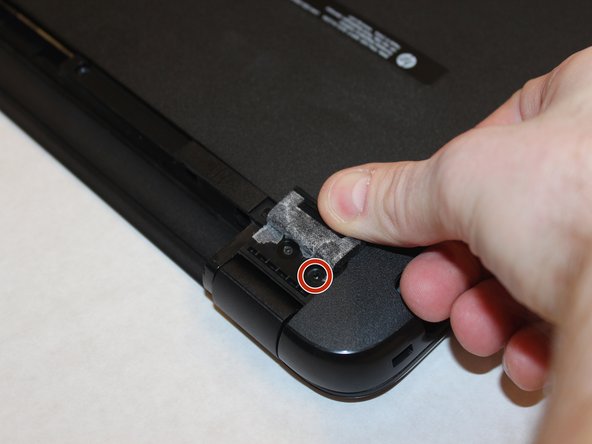
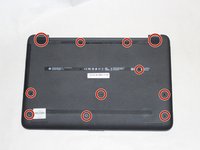
      • Remove the highlighted screws holding the body of the laptop together with a size #00 Phillips screwdriver.

      Ask FixBot

      Add Comment

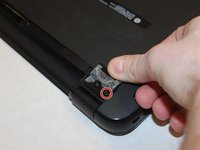
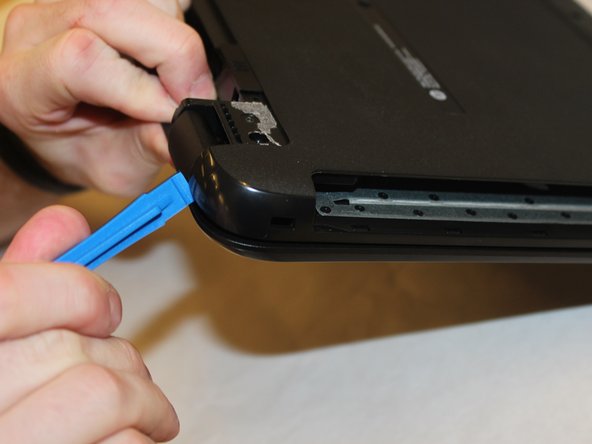
    2. HP 15-ay014dx Hard Drive Disk Replacement: step 7, image 1 of 3 HP 15-ay014dx Hard Drive Disk Replacement: step 7, image 2 of 3 HP 15-ay014dx Hard Drive Disk Replacement: step 7, image 3 of 3
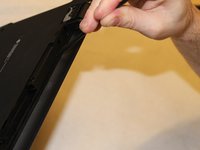
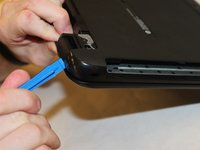
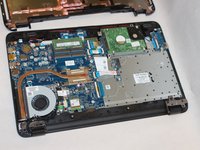
      • Using the spudger, push in the tabs in the back that hold the body together. Carefully pry the body apart by working the spudger around the body.

      • Pull the back cover off.

      Ask FixBot

      Add Comment

    3. HP 15-ay014dx Hard Drive Disk Replacement: step 8, image 1 of 3 HP 15-ay014dx Hard Drive Disk Replacement: step 8, image 2 of 3 HP 15-ay014dx Hard Drive Disk Replacement: step 8, image 3 of 3
      Tool used on this step:
      Tweezers
      $4.99
      Buy
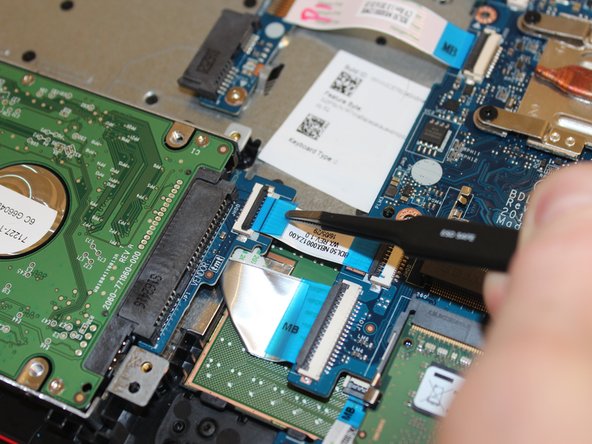
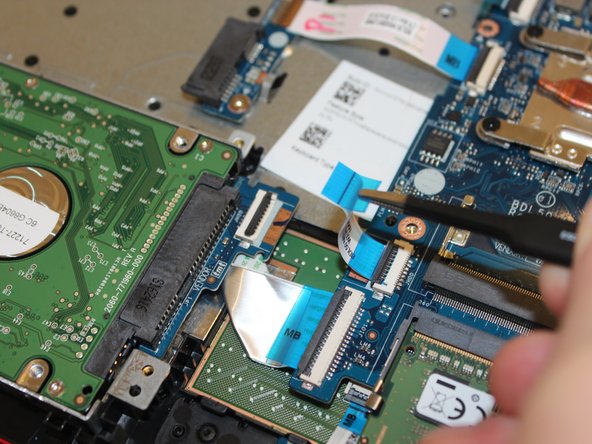
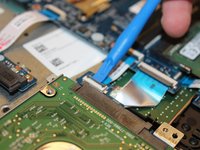
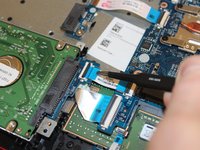
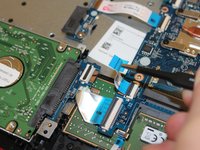
      • Pry up on the clamp holding the SATA power ribbon using the plastic opening tool.

      • Pull out the SATA power ribbon using the tweezers.

      Ask FixBot

      Add Comment

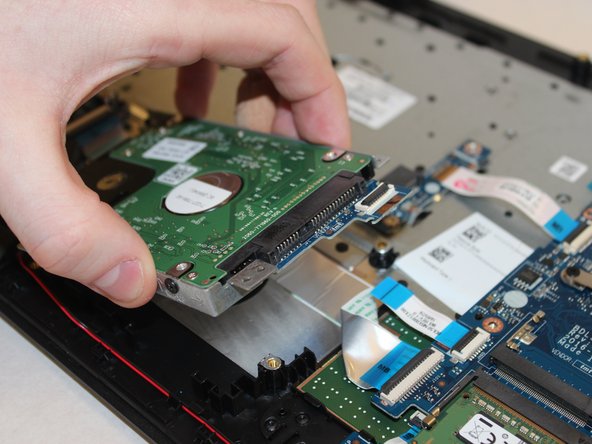
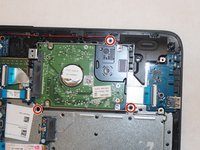
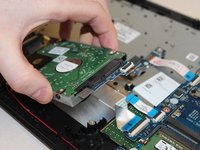
    4. HP 15-ay014dx Hard Drive Disk Replacement: step 9, image 1 of 2 HP 15-ay014dx Hard Drive Disk Replacement: step 9, image 2 of 2
      • Remove the highlighted screws holding the hard drive to the body using the Philips #00 screwdriver.

      • Remove the hard drive.

      Ask FixBot

      Add Comment

    5. HP 15-ay014dx Hard Drive Disk Replacement: step 10, image 1 of 1
      • Remove the 4 screws holding the hard drive to the hard drive cage using the Philips #00 screwdriver.

      Ask FixBot

      Add Comment

Conclusion

To reassemble your device, follow these instructions in reverse order.

Cancel: I did not complete this guide.

6 other people completed this guide.

Jimmy Huynh

Member since: 09/26/17

263 Reputation

1 Guide authored

0 Guide Comments

Add Comment

View Statistics:

Past 24 Hours: 0

Past 7 Days: 1

Past 30 Days: 29

All Time: 2,432