Introduction
Has your optical drive in the HP 15-af123cl stopped playing CDs? Follow this simple guide's steps below on how to remove and replace the optical drive to fix it!
NOTE: This process should be a last resort. Make sure you have completed all other forms of troubleshooting as a broken optical or CD drive is usually unlikely. If you have troubleshooted and determined that your drive needs to be replaced, before starting this process make sure to fully power off your computer and unplug it from the wall if it is charging. Be gentle with the components as it is easy to damage the optical drive connector.
Let's get started fixing your HP 15-af123cl's optical drive!
What you need
-
-
-
Push the slider with a lock symbol to the right to unlock the battery.
 Ask FixBot
-
-
-
Push the slider with a battery symbol to the left to push the battery out slightly.
-
Pull the battery out fully now that it is released.
-
-
-
-
-
-
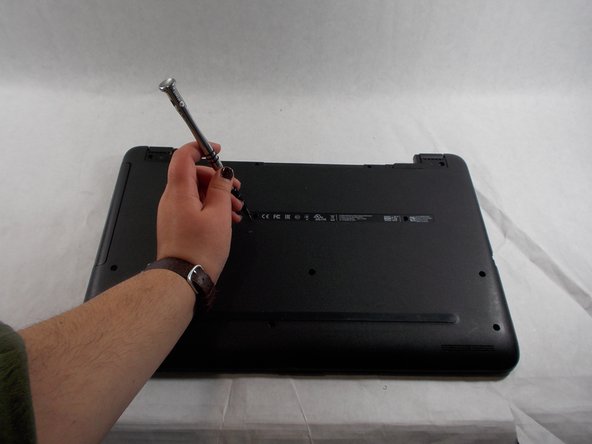
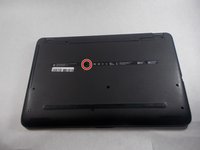
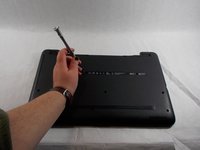
Remove the single screw that holds in the optical drive using a Phillips #00 screwdriver.
-
-



To reassemble your device, follow these instructions in reverse order.

Team

UMass Dartmouth, Team 2-5, Sinclaire Fall 2021 Member of UMass Dartmouth, Team 2-5, Sinclaire Fall 2021
UMASSD-SINCLAIRE-F21S2G5
3 Members
72 Guides authored
