Introduction
Is your device failing to boot, frequently crashing, giving you blue screens? If said case is so, you may have damaged RAM. The RAM is a vital component of your device that is responsible for storing short term information. In the event of it being damaged your device will not operate.
What you need
-
-
-
-
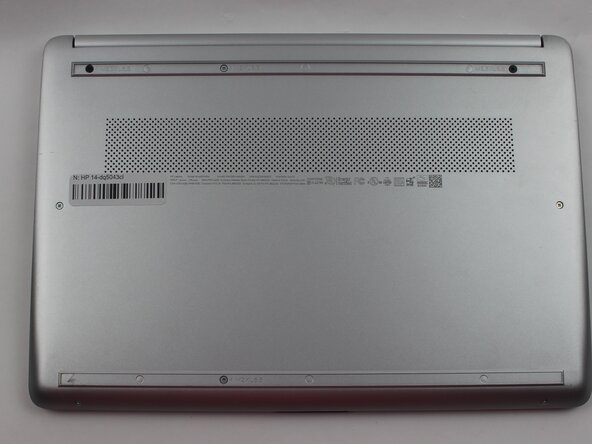
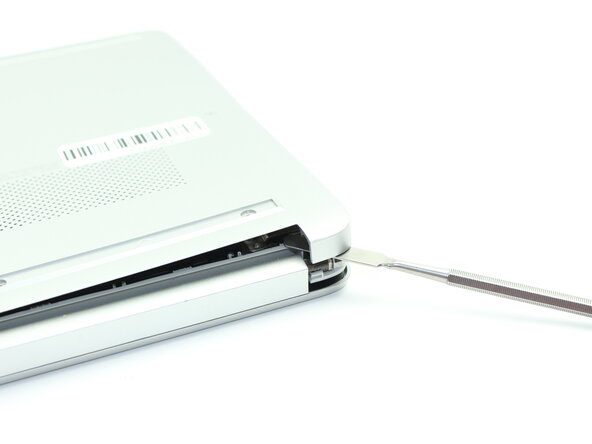
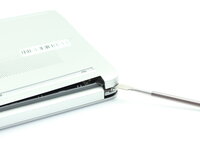
Insert a nylon spudger into the seam between the lower case and chassis.
-
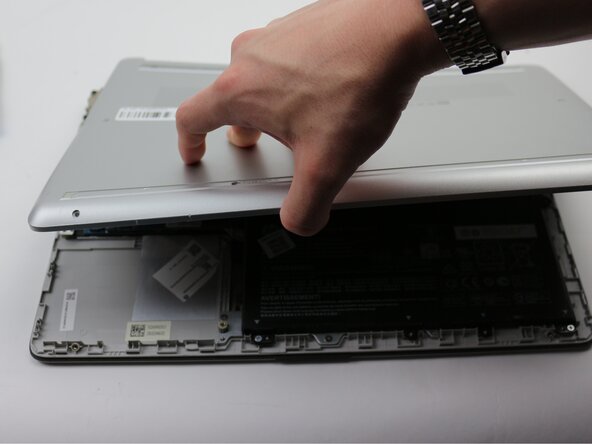
Pry around the entire perimeter until the lower case fully releases.
-
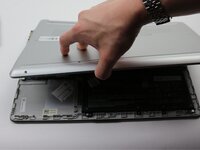
Remove the lower case.
-
-
-
-
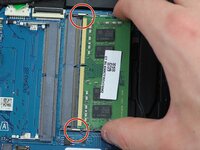
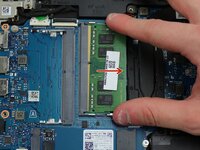
Two clips secure each RAM module in place, one on each side. Using your fingers, spread the clips away from the RAM module.
-
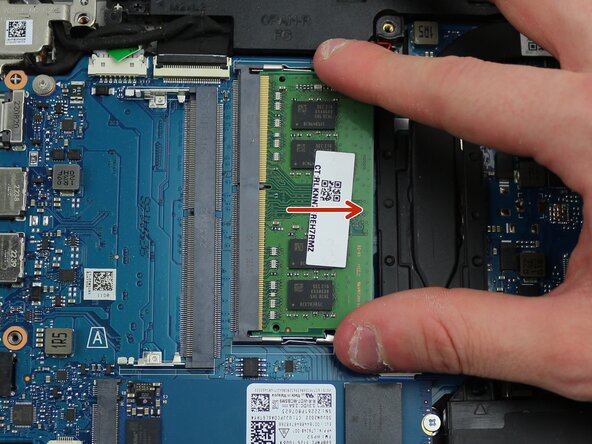
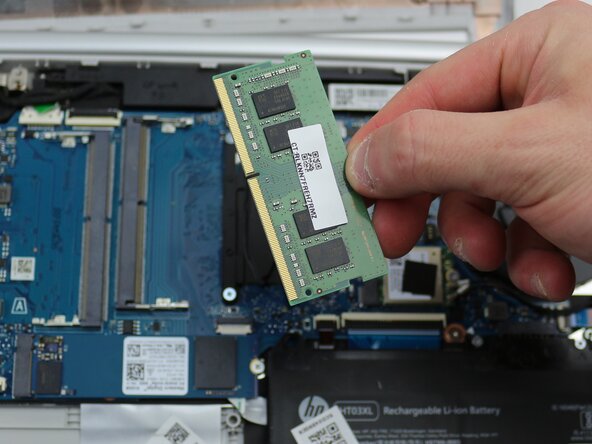
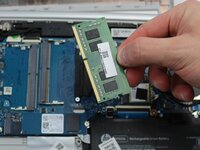
Slide the RAM module straight out to remove it.
-
-



 Ask FixBot



To reassemble your device, follow the above steps in reverse order.
Take your e-waste to an R2 or e-Stewards certified recycler.
Repair didn’t go as planned? Try some basic troubleshooting or ask our Answers community for help.

Team

Sam Houston State, Team 17-2, Thornton Spring 2025 Member of Sam Houston State, Team 17-2, Thornton Spring 2025
SHSU-THORNTON-S25S17G2
3 Members
60 Guides authored
