Free Shipping on Domestic Orders $75+

HP 14-dq5009nr RAM Replacement

What you need

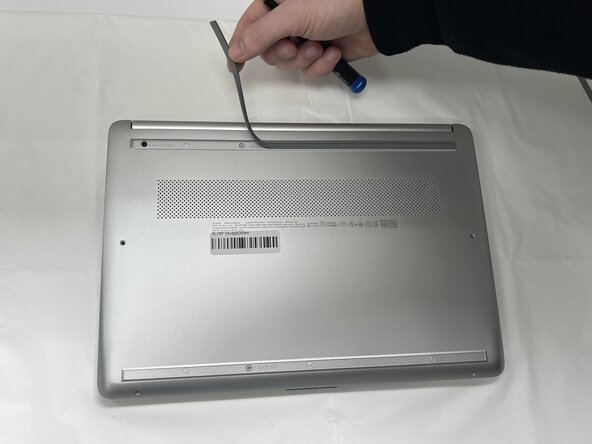
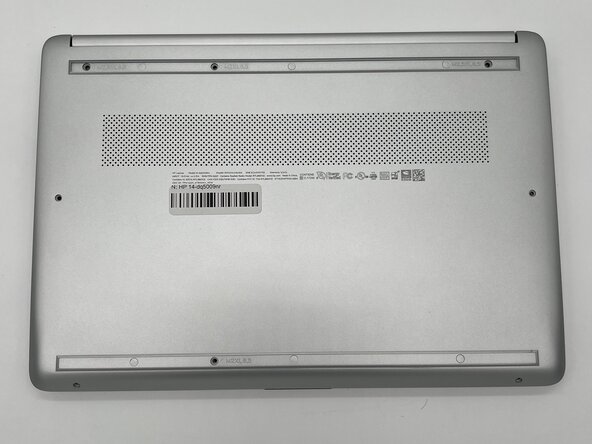
  1. HP 14-dq5009nr RAM Replacement, Battery: step 1, image 1 of 3 HP 14-dq5009nr RAM Replacement, Battery: step 1, image 2 of 3 HP 14-dq5009nr RAM Replacement, Battery: step 1, image 3 of 3
    • Peel the rubber feet off the bottom casing to reveal hidden screws.

    • Keep the rubber feet for reassembly.

    • Make sure the device is completely powered off before replacement.

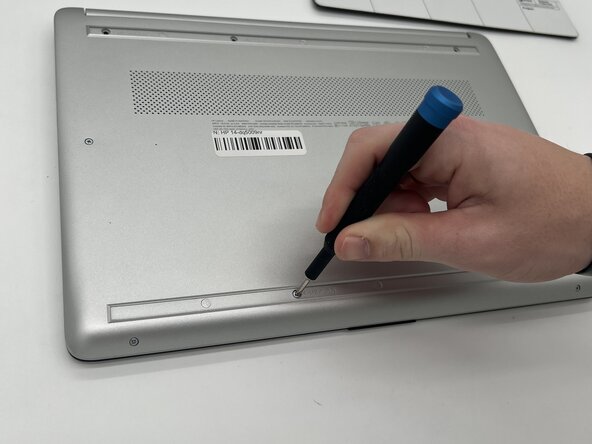
  2. HP 14-dq5009nr RAM Replacement: step 2, image 1 of 2 HP 14-dq5009nr RAM Replacement: step 2, image 2 of 2
    • Use a Philips #0 screwdriver to remove the eight screws from the back case.

    • Six 7 mm-long screws

    • Two 4.8 mm-long screws

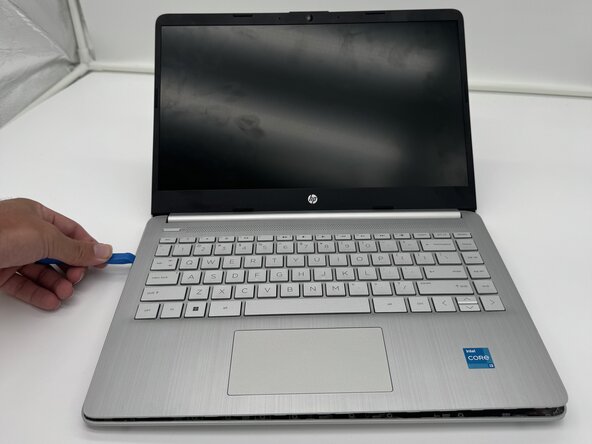
  3. HP 14-dq5009nr RAM Replacement: step 3, image 1 of 3 HP 14-dq5009nr RAM Replacement: step 3, image 2 of 3 HP 14-dq5009nr RAM Replacement: step 3, image 3 of 3
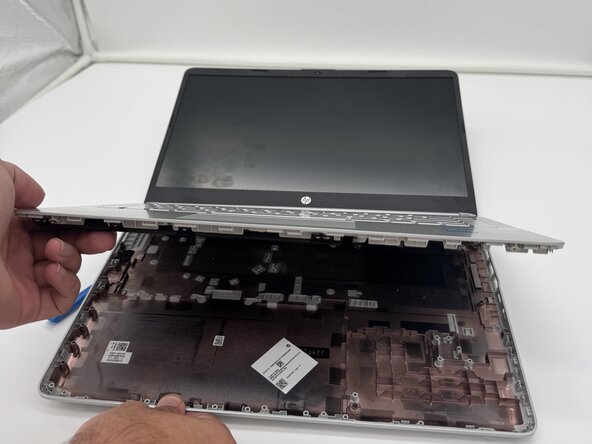
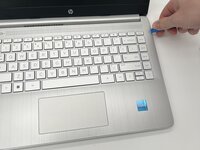
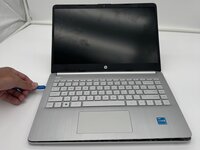
    • Use a plastic opening tool to separate the back case from the palmrest keyboard assembly. Gently pry the back cover from the device.

    • Start from a corner of the device and run the opening tool along the edge of the cover to release the clips before you separate them.

    • Be careful to not bend or crack the back cover.

  4. HP 14-dq5009nr RAM Replacement: step 4, image 1 of 2 HP 14-dq5009nr RAM Replacement: step 4, image 2 of 2
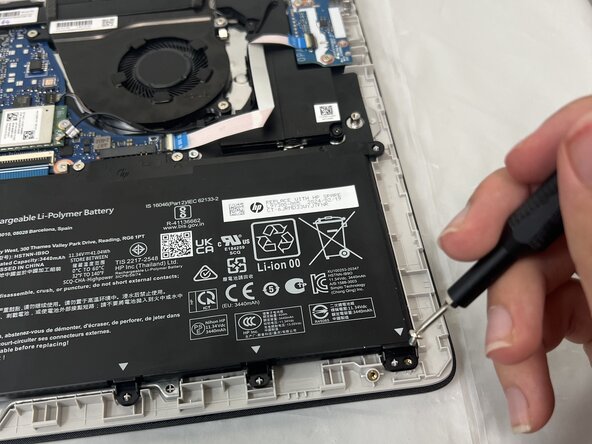
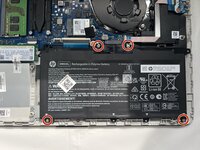
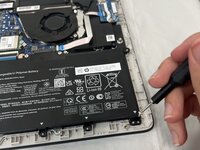
    • Use a Phillips #0 screwdriver to remove the four 3 mm screws that secure the battery to the chassis.

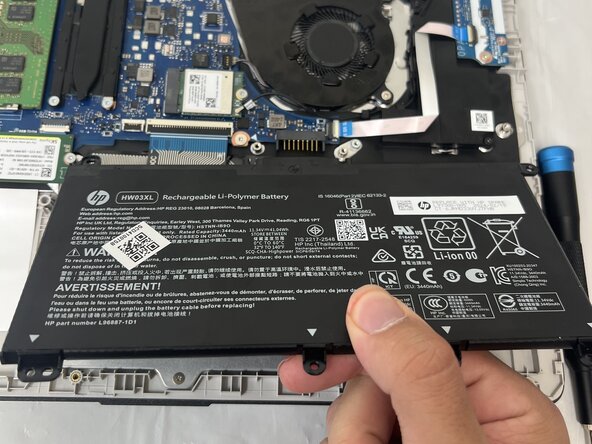
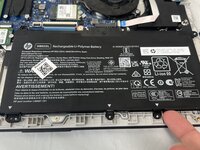
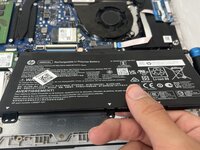
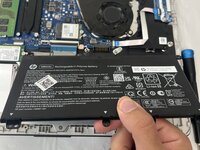
  5. HP 14-dq5009nr RAM Replacement: step 5, image 1 of 3 HP 14-dq5009nr RAM Replacement: step 5, image 2 of 3 HP 14-dq5009nr RAM Replacement: step 5, image 3 of 3
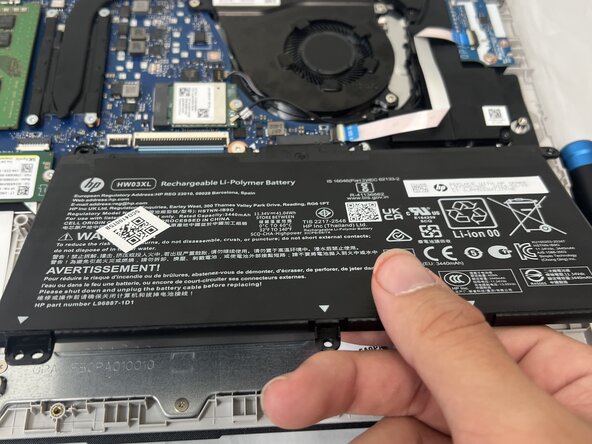
    • Angle the battery up slightly and gently pull it from the socket on the motherboard.

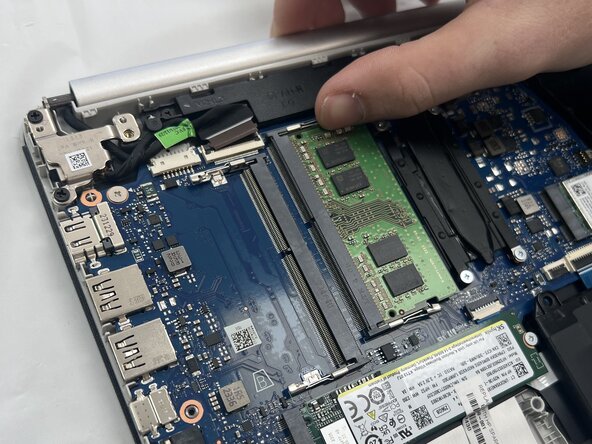
  6. HP 14-dq5009nr RAM Replacement, RAM: step 6, image 1 of 3 HP 14-dq5009nr RAM Replacement, RAM: step 6, image 2 of 3 HP 14-dq5009nr RAM Replacement, RAM: step 6, image 3 of 3
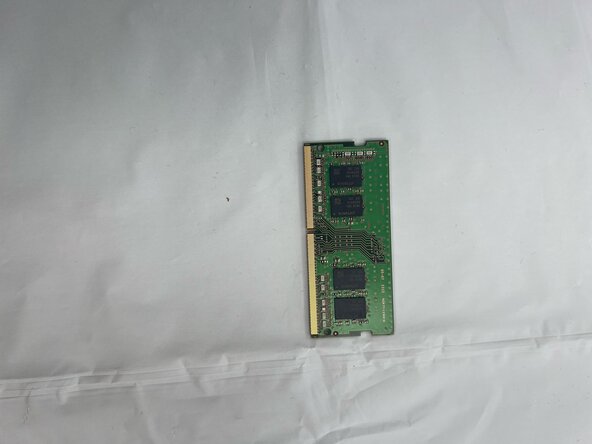
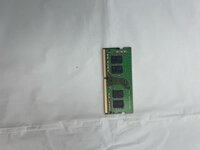
    • RAM Stick

    • Pull the two side clamps away from the Ram.

    • Handle the RAM stick by the edges and avoid touching the gold contacts to prevent static discharge or damage to the module.

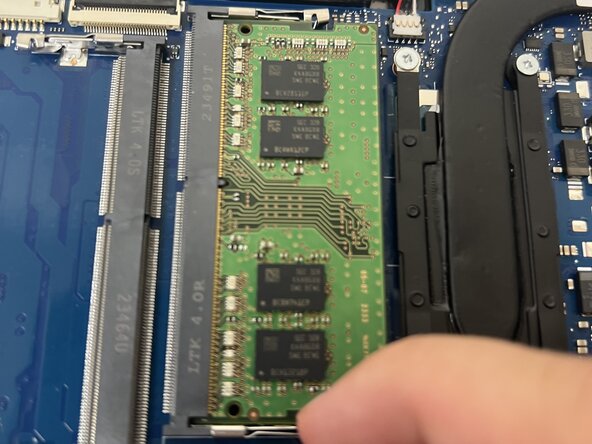
  7. HP 14-dq5009nr RAM Replacement: step 7, image 1 of 3 HP 14-dq5009nr RAM Replacement: step 7, image 2 of 3 HP 14-dq5009nr RAM Replacement: step 7, image 3 of 3
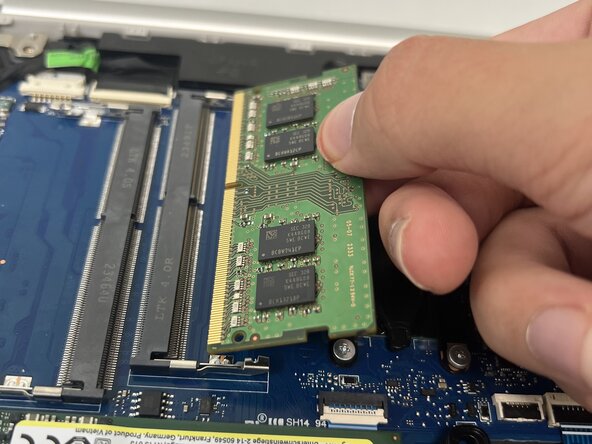
    • Once the Ram pops up, gently pull the Ram out of the socket.

    • The ram stick.

Conclusion

To reassemble your device, follow these instructions in reverse order. Take your e-waste to an R2 or e-Stewards certified recycler.

0 Guide Comments

Add Comment

View Statistics:

Past 24 Hours: 1

Past 7 Days: 5

Past 30 Days: 14

All Time: 240