
HP 14-cf2112wm Back Cover Replacement

Shishi Hu and 3 other contributors
Last updated on Jun 27, 2024
Views: 1.6K
View statistics:
- Past 24 Hours:
- 1
- Past 7 Days:
- 21
- Past 30 Days:
- 110
- All Time:
- 1,600
Comments: 1
1 guide comment.
Go to guide commentsCompleted: 0 1
No one has marked this guide "completed." Will you be the first?
1 person has marked this guide "completed." It's you — great job!
Favorites: 0 1
No one has favorited (and subscribed to) this guide. Will you be the first?
1 person has favorited (and subscribed to) this guide — and that's you!
Introduction
Go to step 1 ↓Use this guide to take the back cover on and off of your HP 14-cf2112wm. You may need this repair if the back case gets damaged or cracked, or you need to open up your laptop to gain access to the internal components for a repair.
Remember to keep the area you are working on nice and clean so no dust gets inside your computer while the back cover is off. Lastly, try to have an area to keep your screws and small parts so they don't get lost as you are taking them off the back.
Before you begin this repair, be sure to power off your laptop and unplug it from the charger.
What you need
Tools
-
-
-
Spudger4.9


-
-
-
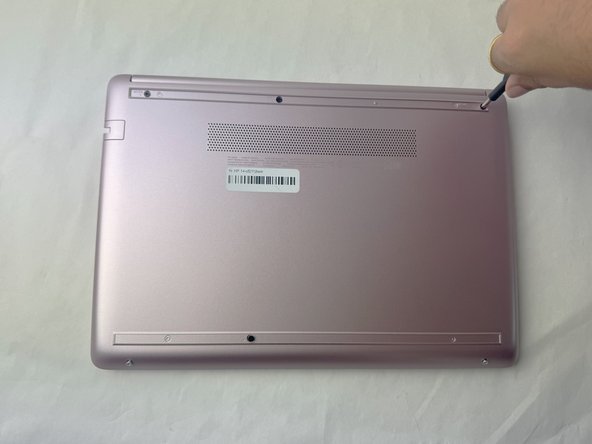
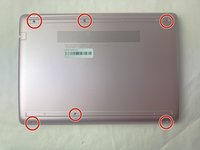
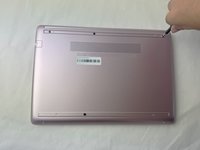
Use a spudger to pry under the end of the screw cover.
-
When the edge is lifted up, use your fingers to pull the rest of the strip off.
-
-
-
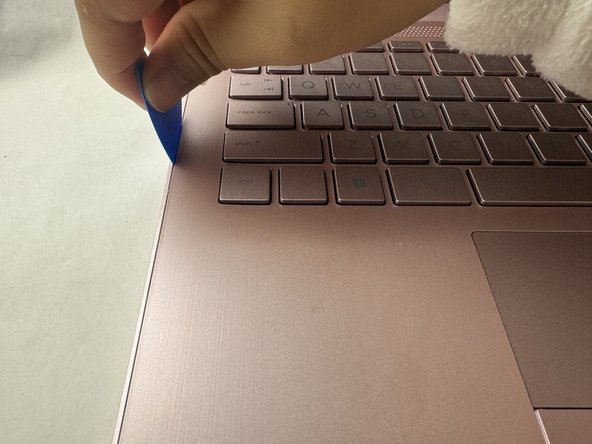
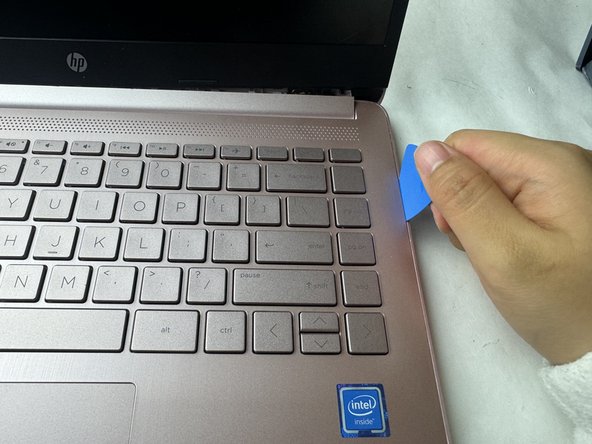
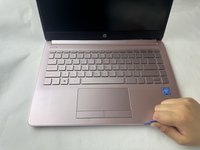
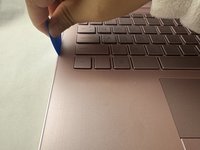
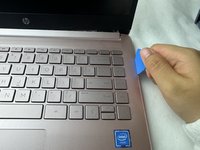
Use a pick or opening tool to pry along the edges of the back cover from the keyboard side of the laptop.
-
-

 Ask FixBot




To reassemble your device, follow these instructions backwards.

Team

UMass Dartmouth, Team 1-2, Konn Spring 2024 Member of UMass Dartmouth, Team 1-2, Konn Spring 2024
UMASSD-KONN-S24S1G2
4 Members
60 Guides authored
