Introduction
Is your device not loading content on websites you’ve previously visited? Are you experiencing any problems with your device freezing or the Blue Screen of Death (BSoD)? If so, the RAM in your device may be faulty and needs to be replaced. Follow the instructions in this guide to remove and replace the RAM in the HP 14-am052nr laptop.
What you need
-
-
-
Turn the laptop over to its bottom so that the backside is facing you.
-
Using your fingers, push the two locking tabs inwards to release the battery.
-
Remove the battery from the device.
 Ask FixBot
-
-
-
-
-
After removing the battery with the laptop on its back, expose screws that are hidden under the rubber feet and the center label.
-
Using the Phillips #0 screwdriver, remove fourteen (14) 6 mm screws from the back panel.
-
-
-
-


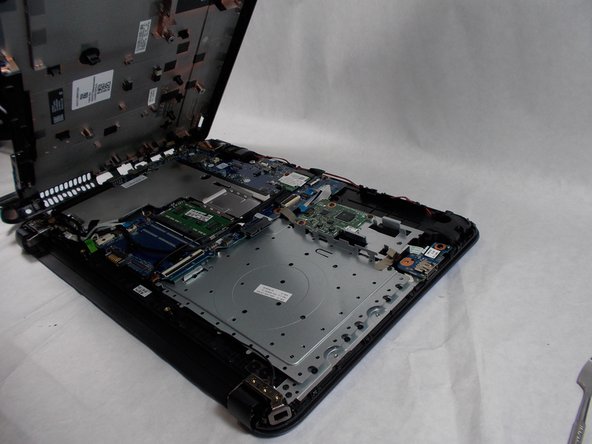
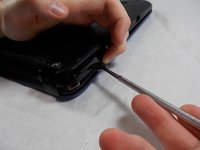


To reassemble your device, follow these instructions in reverse order.
Cancel: I did not complete this guide.
One other person completed this guide.

Team

UMass Dartmouth, Team 3-3, Sinclaire Fall 2021 Member of UMass Dartmouth, Team 3-3, Sinclaire Fall 2021
UMASSD-SINCLAIRE-F21S3G3
3 Members
84 Guides authored
