Introduction
The HP 14-ac151nr DC Power Jack won't charge and you have already ruled out any common problems, you can try replacing the computer power jack using these steps. The reason for why this repair is needed is to prevent the device from being more damaged over time and to keep it out of electronic waste. This repair guide will likely resolve any charging problems you might have. In the guide below, there aren't any unusual features or techniques to be used during the disassembling part nor the repair process within the repair guide. In these steps you will not need any special skills during the process; the only thing you will need is a steady hand and control of your strength. The reason why we recommend having a steady hand along with controlling your strength is because you will be using tools that rely on a steady hand for the strength; if not controlled properly, you may damage the device more
What you need
-
-
-
-
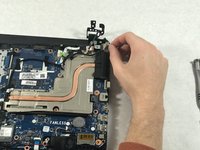
Remove the black tape near the power jack.
-
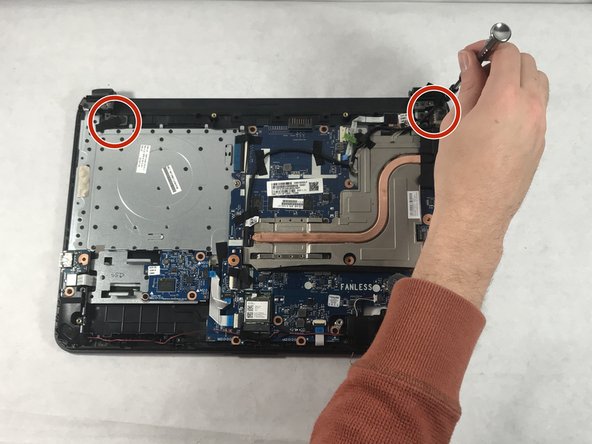
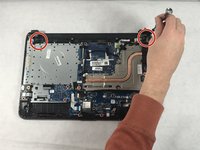
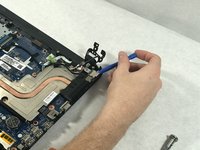
Remove the screws connecting monitor to the bottom of the computer.
-
-
-
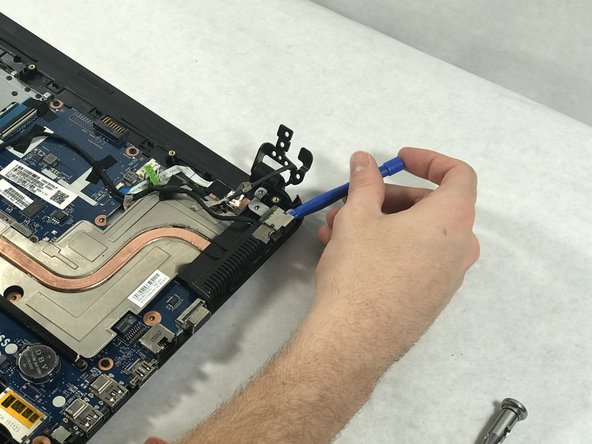
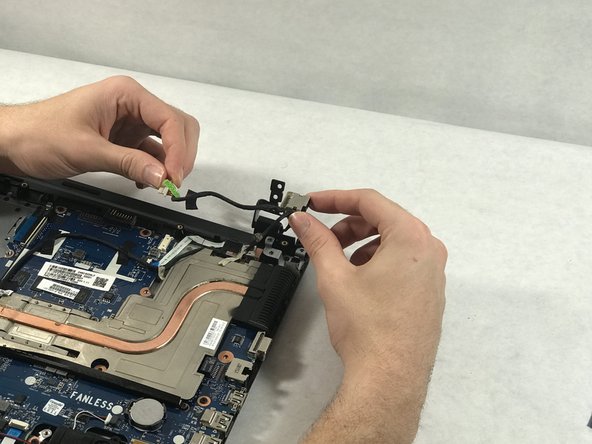
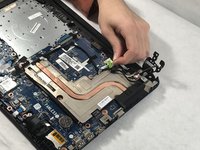
Disconnect the power jack from the motherboard.
-
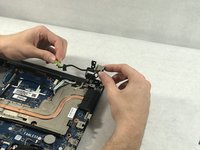
Remove the power jack by lifting it up.
-
-

 Ask FixBot




To reassemble your device, follow these instructions in reverse order.
Cancel: I did not complete this guide.
One other person completed this guide.

Team

UMass Dartmouth, Team S1-G7, Simcock Fall 2018 Member of UMass Dartmouth, Team S1-G7, Simcock Fall 2018
UMASSD-SIMCOCK-F18S1G7
3 Members
72 Guides authored
