Introduction
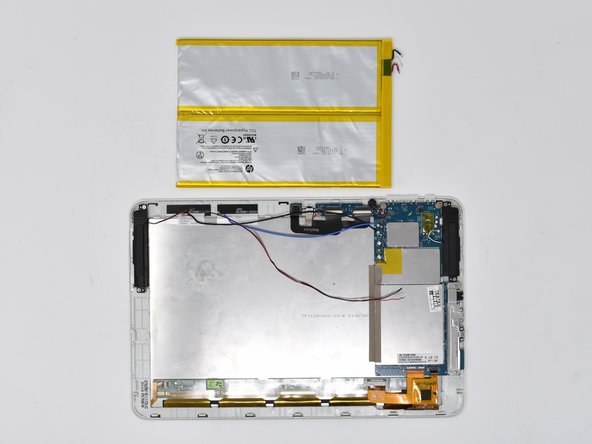
The battery is attached to the back of the device's display. In this guide, you will desolder the battery connections to the motherboard and remove the battery from the device. This guide requires soldering; please be careful and ventilate the room.
What you need
-
-
-
Insert the smallest plastic opening tool into the SD card port. Gently pry until the back panel separates from the screen panel.
-
-
-
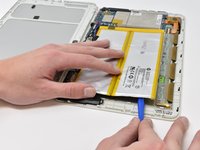
Slide the opening tool along the seam between the back panel and the screen panel, prying the panels apart as you move around the edges.
-
-
-
-
-
Pull the bright blue-green tabs to remove the battery from the rest of the device.
-
-
-
If the previous step is unsuccessful, wedge the smallest plastic opening tool between the adhesive and the metal display casing.
-

 Ask FixBot


To reassemble your device, follow these instructions in reverse order.
Cancel: I did not complete this guide.
3 other people completed this guide.

Team

Central Washington University, Team S1-G4, Pengilly Fall 2018 Member of Central Washington University, Team S1-G4, Pengilly Fall 2018
CWU-PENGILLY-F18S1G4
4 Members
60 Guides authored
2 Guide Comments
Do you know where to buy a replacement battery for this device?
Hi Nathan,
Unfortunately HP has not released this battery for sale to the public, as seen at https://parts.hp.com/hpparts/Search_Resu.... It may be worthwhile to contact HP. Here is an email address for their customer service: ''HPparts.sales.ams@hp.com.
