Introduction
In this guide, you will learn how to replace the right charging port on your Google Pixelbook Go to fix charging issues.
What you need
-
-
Flip the device so that the back is facing up.
-
Peel the rubber stoppers off the top and bottom of the device.
 Ask FixBot
-
-
-
Remove ten 3 mm screws from around the edge of the back panel using a T5 Torx screwdriver.
-
-
-
-
Use an iFixit opening tool to pry up the back panel cover.
-
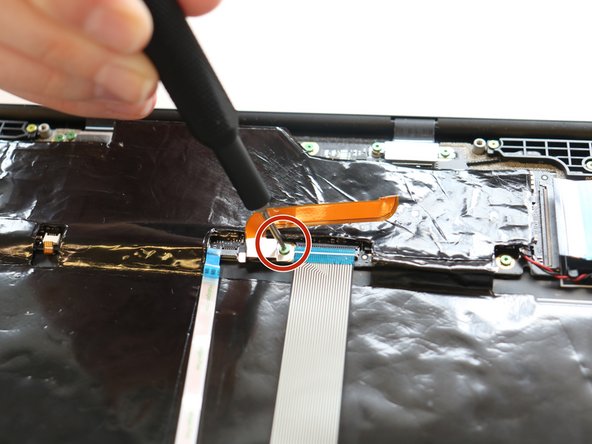
Remove the single 2 mm screw using a Torx T3 screwdriver.
-
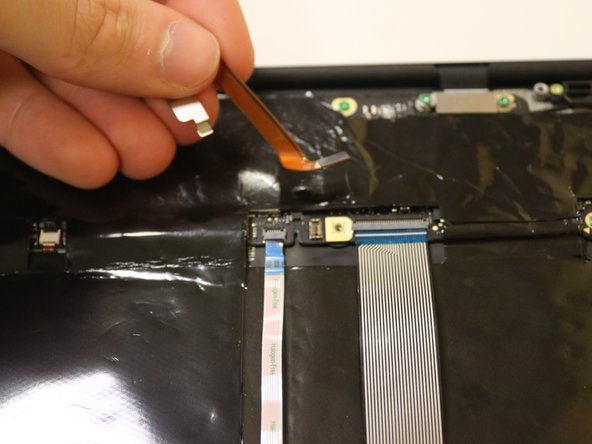
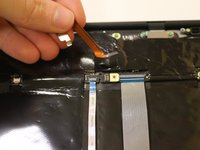
Disconnect the orange cable from the base of the device.
-
-
-
Remove the three pink screws from the right charging port using a T3 Torx screwdriver.
-
-
-
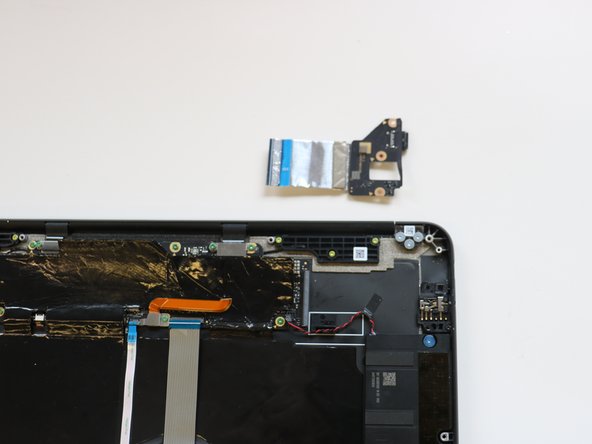
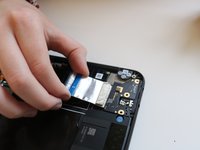
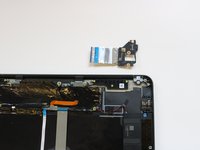
Remove the right charging port by picking it up and lifting it from the computer.
-




To reassemble your device, follow these instructions in reverse order.

Team

University of Delaware, Team 11-1, McGuire Spring 2023 Member of University of Delaware, Team 11-1, McGuire Spring 2023
UD-MCGUIRE-S23S11G1
5 Members
4 Guides authored
