
Google Pixelbook Go Left Charging Port Replacement

Harleen Chahal and one other contributor
Last updated on Jun 5, 2023
Views: 585
View statistics:
- Past 24 Hours:
- 1
- Past 7 Days:
- 8
- Past 30 Days:
- 59
- All Time:
- 585
Comments: 1
1 comment on steps.
Completed: 0 1
No one has marked this guide "completed." Will you be the first?
1 person has marked this guide "completed." It's you — great job!
Favorites: 0 1
No one has favorited (and subscribed to) this guide. Will you be the first?
1 person has favorited (and subscribed to) this guide — and that's you!
Introduction
Go to step 1 ↓If your Google Pixelbook Go's left charging port is no longer working, use this guide to learn how to disassemble the device in order to remove the left charging port.
Before using this guide, check the charging port for debris. To remove any debris, use an ESD-safe brush or small dust blower. You should also test that the cable you are using charges the device to ensure the faulty part is the charging port and not the cable.
Before you begin, make sure to disconnect the device from any external power sources
What you need
Tools


-
-
-
Flip the device so that the back is facing up.
-
Peel the rubber stoppers off the top and bottom of the device.
 Ask FixBot
-
-
-
Remove ten 3 mm screws from around the edge of the back panel using a T5 Torx screwdriver.
-
-
-
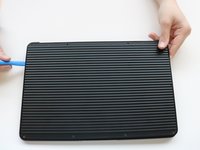
Use an iFixit opening tool to pry up the back panel cover.
-
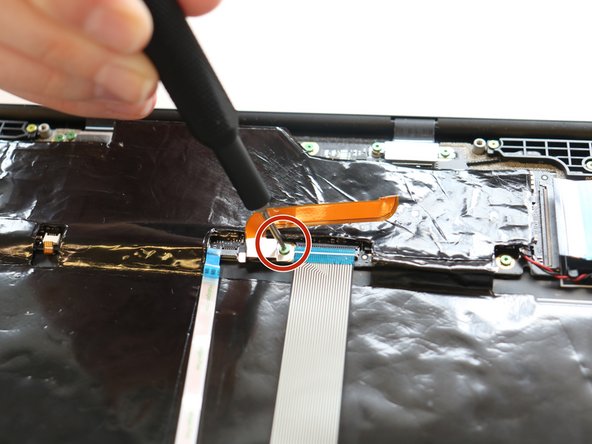
Remove the single 2 mm screw using a Torx T3 screwdriver.
-
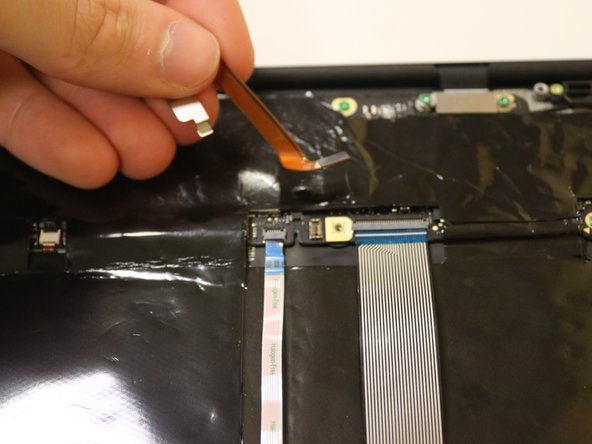
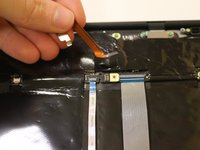
Disconnect the orange cable from the base of the device.
-
-
-
-
-
-
Find the left side of the device by locating the white stickers
-
Remove the three pink screws using a T3 Torx screwdriver.
-
-
-
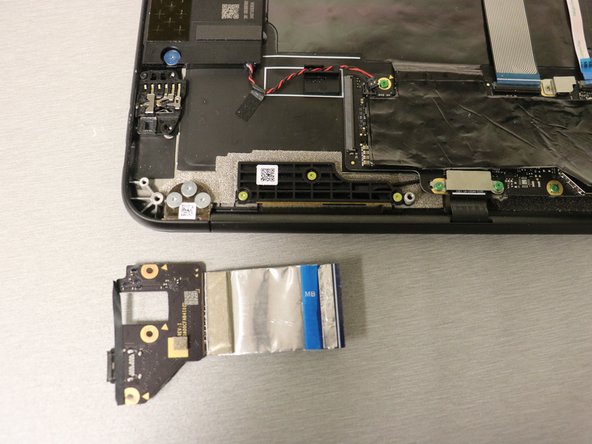
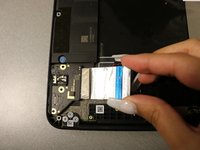
Carefully grab the silver tab and slide the left charging port out of the laptop.
-
-




To reassemble your device, follow these instructions in reverse order.

Team

University of Delaware, Team 11-1, McGuire Spring 2023 Member of University of Delaware, Team 11-1, McGuire Spring 2023
UD-MCGUIRE-S23S11G1
5 Members
48 Guides authored
