
Google Pixelbook Go Back Panel Replacement

Last updated on Sep 26, 2026
Views: 1.5K
View statistics:
- Past 24 Hours:
- 6
- Past 7 Days:
- 22
- Past 30 Days:
- 105
- All Time:
- 1,529
Comments: 1
1 comment on steps.
Completed: 0 1
No one has marked this guide "completed." Will you be the first?
1 person has marked this guide "completed." It's you — great job!
Favorites: 0 1
No one has favorited (and subscribed to) this guide. Will you be the first?
1 person has favorited (and subscribed to) this guide — and that's you!
Better Introduction
Improve this guide by completing or revising its introduction.
Missing Details
Some of this guide's details are missing. Help users by adding tools, difficulty, or time.
What you need
Tools


-
-
-
Flip the device so that the back is facing up.
-
Peel the rubber stoppers off the top and bottom of the device.
 Ask FixBot
-
-
-
Remove ten 3 mm screws from around the edge of the back panel using a T5 Torx screwdriver.
-
-
-
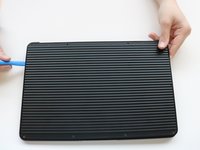
Use an iFixit opening tool to pry up the back panel cover.
-
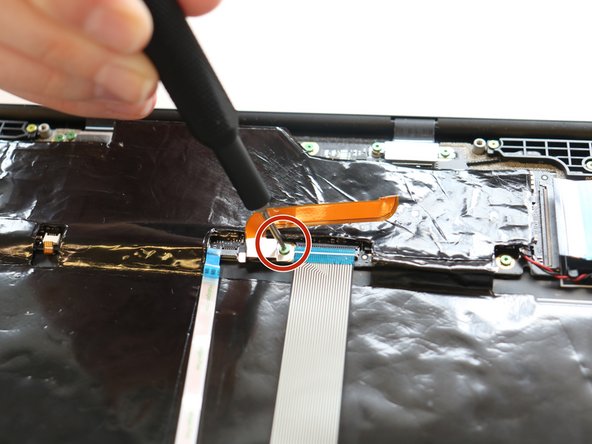
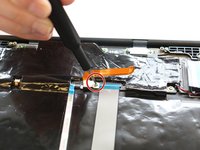
Remove the single 2 mm screw using a Torx T3 screwdriver.
-
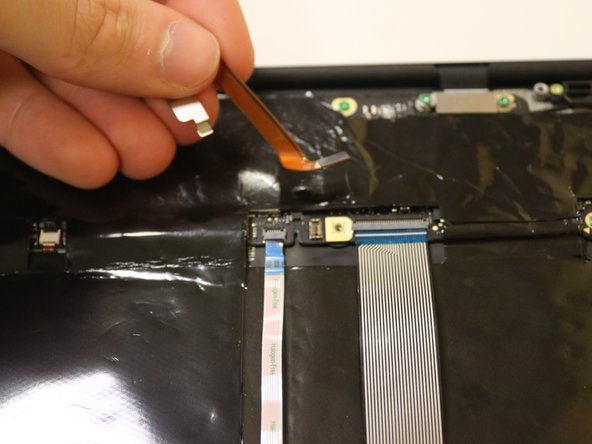
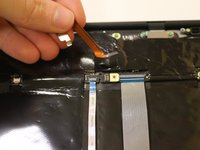
Disconnect the orange cable from the base of the device.
-
-
-



To reassemble your device, follow these instructions in reverse order.


