Introduction
This repair guide was authored by the iFixit staff and hasn’t been endorsed by Google. Learn more about our repair guides here.
Follow this guide to remove and replace a shattered rear glass panel, or to change the color of the panel, for the Google Pixel XL.
What you need
-
-
-
Heat an iOpener and apply it to the phone's back glass panel for two minutes.
 Ask FixBot
-
-
-
When the glass is warm to the touch, apply a suction cup close to the edge.
-
Lift on the suction cup and insert an opening pick in the gap.
-
-
-
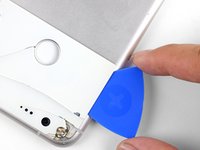
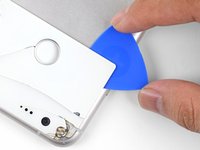
Use the opening pick to slice through the glass panel's perimeter adhesive.
-
If the slicing becomes hard, reapply heat to the panel.
-
-
-
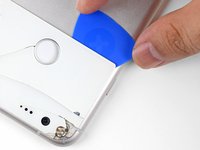
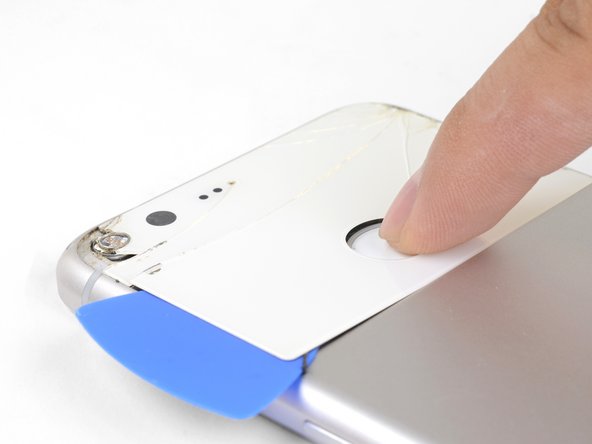
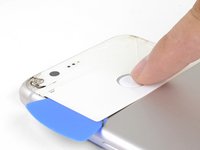
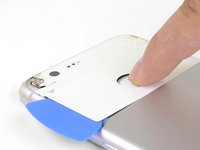
When you free the back glass around the fingerprint sensor, press down on the sensor firmly until it separates from the back glass.
-
Continue to slice through the adhesive underneath the back glass until you are able to remove the panel.
-
-
-
Tool used on this step:Tweezers$4.99
-
Use an opening pick and tweezers to carefully pry up and remove the mesh.
-
-
-
Use a spudger or opening tool to scrape all adhesive from the frame.
-
Use high concentration isopropyl alcohol (over 90%) to wipe away any remaining residue.
-
-
-
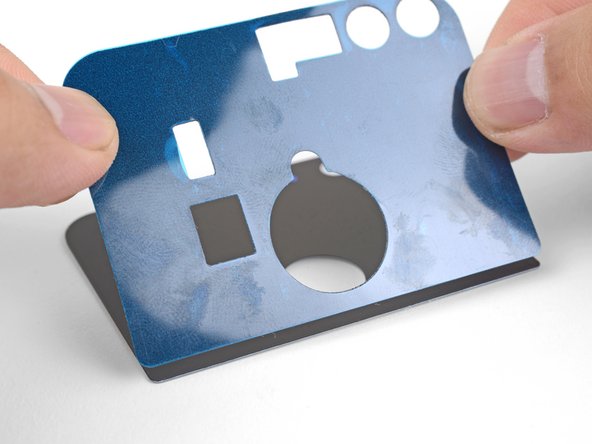
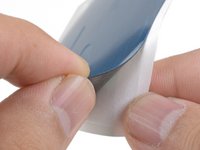
Peel the white backing away from the included adhesive sheet, making sure to punch out all cutouts.
-
Line the bottom edge of the adhesive to the bottom edge of the replacement glass panel.
-
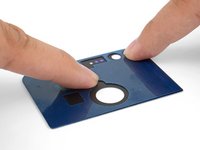
Slowly lower the adhesive onto the glass panel.
-
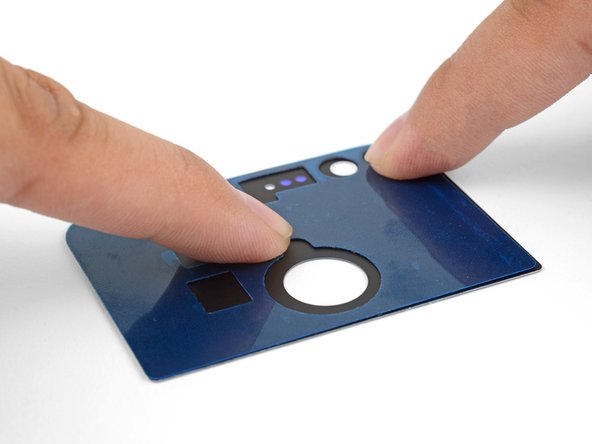
Rub your fingers against the adhesive to help it bond with the glass panel.
-
-
-
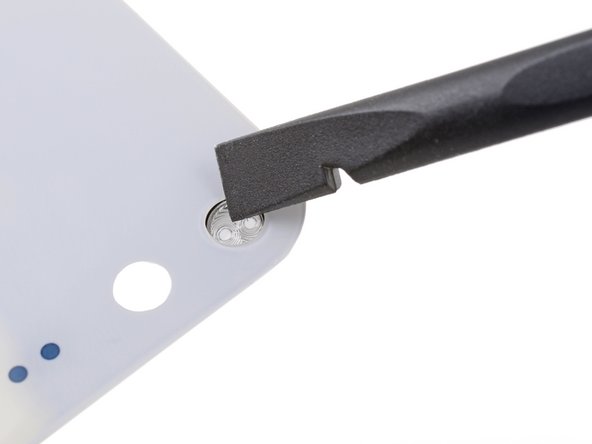
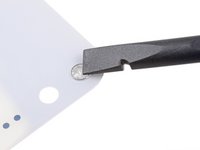
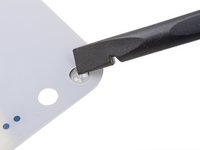
Use a spudger or your finger to firmly press on the lens from the outward-facing side (the side you can usually see on the phone) of the glass panel until it loosens from its recess.
-
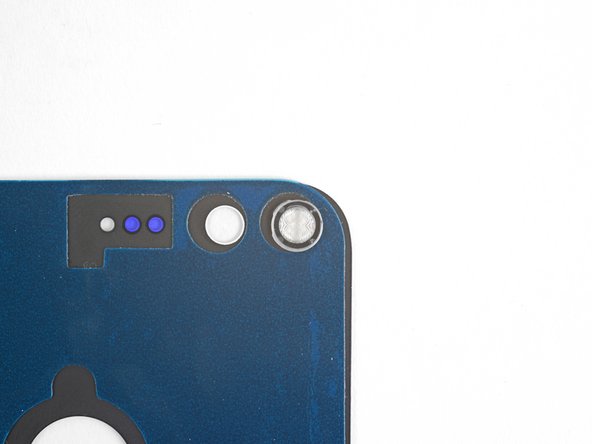
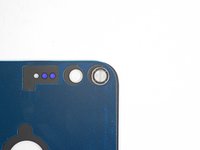
Remove the lens and transfer it onto the back side of the replacement panel.
-
-
-
Peel the liner off of the adhesive-backed glass panel.
-
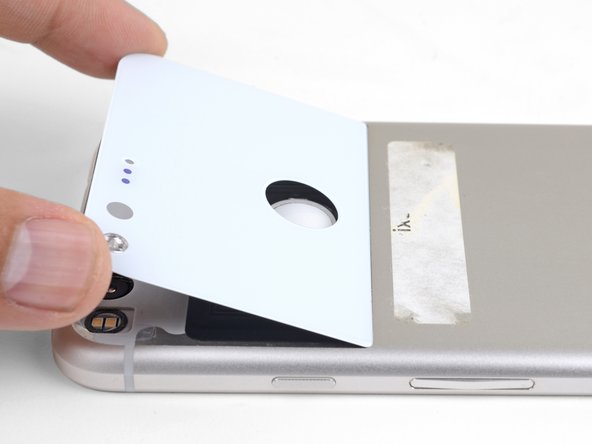
Align the glass panel to the bottom edge of the indentation.
-
Lower the glass panel into place.
-
-
-
To help the back glass adhesive bond more securely, stack some heavy books on top of the phone for 30 minutes.
-
-








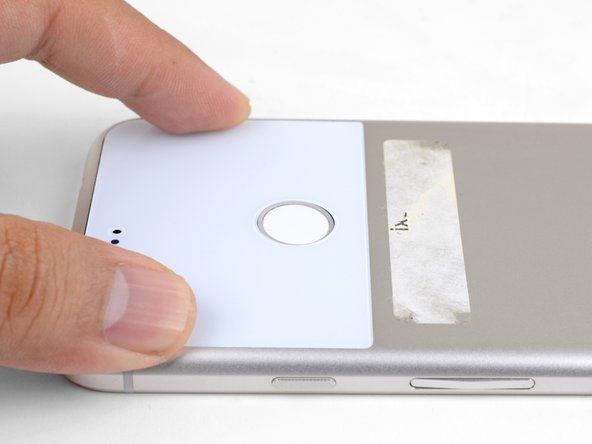
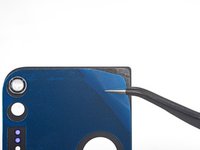

To reassemble your device, follow these instructions in reverse order.
Repair didn’t go as planned? Check out our Google Pixel XL Answers community for troubleshooting help.
Cancel: I did not complete this guide.
16 other people completed this guide.


