Free Shipping on Domestic Orders $75+

Google Pixel Watch 5 Vibration Motor Replacement

Views: 214

View statistics:

Past 24 Hours:
2
Past 7 Days:
21
Past 30 Days:
93
All Time:
214
Comments: 5

5 comments on steps.

Completed: 0

No one has marked this guide "completed." Will you be the first?

Favorites: 0

No one has favorited (and subscribed to) this guide. Will you be the first?

Time Required: 15 - 30 minutes
Difficulty: Moderate
Google Pixel Watch 5 Vibration Motor Replacement

Introduction

Go to step 1 ↓

This repair guide was authored by the iFixit staff and hasn’t been endorsed by Google. Learn more about our repair guides here.

Use this guide to replace the vibration motor in your Google Pixel Watch 5.

If your watch is making inconsistent or weak vibrations, or isn't vibrating at all, it may be time to replace the vibration motor.

This guide was written using a 41 mm LTE model Pixel Watch 4. While some photos may contain slight visual discrepancies, procedures for all Pixel Watch 4/5 41 mm/45 mm models are functionally the same.

What you need

Parts

Tools

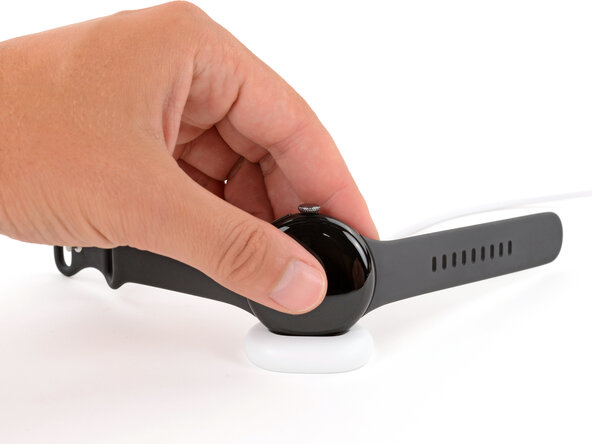
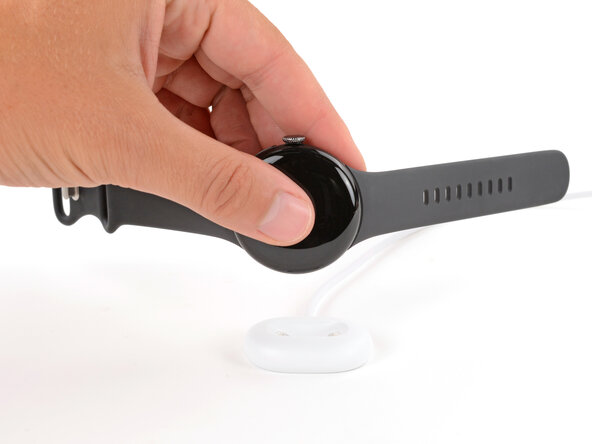
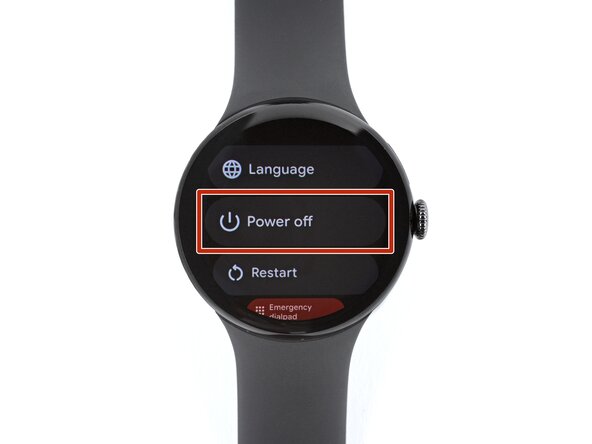
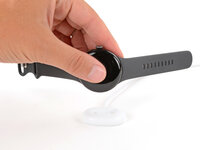
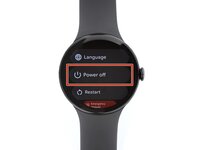
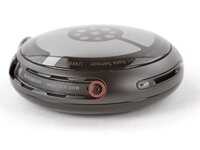
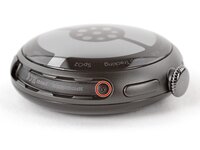
    1. Google Pixel Watch 5 Vibration Motor Replacement, Prepare your watch for disassembly: step 1, image 1 of 3 Google Pixel Watch 5 Vibration Motor Replacement, Prepare your watch for disassembly: step 1, image 2 of 3 Google Pixel Watch 5 Vibration Motor Replacement, Prepare your watch for disassembly: step 1, image 3 of 3
      • Before starting your repair:

      • Remove your watch from the charger.

      • Press and hold the crown button, then tap Power off to shut down your watch.

      Ask FixBot

      Add Comment

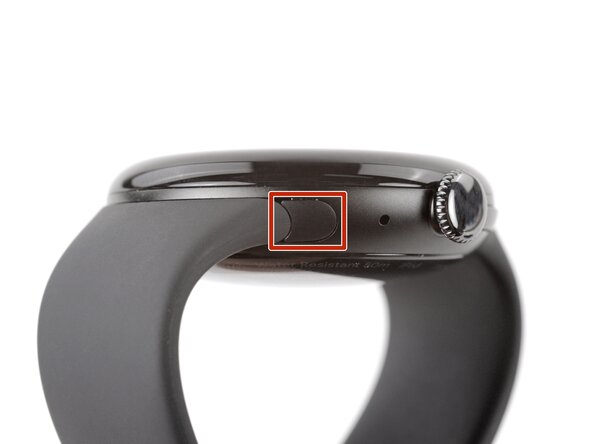
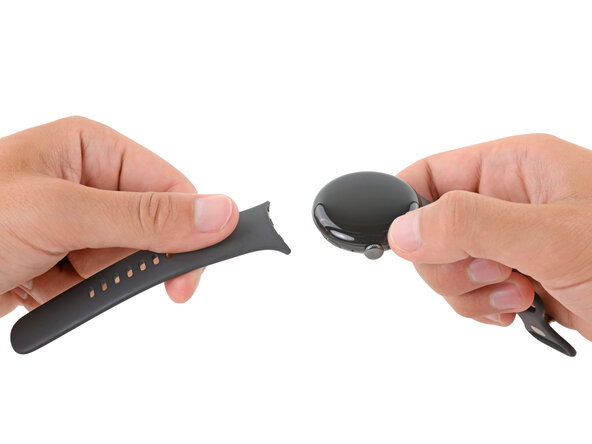
    2. Google Pixel Watch 5 Vibration Motor Replacement, Remove the watch bands: step 2, image 1 of 3 Google Pixel Watch 5 Vibration Motor Replacement, Remove the watch bands: step 2, image 2 of 3 Google Pixel Watch 5 Vibration Motor Replacement, Remove the watch bands: step 2, image 3 of 3
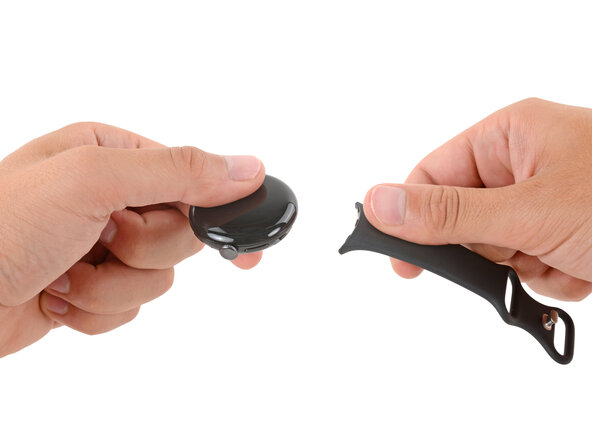
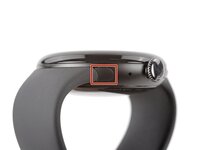
      • Remove each watch band by depressing the release button and sliding the band out of its groove.

      Ask FixBot

      Add Comment

    3. Google Pixel Watch 5 Vibration Motor Replacement: step 3, image 1 of 1
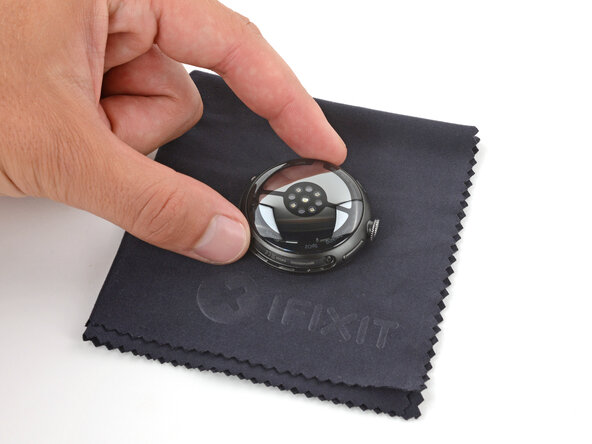
      • Throughout the rest of your repair, consider placing your watch on something soft like a clean cloth to help stabilize it and prevent scratches to the front glass.

      Ask FixBot

      Add Comment

    4. Google Pixel Watch 5 Vibration Motor Replacement, Remove the back sensor glass screws: step 4, image 1 of 3 Google Pixel Watch 5 Vibration Motor Replacement, Remove the back sensor glass screws: step 4, image 2 of 3 Google Pixel Watch 5 Vibration Motor Replacement, Remove the back sensor glass screws: step 4, image 3 of 3
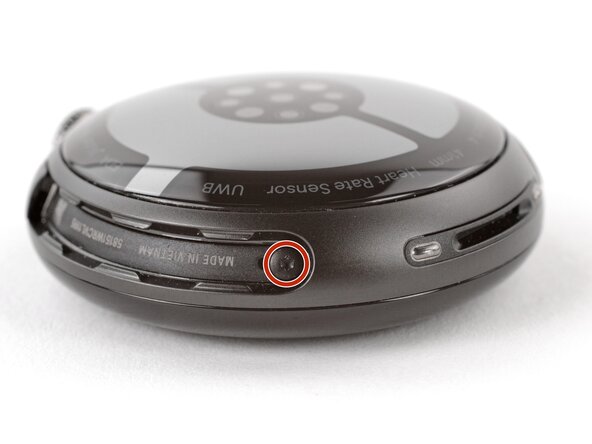
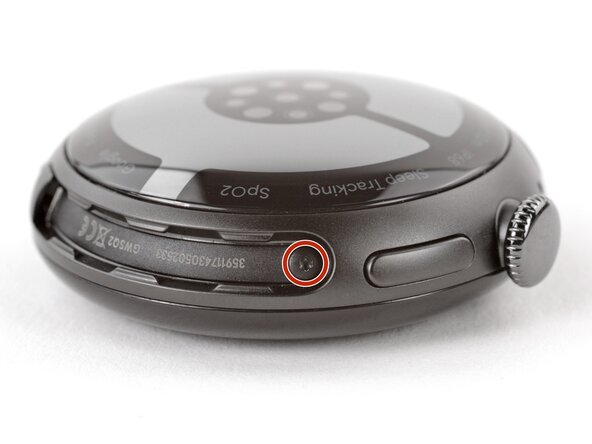
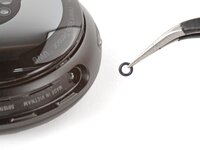
      • Use a Torx Plus 2IP screwdriver to remove the 3.0 mm‑long screw from both watch band grooves (two screws total).

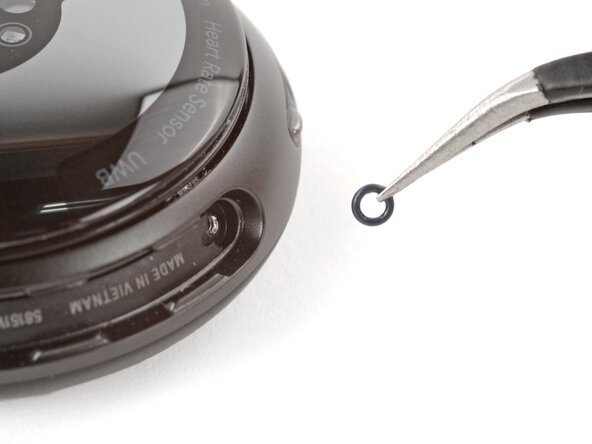
      • Both screws have a tiny O‑ring. If they don't lift away with the screw, use a pair of tweezers to carefully remove them from the band groove and set them aside. These O-rings are required to maintain waterproofing.

      • Handle these O-rings carefully. Avoid pinching or slicing them with your tool.

      • During reassembly:

      • Make sure the O‑rings are on the screws before installing them.

      • Push down firmly on the back glass while installing the screws to make sure the glass gets properly seated.

      • If there's a gap between the back glass and frame, remove the screws and reinstall them.

      Ask FixBot

      Add Comment

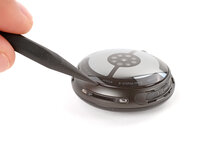
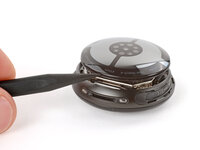
    5. Google Pixel Watch 5 Vibration Motor Replacement, Separate the back sensor glass: step 5, image 1 of 2 Google Pixel Watch 5 Vibration Motor Replacement, Separate the back sensor glass: step 5, image 2 of 2
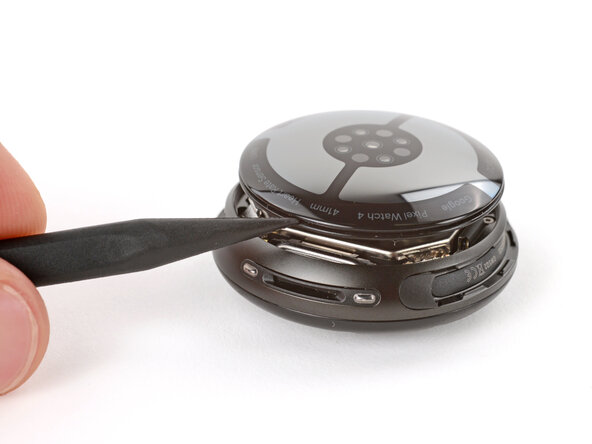
      • Insert the point of a spudger (or a clean fingernail) into the seam between the back sensor glass and frame and pry up until the cover detaches.

      Ask FixBot

      Add Comment

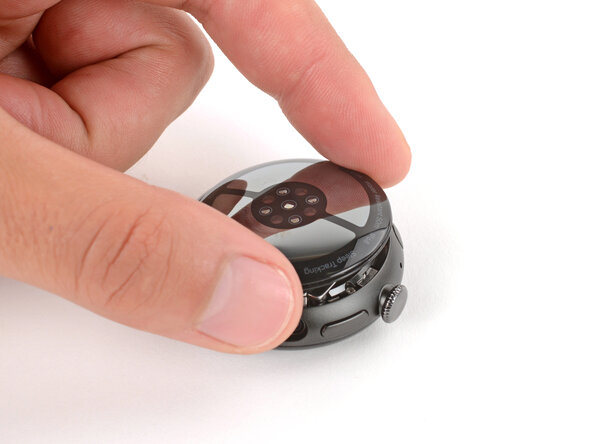
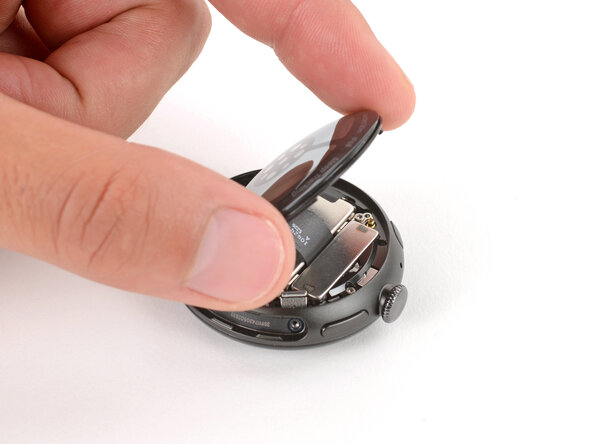
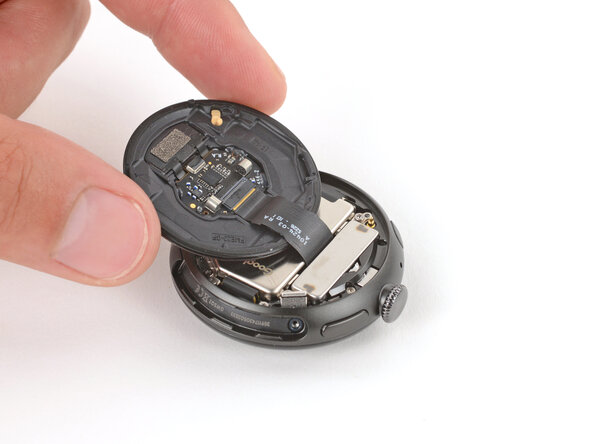
    6. Google Pixel Watch 5 Vibration Motor Replacement, Reposition the back sensor glass: step 6, image 1 of 3 Google Pixel Watch 5 Vibration Motor Replacement, Reposition the back sensor glass: step 6, image 2 of 3 Google Pixel Watch 5 Vibration Motor Replacement, Reposition the back sensor glass: step 6, image 3 of 3
      • Gently lift the back glass and flip it over the side of the watch opposite the crown.

      • Be careful not to strain the cable connecting the back sensor glass.

      Ask FixBot

      Add Comment

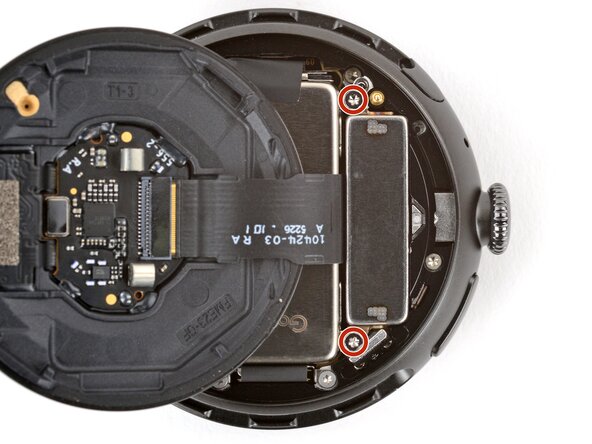
    1. Google Pixel Watch 5 Vibration Motor Replacement, Remove the vibration motor screws: step 7, image 1 of 2 Google Pixel Watch 5 Vibration Motor Replacement, Remove the vibration motor screws: step 7, image 2 of 2
      • Optionally, you can disconnect the back glass to give you more room to work—though you can complete the repair just fine with it still connected.

      • Use a Torx Plus 2IP screwdriver to remove the two 2.2 mm‑long screws securing the vibration motor.

      Ask FixBot

      Add Comment

    2. Google Pixel Watch 5 Vibration Motor Replacement, Remove the vibration motor: step 8, image 1 of 2 Google Pixel Watch 5 Vibration Motor Replacement, Remove the vibration motor: step 8, image 2 of 2
      Ask FixBot

      Add Comment

Conclusion

To reassemble your device, follow these instructions in reverse order.

Take your e-waste to an R2 or e-Stewards certified recycler.

Repair didn’t go as planned? Try some basic troubleshooting, or ask our Answers community for help.

Cancel: I did not complete this guide.

Carsten Frauenheim

Member since: 03/10/20

173,659 Reputation

442 Guides authored

0 Guide Comments

Add Comment

View Statistics:

Past 24 Hours: 2

Past 7 Days: 21

Past 30 Days: 93

All Time: 214