Free Shipping on Domestic Orders $75+

Google Pixel Slate Speaker Replacement

What you need

    1. Google Pixel Slate Speaker Replacement, Screen: step 1, image 1 of 3 Google Pixel Slate Speaker Replacement, Screen: step 1, image 2 of 3 Google Pixel Slate Speaker Replacement, Screen: step 1, image 3 of 3
      • Orient the Google Pixel Slate so that the screen is facing upwards.

      • Use the iFixit opening tool to separate screen from main body. The screen is held down by adhesive, you will need to use the iOpener or a heat gun/ hairdryer to soften it. Failure to do this will result in a broken screen.

      • Use the suction cup to remove the screen from the body of the device.

      Ask FixBot

      Add Comment

    2. Google Pixel Slate Speaker Replacement: step 2, image 1 of 3 Google Pixel Slate Speaker Replacement: step 2, image 2 of 3 Google Pixel Slate Speaker Replacement: step 2, image 3 of 3
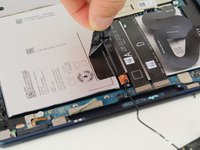
      • Gently disconnect the three flat-wires from the screen.

      • Carefully separate and remove the screen from the body of the device.

      Ask FixBot

      Add Comment

    1. Google Pixel Slate Speaker Replacement, Speaker: step 3, image 1 of 3 Google Pixel Slate Speaker Replacement, Speaker: step 3, image 2 of 3 Google Pixel Slate Speaker Replacement, Speaker: step 3, image 3 of 3
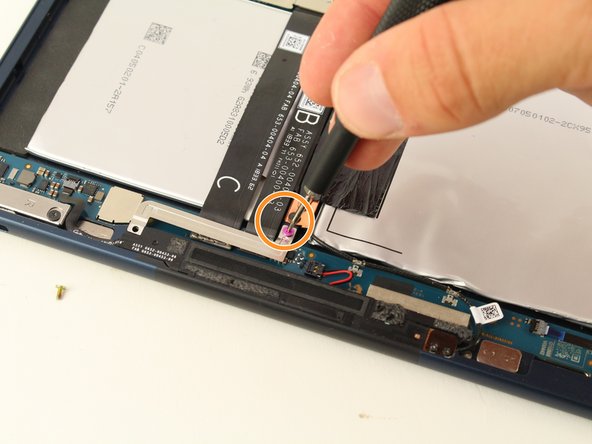
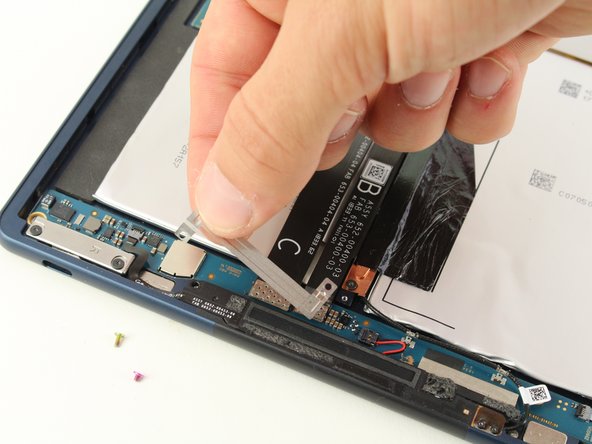
      • There are two speakers, one on each side of the Google Pixel Slate. This guide works for either one.

      • Use the T2 Torx screwdriver to remove the yellow 2mm screw from the thin metal plate.

      • Use the T3 Torx screwdriver to remove the pink 3mm screw from the thin metal plate.

      • Remove the thin metal plate from the device.

      Ask FixBot

      Add Comment

    2. Google Pixel Slate Speaker Replacement: step 4, image 1 of 1
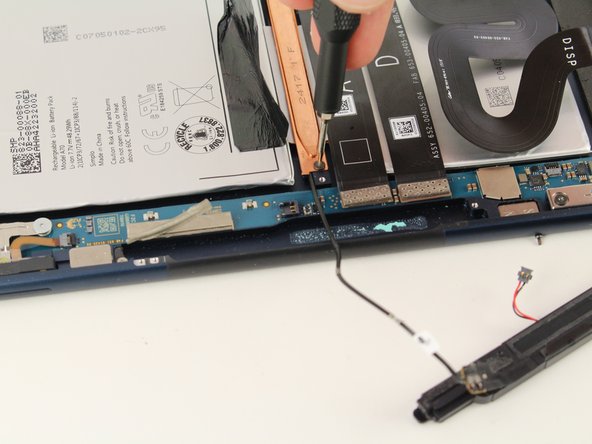
      • Use the T2 Torx screwdriver to remove the two black 2mm screws from the speaker.

      Ask FixBot

      Add Comment

    3. Google Pixel Slate Speaker Replacement: step 5, image 1 of 2 Google Pixel Slate Speaker Replacement: step 5, image 2 of 2
      Tool used on this step:
      Tweezers
      $4.99
      Buy
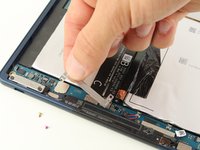
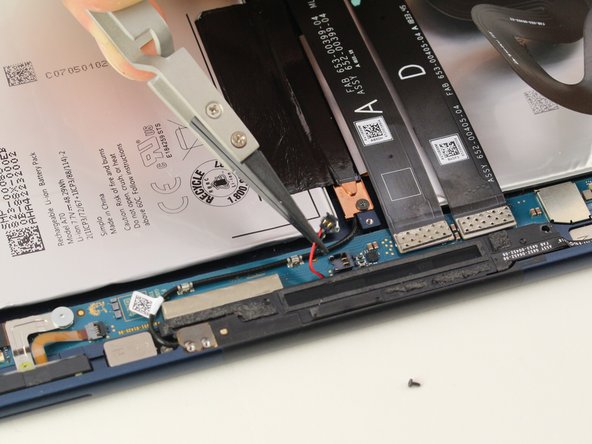
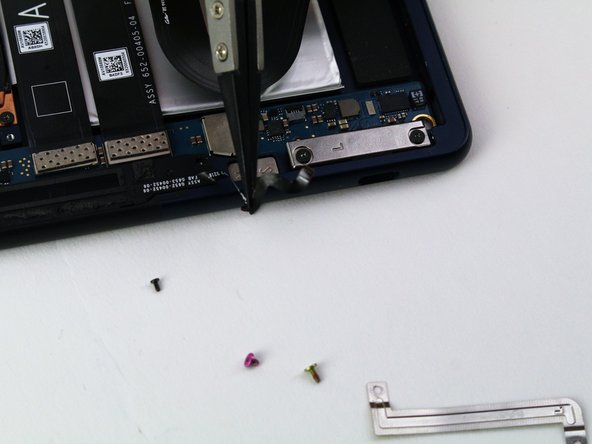
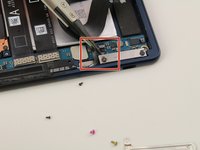
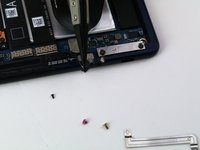
      • Use the Nylon-Tipped Tweezers to remove the black plug.

      • There is a red and a black wire connected to the black plug.

      • Pull the black plug in an upwards direction.

      • Be sure to gently remove plug, as using too much force can damage the connecting wires.

      Ask FixBot

      Add Comment

    4. Google Pixel Slate Speaker Replacement: step 6, image 1 of 2 Google Pixel Slate Speaker Replacement: step 6, image 2 of 2
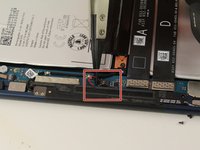
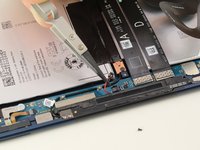
      • Use the Nylon-Tipped Tweezers to disconnect the black tape-like plug connected to the speaker.

      Ask FixBot

      Add Comment

    5. Google Pixel Slate Speaker Replacement: step 7, image 1 of 2 Google Pixel Slate Speaker Replacement: step 7, image 2 of 2
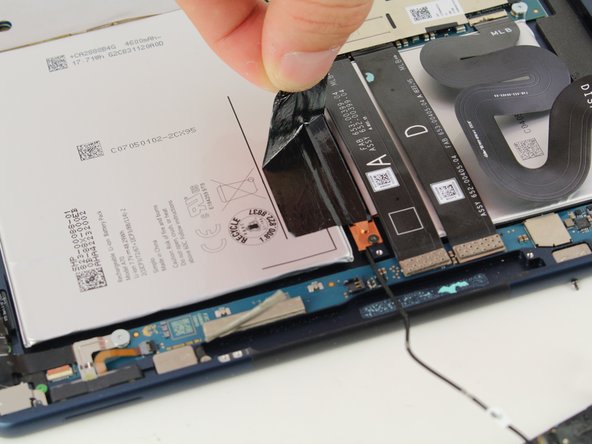
      • Detach the speaker wire from the motherboard.

      • Remove the adhesive strips that hold down the speaker wire.

      Ask FixBot

      Add Comment

    6. Google Pixel Slate Speaker Replacement: step 8, image 1 of 3 Google Pixel Slate Speaker Replacement: step 8, image 2 of 3 Google Pixel Slate Speaker Replacement: step 8, image 3 of 3
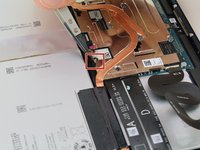
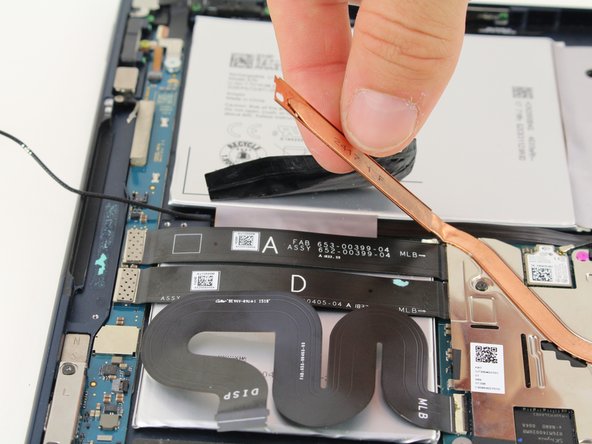
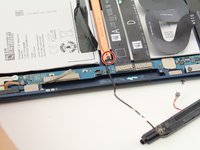
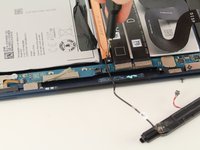
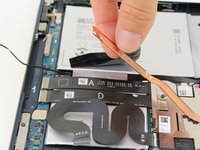
      • Use the T2 Torx screwdriver to remove the 2mm black screw from the brass plate.

      • Pull back the brass plate.

      Ask FixBot

      Add Comment

    7. Google Pixel Slate Speaker Replacement: step 9, image 1 of 1
      • You can now remove the speaker from the device.

      Ask FixBot

      Add Comment

Conclusion

To reassemble your device, follow these instructions in reverse order.

Cancel: I did not complete this guide.

3 other people completed this guide.

Spencer Alonge

Member since: 04/18/19

678 Reputation

5 Guides authored

Team

Cal Poly, Team S2-G5, Maness Spring 2019 Member of Cal Poly, Team S2-G5, Maness Spring 2019

CPSU-MANESS-S19S2G5

4 Members

60 Guides authored

0 Guide Comments

Add Comment

View Statistics:

Past 24 Hours: 1

Past 7 Days: 7

Past 30 Days: 31

All Time: 1,306