Introduction
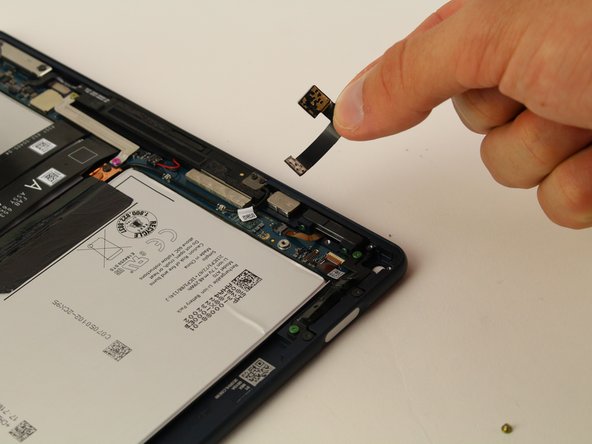
This replacement guide demonstrates the steps required to replace a cracked, damaged, or otherwise inoperable rear-facing camera in your Google Pixel Slate.
The rear-facing camera is used to take photos from the back of your device. It may become inoperable for a number of reasons including factory defect. Before replacing, first try resetting your device. If the problem remains the same, continue with the replacement.
Replacing the rear-facing camera requires no special skills. Each of the steps is in this guide is accompanied by a brief description and photos demonstrating what you will need to do.
What you need
-
-
-
Orient the Google Pixel Slate so that the screen is facing upwards.
-
Use the iFixit opening tool to separate screen from main body. The screen is held down by adhesive, you will need to use the iOpener or a heat gun/ hairdryer to soften it. Failure to do this will result in a broken screen.
-
Use the suction cup to remove the screen from the body of the device.
 Ask FixBot
-
-
-
Gently disconnect the three flat-wires from the screen.
-
Carefully separate and remove the screen from the body of the device.
-
-
-
-
-
Tool used on this step:Tweezers$4.99
-
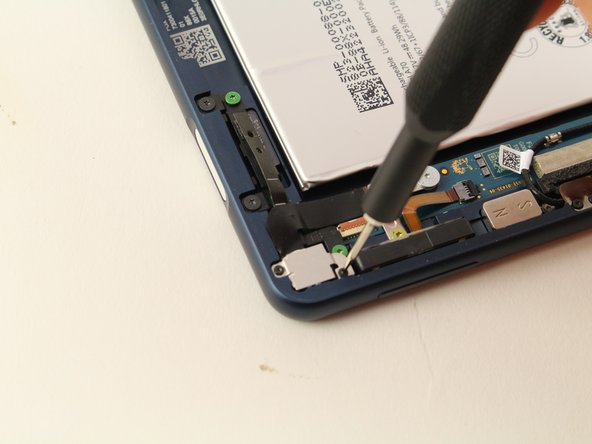
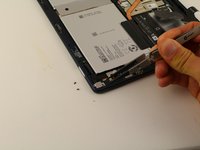
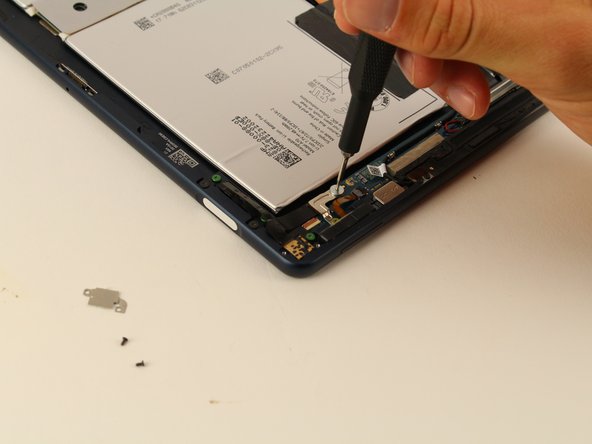
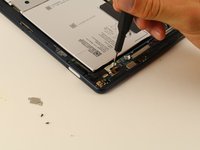
Use a T2 Torx screwdriver to remove the two black 2mm screws holding down the square plate.
-
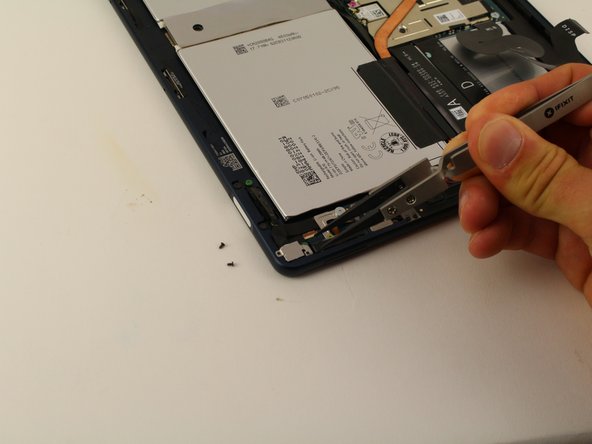
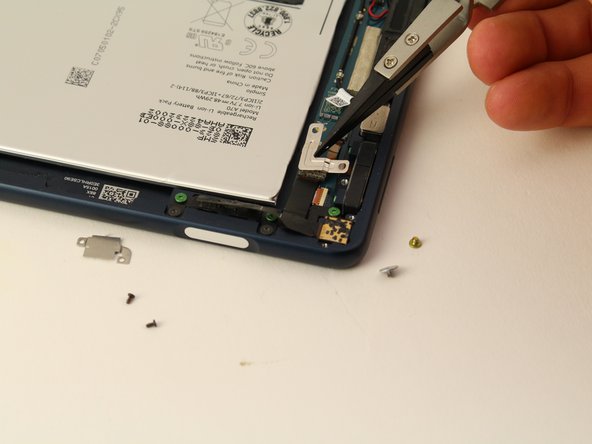
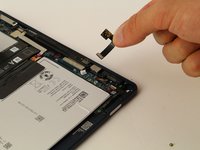
Use the Nylon Tipped Tweezers to lift the metal plate.
-
-
-
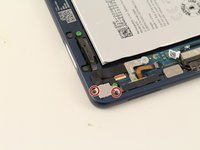
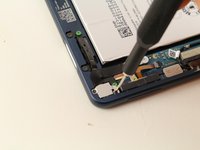
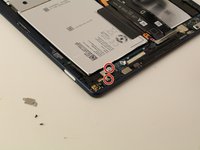
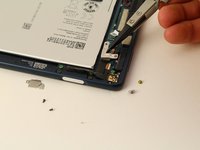
Use a T3 Torx screwdriver to remove the two yellow and grey 3mm screws from the L-shaped plate.
-
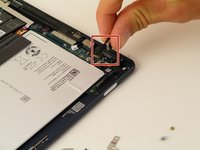
Use the Nylon Tipped Tweezers to lift the plate from the device.
-
-





To reassemble your device, follow these instructions in reverse order.
Cancel: I did not complete this guide.
2 other people completed this guide.

Team

Cal Poly, Team S2-G5, Maness Spring 2019 Member of Cal Poly, Team S2-G5, Maness Spring 2019
CPSU-MANESS-S19S2G5
4 Members
60 Guides authored
