Free Shipping on Domestic Orders $75+

Google Pixel Slate Motherboard Replacement

What you need

  1. Google Pixel Slate Motherboard Replacement, Screen: step 1, image 1 of 3 Google Pixel Slate Motherboard Replacement, Screen: step 1, image 2 of 3 Google Pixel Slate Motherboard Replacement, Screen: step 1, image 3 of 3
    • Orient the Google Pixel Slate so that the screen is facing upwards.

    • Use the iFixit opening tool to separate screen from main body. The screen is held down by adhesive, you will need to use the iOpener or a heat gun/ hairdryer to soften it. Failure to do this will result in a broken screen.

    • Use the suction cup to remove the screen from the body of the device.

    Ask FixBot

    Add Comment

  2. Google Pixel Slate Motherboard Replacement: step 2, image 1 of 3 Google Pixel Slate Motherboard Replacement: step 2, image 2 of 3 Google Pixel Slate Motherboard Replacement: step 2, image 3 of 3
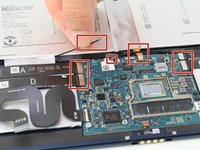
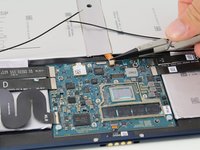
    • Gently disconnect the three flat-wires from the screen.

    • Carefully separate and remove the screen from the body of the device.

    Ask FixBot

    Add Comment

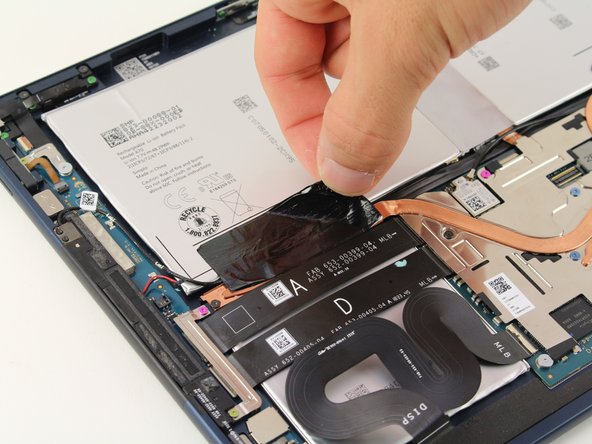
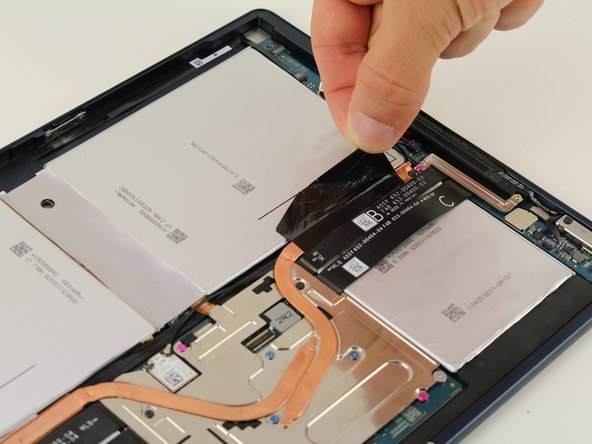
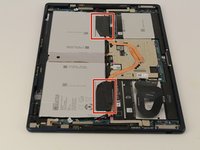
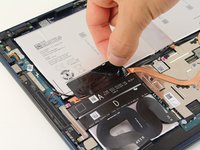
  3. Google Pixel Slate Motherboard Replacement, Motherboard: step 3, image 1 of 3 Google Pixel Slate Motherboard Replacement, Motherboard: step 3, image 2 of 3 Google Pixel Slate Motherboard Replacement, Motherboard: step 3, image 3 of 3
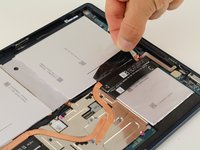
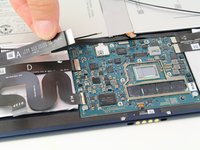
    • Once the screen is removed, remove the two black, adhesive strips.

    Ask FixBot

    Add Comment

  4. Google Pixel Slate Motherboard Replacement: step 4, image 1 of 3 Google Pixel Slate Motherboard Replacement: step 4, image 2 of 3 Google Pixel Slate Motherboard Replacement: step 4, image 3 of 3
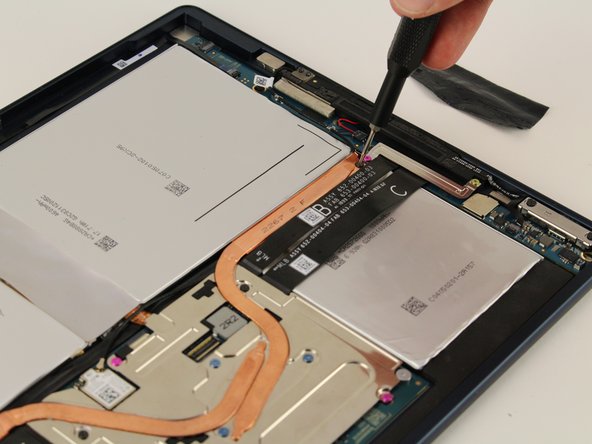
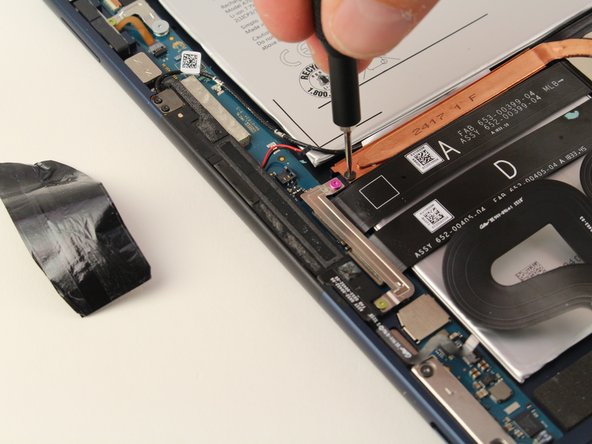
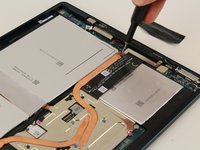
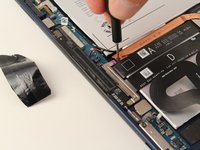
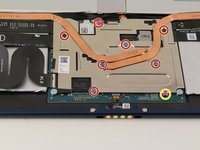
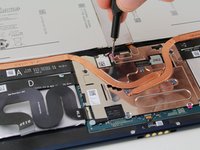
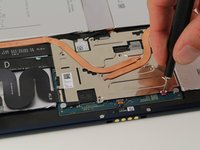
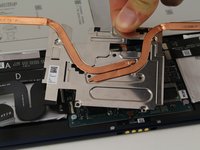
    • Use a T3 Torx screwdriver to remove the two black screws that are holding down the copper strip.

    Ask FixBot

    Add Comment

  5. Google Pixel Slate Motherboard Replacement: step 5, image 1 of 3 Google Pixel Slate Motherboard Replacement: step 5, image 2 of 3 Google Pixel Slate Motherboard Replacement: step 5, image 3 of 3
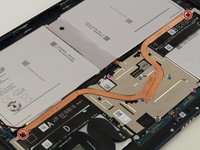
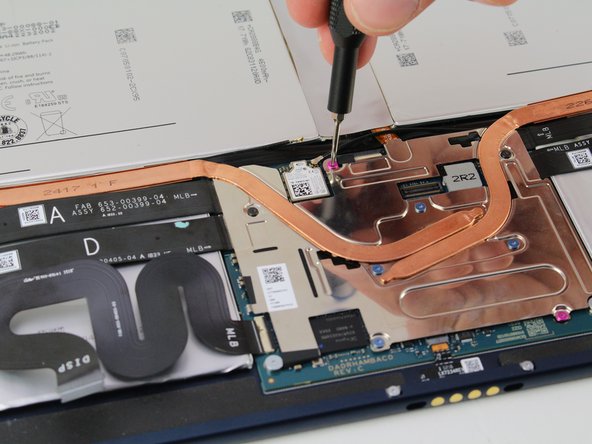
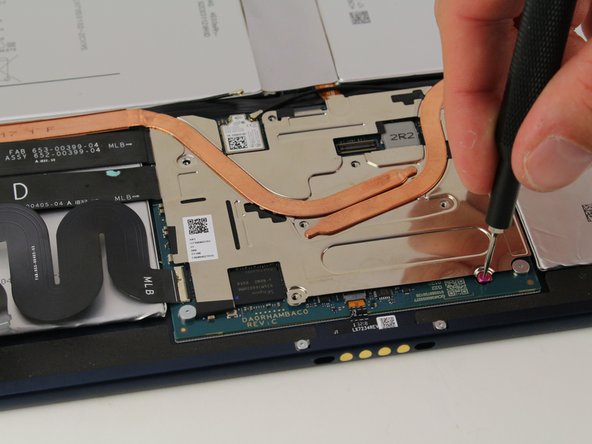
    • Use the T3 Torx screwdriver to remove the seven 3mm screws.

    • Use a T2 Torx screwdriver to remove the pink 2mm screw closest to the edge.

    • There is a total of four blue 3mm screws, two black 3mm screws, one pink 3mm screw, and one pink 2mm screw holding down the plate.

    Ask FixBot

    Add Comment

  6. Google Pixel Slate Motherboard Replacement: step 6, image 1 of 2 Google Pixel Slate Motherboard Replacement: step 6, image 2 of 2
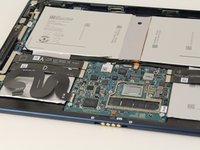
    • Lift and remove the metal plate.

    Ask FixBot

    Add Comment

  7. Google Pixel Slate Motherboard Replacement: step 7, image 1 of 3 Google Pixel Slate Motherboard Replacement: step 7, image 2 of 3 Google Pixel Slate Motherboard Replacement: step 7, image 3 of 3
    Tool used on this step:
    Tweezers
    $4.99
    Buy
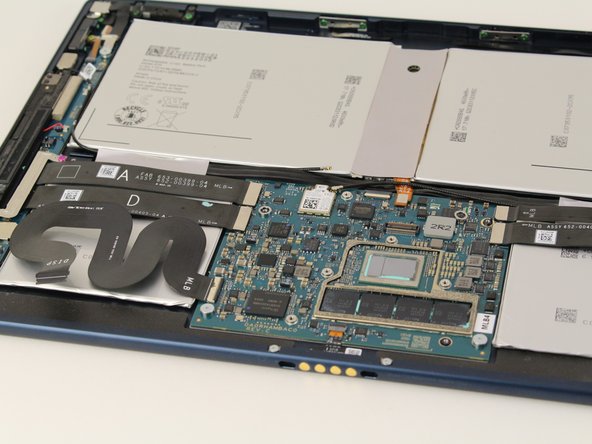
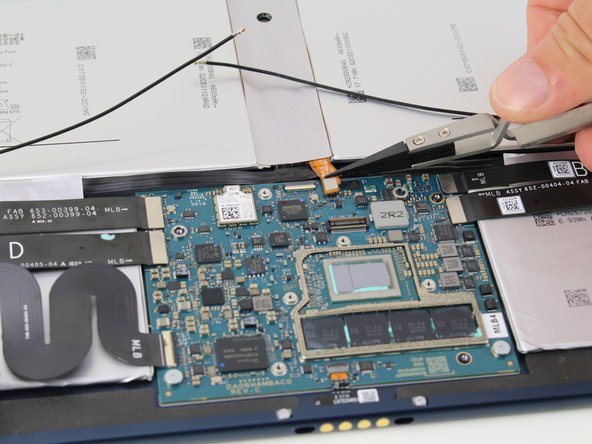
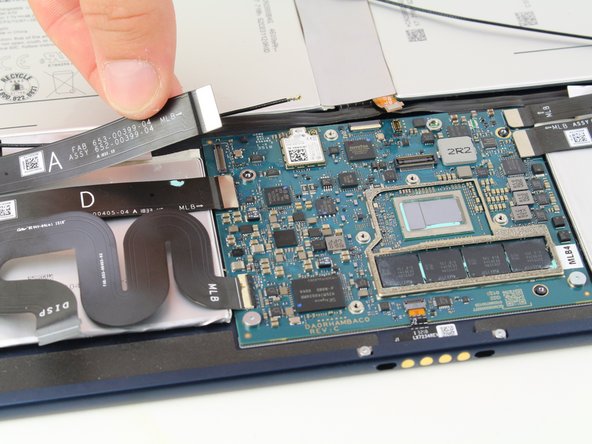
    • Remove the two speaker plugs, one battery plug, and disconnect the four flat wires from the motherboard.

    • Nylon Tipped Tweezers may be necessary to remove the wires effectively.

    Ask FixBot

    Add Comment

  8. Google Pixel Slate Motherboard Replacement: step 8, image 1 of 3 Google Pixel Slate Motherboard Replacement: step 8, image 2 of 3 Google Pixel Slate Motherboard Replacement: step 8, image 3 of 3
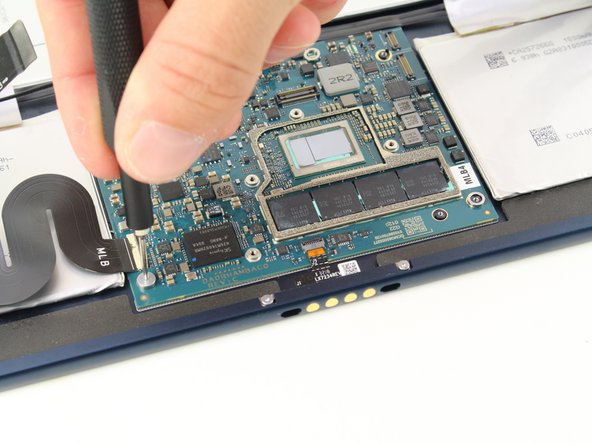
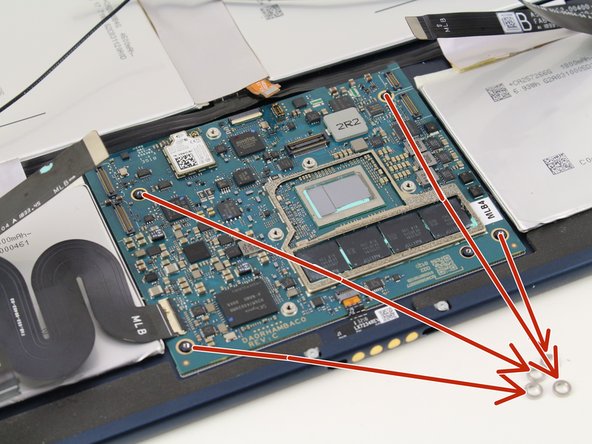
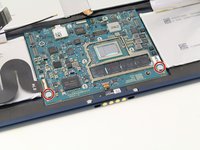
    • Use a T3 Torx screwdriver to remove the two silver screws.

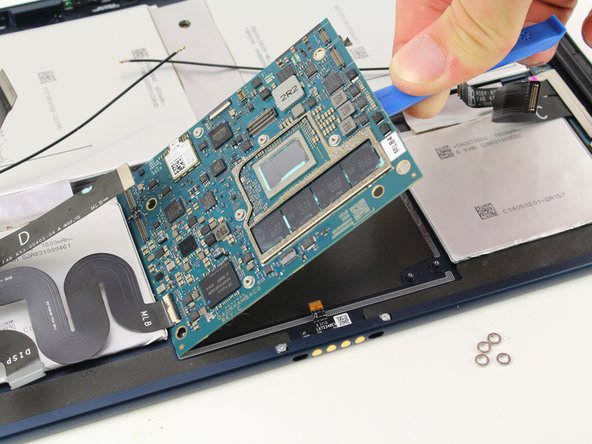
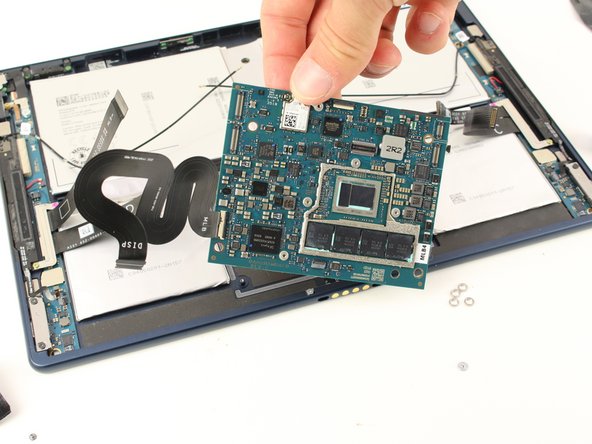
    • Remove the 4 exposed washers from the motherboard and put aside.

    Ask FixBot

    Add Comment

  9. Google Pixel Slate Motherboard Replacement: step 9, image 1 of 3 Google Pixel Slate Motherboard Replacement: step 9, image 2 of 3 Google Pixel Slate Motherboard Replacement: step 9, image 3 of 3
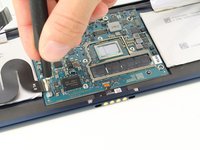
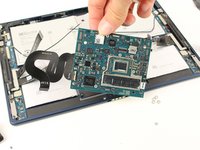
    • Use the iFixit opening tool to remove the motherboard from the device.

    Ask FixBot

    Add Comment

Conclusion

To reassemble your device, follow these instructions in reverse order.

Cancel: I did not complete this guide.

5 other people completed this guide.

Spencer Alonge

Member since: 04/18/19

678 Reputation

5 Guides authored

Team

Cal Poly, Team S2-G5, Maness Spring 2019 Member of Cal Poly, Team S2-G5, Maness Spring 2019

CPSU-MANESS-S19S2G5

4 Members

5 Guides authored

1 Guide Comment

Very helpful, nice and clear steps.

Eddie Lundberg - Reply Share

Add Comment

View Statistics:

Past 24 Hours: 6

Past 7 Days: 22

Past 30 Days: 88

All Time: 4,639