
Gipo H369e Screen Replacement

Janelle Norris and 7 other contributors
Last updated on Jan 4, 2016
Views: 1.1K
View statistics:
- Past 24 Hours:
- 1
- Past 7 Days:
- 15
- Past 30 Days:
- 94
- All Time:
- 1,099
Comments: 0
No one has left comments on this guide. Will you be first?
Go to guide commentsCompleted: 7 8
7 people have marked this guide "completed." Will you be next?
8 people have marked this guide "completed." Including you — great job!
Favorites: 0 1
No one has favorited (and subscribed to) this guide. Will you be the first?
1 person has favorited (and subscribed to) this guide — and that's you!
Needs Better Images
Better photos will improve this guide. Help out by taking, editing, or uploading new ones!
Better Introduction
Improve this guide by completing or revising its introduction.
What you need
Parts
Tools


-
-
-
Insert your thumb into the groove on the back lefthand corner of the phone to unsnap the back cover.
 Ask FixBot
-
-
-
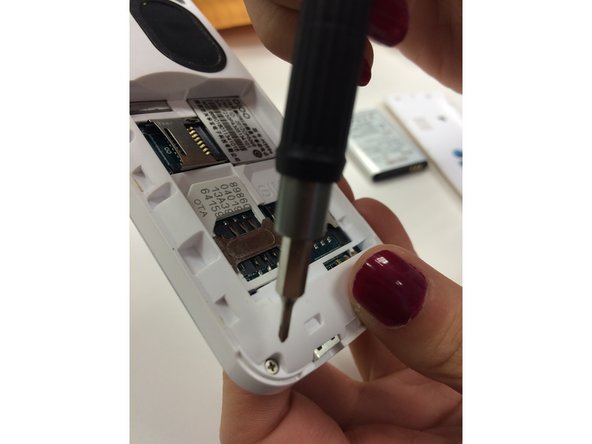
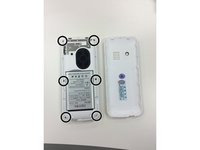
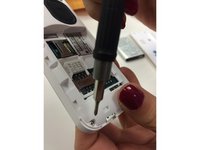
Unscrew the 6 screws on the back of the phone using the Philips Head 000 screwdriver.
-
You can use the back cover as a tray to hold the loose screws.
-
-
-
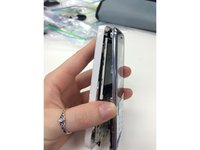
Use the plastic opening tool to pry the front of the phone away from the back of the phone.
-
-
-
-
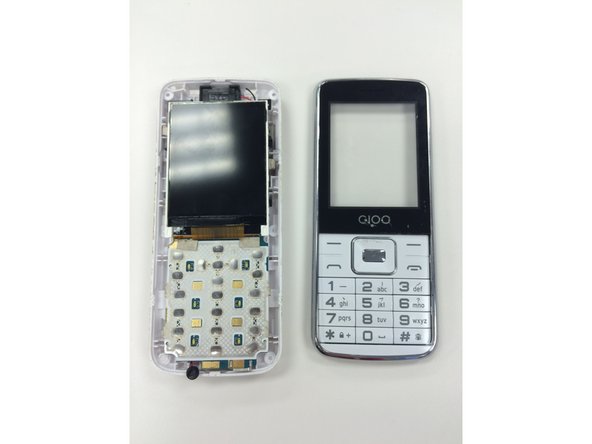
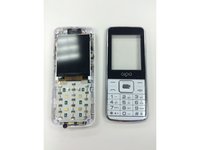
Once the front and back of the phone are separated, push the keypad out of the front portion of the phone.
-
-
-
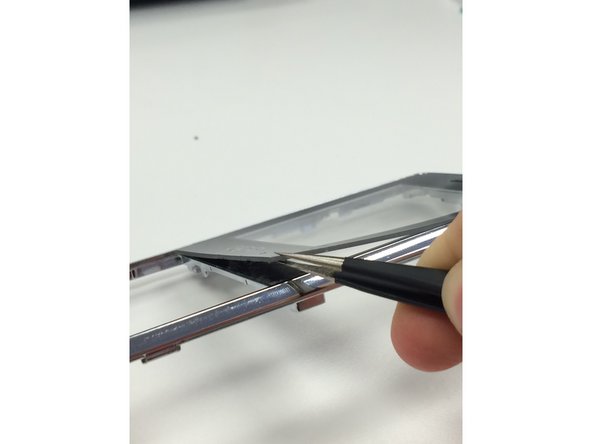
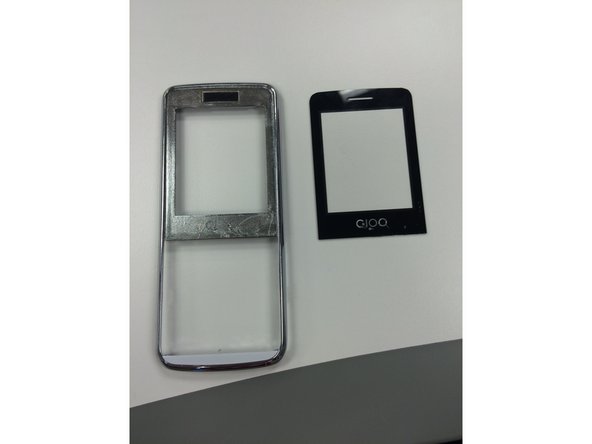
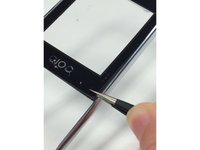
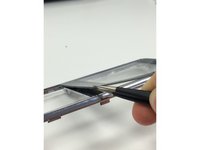
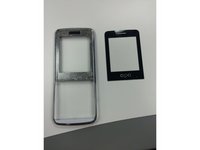
Use the needle nose pliers to pull the screen away from the front of the disassembled phone. Replace it with your new screen.
-
-





To reassemble your device, follow these instructions in reverse order.
Cancel: I did not complete this guide.
7 other people completed this guide.

Team

Ohio State, Team 1-4, Garvin Fall 2015 Member of Ohio State, Team 1-4, Garvin Fall 2015
OSU-GARVIN-F15S1G4
3 Members
24 Guides authored
