
Gipo H369e Keypad Replacement

Janelle Norris and 4 other contributors
Last updated on Aug 1, 2019
Views: 846
View statistics:
- Past 24 Hours:
- 2
- Past 7 Days:
- 16
- Past 30 Days:
- 90
- All Time:
- 846
Comments: 0
No one has left comments on this guide. Will you be first?
Go to guide commentsCompleted: 1 2
1 person has marked this guide "completed." Will you be next?
2 people have marked this guide "completed." Including you — great job!
Favorites: 0 1
No one has favorited (and subscribed to) this guide. Will you be the first?
1 person has favorited (and subscribed to) this guide — and that's you!
Needs Better Images
Better photos will improve this guide. Help out by taking, editing, or uploading new ones!
Needs More Images
A few more images would make this guide's procedures crystal clear.
Introduction
Go to step 1 ↓This guide demonstrates:
1. How to disassemble the Gipo H369e.
2. What tools to use in the disassembly.
- Phillips head 000 screwdriver
- Small prying tool (ex: puddy knife)
- Needle nose tweezers
3. How to replace the keypad.
What you need
Tools


-
-
-
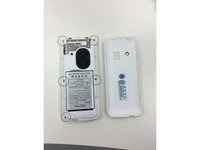
Insert thumb into the groove on the back lefthand corner of the phone to unsnap the back cover.
 Ask FixBot
-
-
-
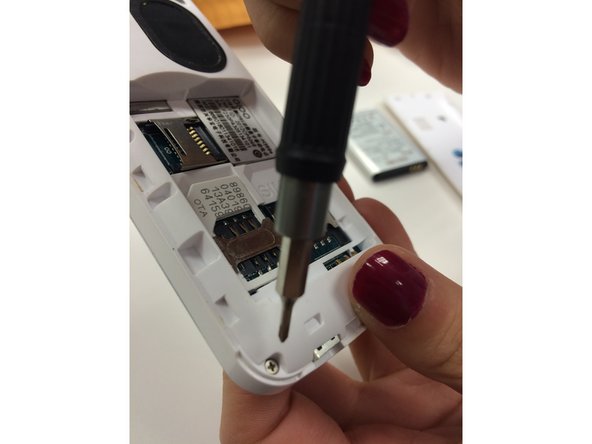
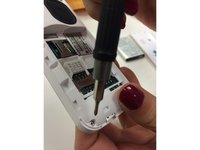
Unscrew the 5 screws on the back of the phone using the Philips Head 000 screwdriver.
-
-
-
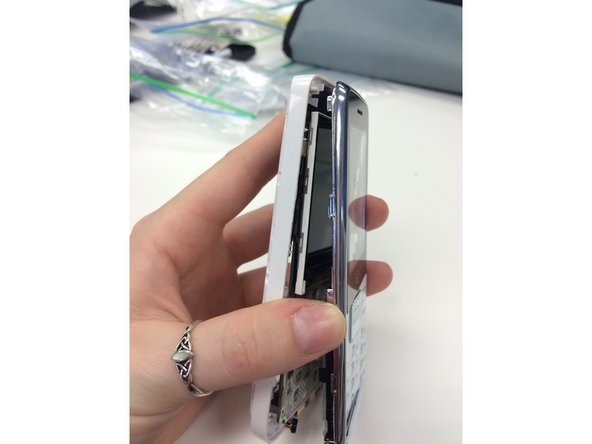
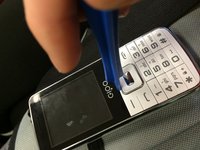
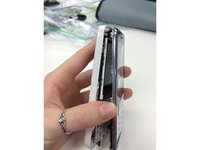
Use the plastic opening tool to pry the front of the phone away from the back of the phone.
-
-
-
-
Once the front and back of the phone are separated, the keypad will fall out. You can now replace your old keypad.
-
-
-
Use the needle nose pliers to peel the plastic screen away from the front of the disassembled phone. You can now replace the plastic screen.
-
-



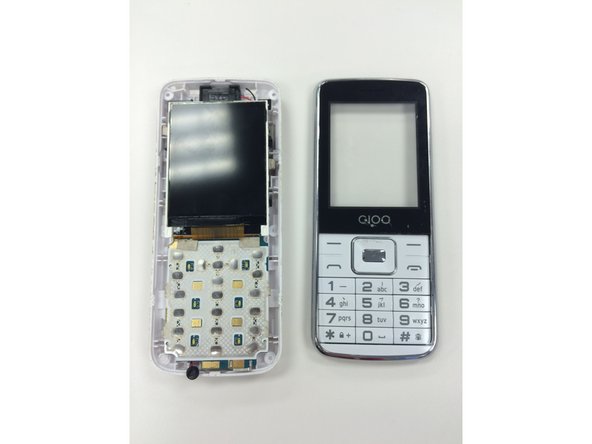

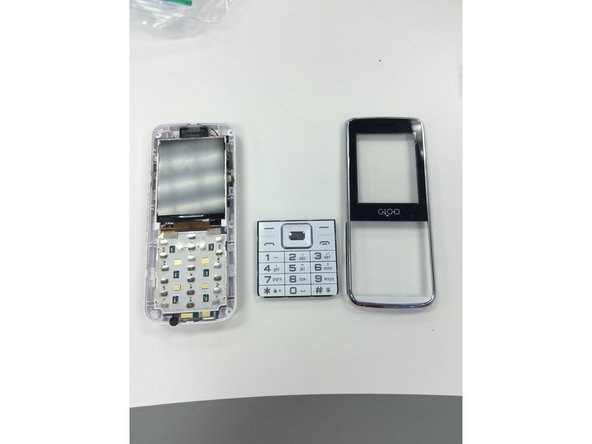
To reassemble your device, follow these instructions in reverse order.
Cancel: I did not complete this guide.
One other person completed this guide.

Team

Ohio State, Team 1-4, Garvin Fall 2015 Member of Ohio State, Team 1-4, Garvin Fall 2015
OSU-GARVIN-F15S1G4
3 Members
24 Guides authored
