
Gateway P-6831FX WiFi Card Replacement

Chandler Jardin and one other contributor
Last updated on May 21, 2018
Views: 889
View statistics:
- Past 24 Hours:
- 3
- Past 7 Days:
- 16
- Past 30 Days:
- 67
- All Time:
- 889
Comments: 0
No one has left comments on this guide. Will you be first?
Go to guide commentsCompleted: 0 1
No one has marked this guide "completed." Will you be the first?
1 person has marked this guide "completed." It's you — great job!
Favorites: 0 1
No one has favorited (and subscribed to) this guide. Will you be the first?
1 person has favorited (and subscribed to) this guide — and that's you!
Featured Student Guide
This guide has been the hard work of our awesome students and is found to be exceptionally cool by the iFixit staff.
Introduction
Go to step 1 ↓The WiFi Card is a component that adds wireless connectivity to your device. This guide will go over how to remove and replace the WiFi Card for the P-6831FX.
What you need
Tools

-
-
-
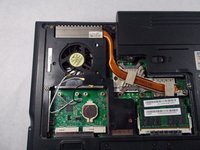
Turn your laptop upside down and remove the five Philips #0 (5mm) screws for the cover of the WiFi Card.
 Ask FixBot
-
-
-
-
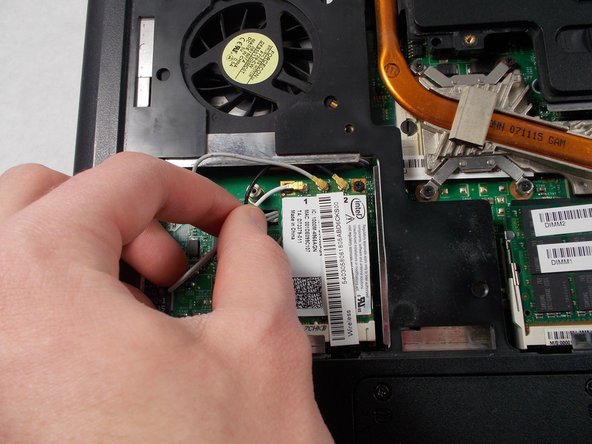
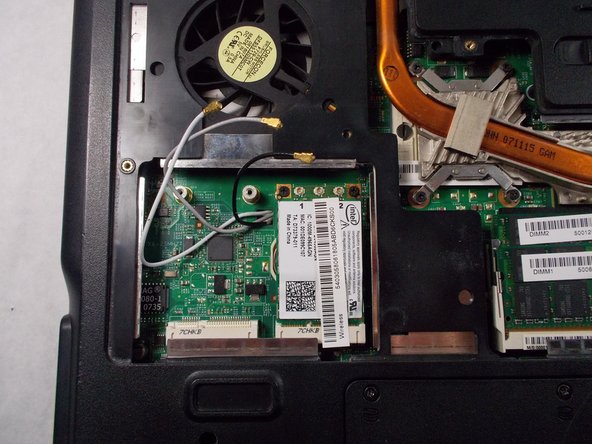
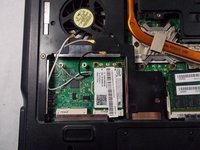
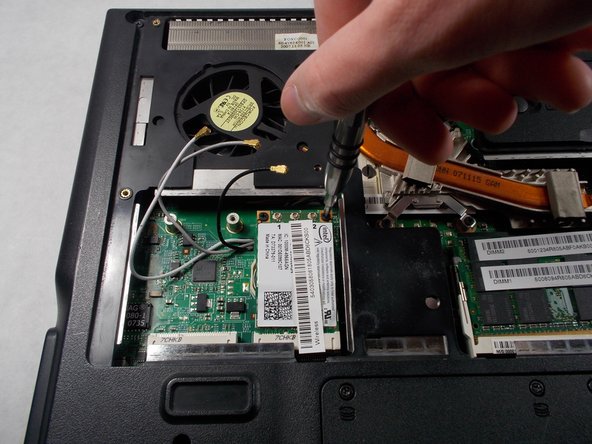
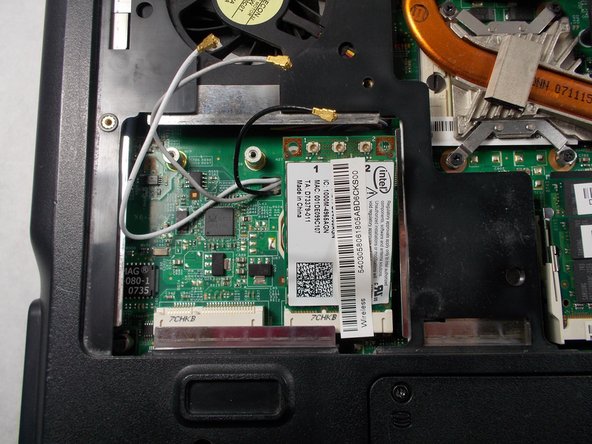
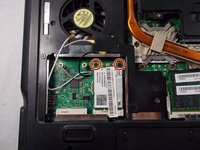
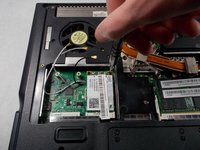
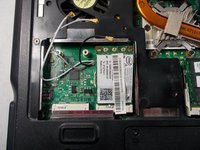
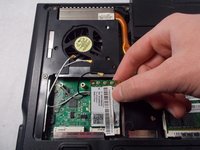
With the WiFi Card lifted up, gently pull the WiFi Card out of the socket and remove it from the device.
-
-





To reassemble your device, follow these instructions in reverse order.

Team

UMass Dartmouth, Team S3-G5, Peak Spring 2018 Member of UMass Dartmouth, Team S3-G5, Peak Spring 2018
UMASSD-PEAK-S18S3G5
2 Members
72 Guides authored
