Introduction
This guide provides the step by step directions for removing and replacing a damaged DVD disk drive. There are no prerequisite guides that need to be completed in order to use this guide. There are no tools required to complete this guide.
What you need
-
-
-
Turn your device over so the bottom is face up and locate the DVD disc drive.
 Ask FixBot
-
-
-
-
Slide the tab indicated in red to the right.
-
Simultaneously push the button indicated in orange.
-
The DVD disk drive should partially eject itself.
-
-


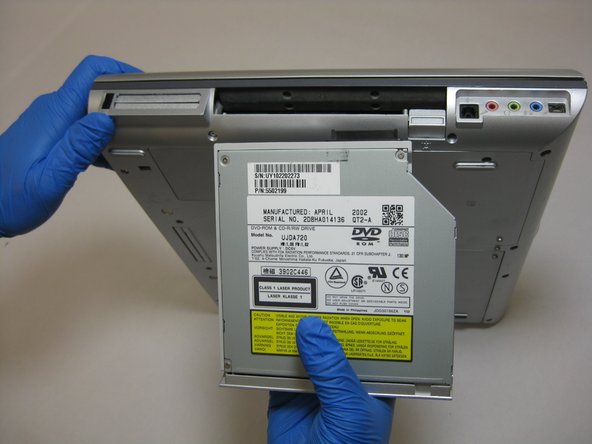
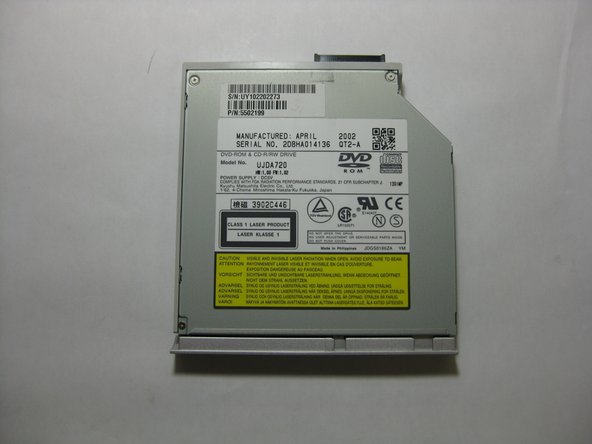
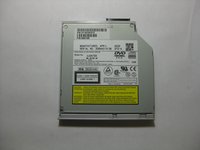
To reassemble your device, follow these instructions in reverse order.

Team

The Citadel Military College of South Carolina, Team S2-G7, Eggleston Spring 2019 Member of The Citadel Military College of South Carolina, Team S2-G7, Eggleston Spring 2019
CMCSC-EGGLESTON-S19S2G7
3 Members
36 Guides authored
