Introduction
If you need to replace the Garmin STRIKER 4 digital display, access it with this guide. Some reasons you may be replacing the screen include dead pixels in the screen or the screen not turning on at all. Be careful when prying away the old screen to avoid any further damage to the casing.
What you need
-
-
-
Remove all six 6 mm screws using a Phillips #0 screwdriver.
-
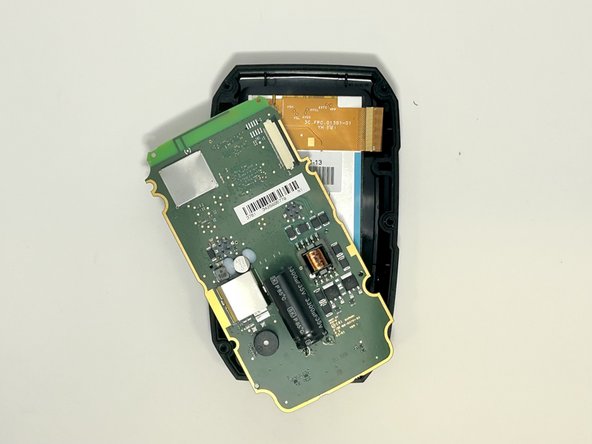
Detach and flip the backside to open the device.
-
-
-
-
-
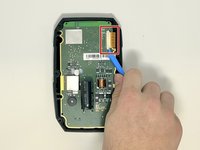
Slide out the screen cable from the motherboard using the iFixit opening tool or your fingernail.
-
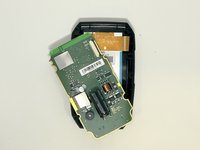
Remove the motherboard from the device.
-
-
-
-
-
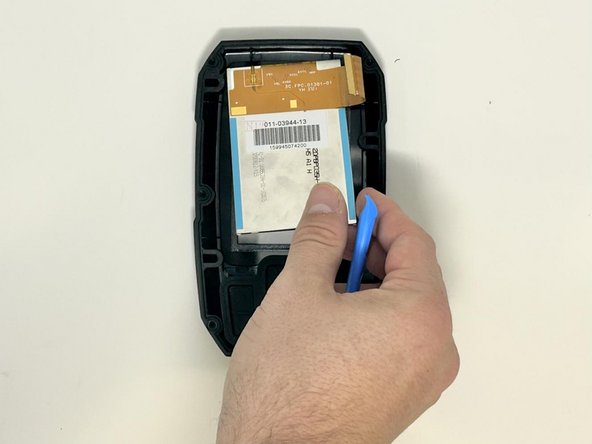
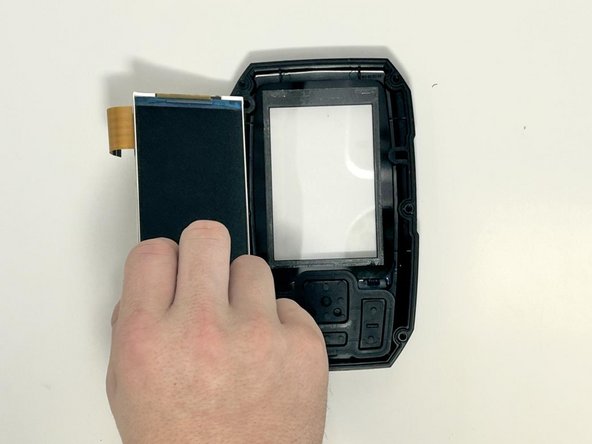
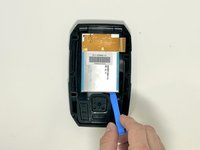
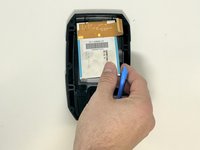
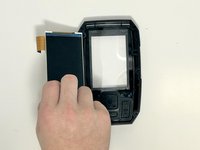
Use the iFixit opening tool to gently lift the screen from the casing.
-
-


 Ask FixBot



To reassemble your device, follow these instructions in reverse order.
Cancel: I did not complete this guide.
2 other people completed this guide.

Team

Utah Tech University, Team 1-5, McMurrin Fall 2023 Member of Utah Tech University, Team 1-5, McMurrin Fall 2023
UTAHTECH-MCMURRIN-F23S1G5
3 Members
48 Guides authored
