Introduction
The motherboard is the lowest replaceable unit, so users cannot simply replace the charging port. Garmin permanently attached the charging port to the motherboard. If a user needs to replace the charging port, the user must replace the motherboard.
What you need
-
-
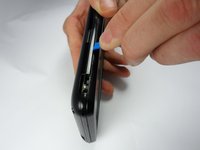
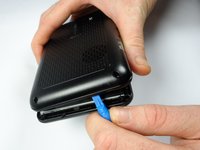
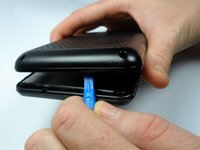
Place the device on a flat surface with the LCD touchscreen face down.
-
-




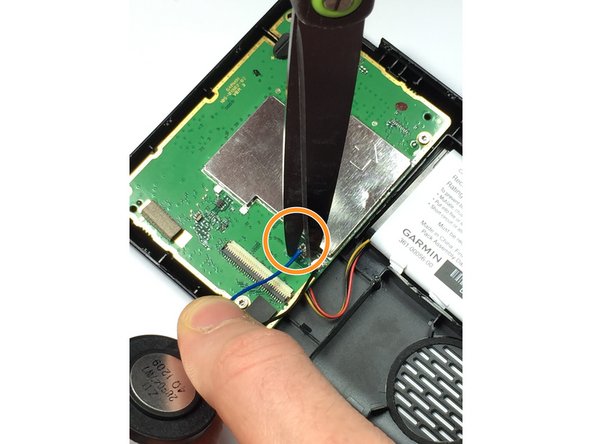
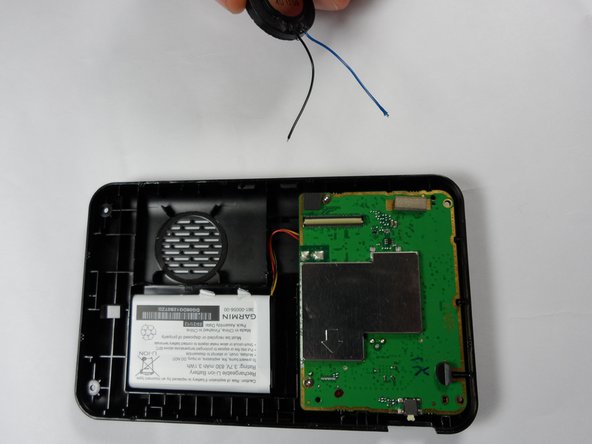
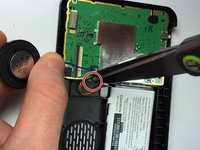
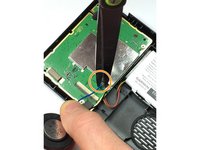


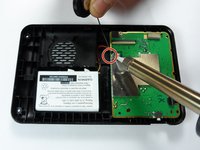
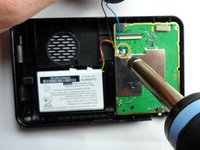
To reassemble your device, follow these instructions in reverse order with the exception of cutting the blue and black speaker wires.
Cancel: I did not complete this guide.
2 other people completed this guide.

Team

Sam Houston State, Team 2-7, Blackburne Fall 2015 Member of Sam Houston State, Team 2-7, Blackburne Fall 2015
SHSU-BLACKBURNE-F15S2G7
4 Members
5 Guides authored
4 Guide Comments
Yes, you are right!
BE VERY CAREFUL WHEN OPENING YOUR GARMIN - IT IS EXCEPTIONALLY EASY TO “TEAR” THE YELLOW FLEXIBLE CONNECTOR IF YOU ARE NOT AWARE OF THIS CONNECTOR -THEN THE GARMIN IS SCRAP - I find that the charge socket is the weakest point on these units & before I opened my last unit I threw a few out because the charge port had been damaged. The USB type C charge port can be replaced with a spare bought from an electronics part supplier, I found that I reinforced the port onto the board by soldering resistor leads to the USB socket casing & then soldered the other side onto the board to support also adding a some of glue from my glue gun. Seems that this modification increases the durability & lifespan of the unit. I also think that if the port gets damaged again I might try do a modification on the port & try solder the charger cable directly onto the board but be warned, because of the traffic antenna built into the cable I have no idea what effect this may have on the traffic function, possibly worth a try.
