Introduction
This device can be identified utilizing the criterion on the device page. When replacing the screen, be sure to set aside the following tools: T5 Torx screwdriver and plastic opening tool.
What you need
-
-
-
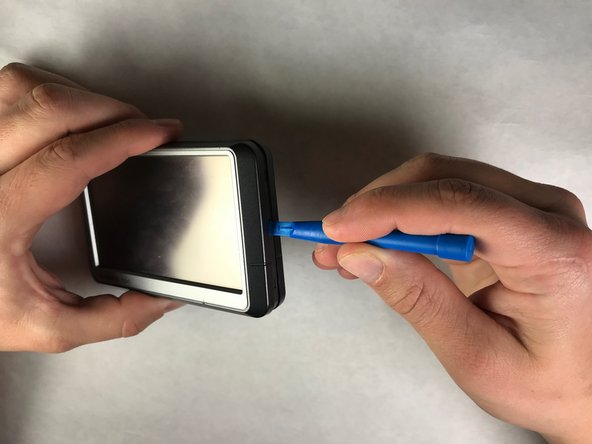
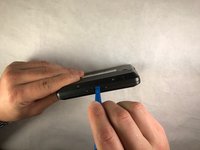
Once the screws are removed, use the plastic opening tool to carefully separate the body from the screen encasing.
-
-
-
Once the body of the nüvi is separated, carefully flip the tabs on the motherboard that secure the ribbon cable to the motherboard and disconnect.
-
-
-
Use a plastic opening tool to loosen the three clips located on the top of the screen encasing to a position that loosens the hold on the screen.
-
-
-
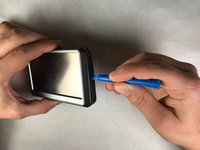
Use a plastic opening tool to loosen the two clips on the short sides of the Nuvi screen encasing to a position that allows the removal of the screen.
-

 Ask FixBot




To reassemble your device, follow these instructions in reverse order.
Team

IUPUI, Team S3-G5, Harley Spring 2018 Member of IUPUI, Team S3-G5, Harley Spring 2018
IUPUI-HARLEY-S18S3G5
3 Members
2 Guides authored
