
Garmin Dezl 760LMT Screen Replacement

Ryan Williams and 4 other contributors
Last updated on Dec 14, 2016
Views: 3.2K
View statistics:
- Past 24 Hours:
- 2
- Past 7 Days:
- 15
- Past 30 Days:
- 86
- All Time:
- 3,192
Comments: 2
2 guide comments.
Go to guide commentsCompleted: 0 1
No one has marked this guide "completed." Will you be the first?
1 person has marked this guide "completed." It's you — great job!
Favorites: 0 1
No one has favorited (and subscribed to) this guide. Will you be the first?
1 person has favorited (and subscribed to) this guide — and that's you!
Introduction
Go to step 1 ↓This guide will show you how to properly and safely remove the Garmin Dezl 760LMT's screen from the motherboard and its casing.
What you need
Tools


-
-
-
Using a Torx T6 Screwdriver, remove the ten 7mm screws from the back panel.
 Ask FixBot
-
-
-
Turn the device over, laying it on its back with the screen facing upwards.
-
Lift the front panel away from the silver part of the back panel.
-
-
-
-
-
-
Lift the screen opposite where the "GARMIN" logo is located. Remove the clear tape holding the ribbon cable to the motherboard.
-
-
Tool used on this step:Anti-Static Wrist Strap$7.95
-
Find and lift the small grey hinge at the end of the ribbon cable.
-
-
-
-
-
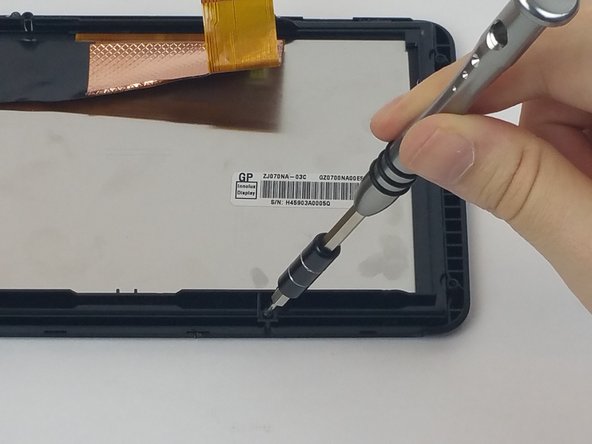
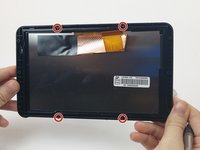
Using a Torx T5 screwdriver, unscrew the four 7mm screws from the back plate of the screen.
-
-
-
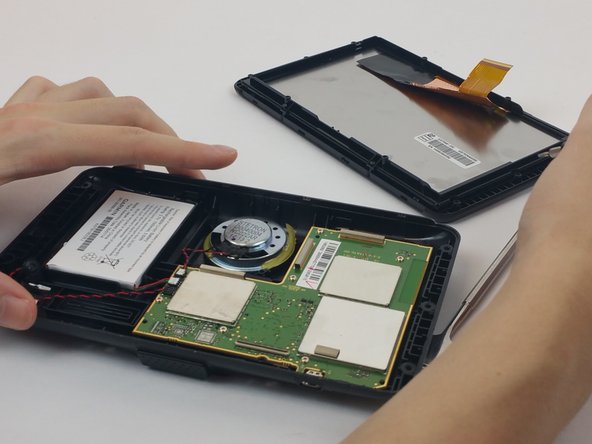
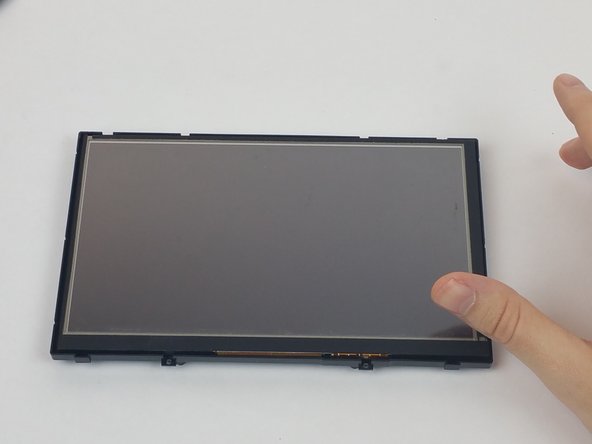
Turn the screen over so that it is facing upwards.
-
Remove the front plate of the screen.
-
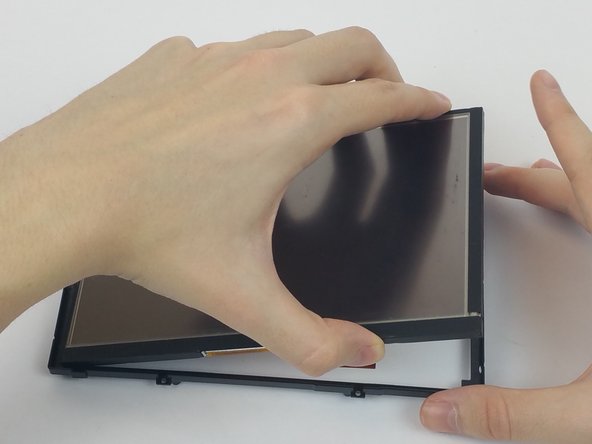
Lift the screen from its back casing.
-
-





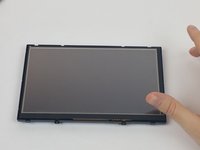
To reassemble your device, follow these instructions in reverse order.

Team

USF Tampa, Team 4-2, Passmore Fall 2016 Member of USF Tampa, Team 4-2, Passmore Fall 2016
USFT-PASSMORE-F16S4G2
4 Members
72 Guides authored
2 Guide Comments
where can one by the replacement screen
