Free Shipping on Domestic Orders $75+

GameStop GS3 GameCube Controller Motherboard Replacement

What you need

    1. GameStop GS3 GameCube Controller Motherboard Replacement, Motherboard: step 1, image 1 of 2 GameStop GS3 GameCube Controller Motherboard Replacement, Motherboard: step 1, image 2 of 2
      • Open the controller by unscrewing the screws located on the back panel

      • Separate the two halves of the controller.

      Ask FixBot

      Add Comment

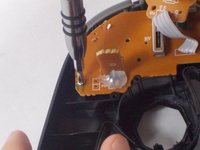
    2. GameStop GS3 GameCube Controller Motherboard Replacement: step 2, image 1 of 3 GameStop GS3 GameCube Controller Motherboard Replacement: step 2, image 2 of 3 GameStop GS3 GameCube Controller Motherboard Replacement: step 2, image 3 of 3
      • Remove the rumble-pack by unscrewing the screws located on on either side.

      • Remove the rumble pack to fully separate the two halves of the controller

      Ask FixBot

      Add Comment

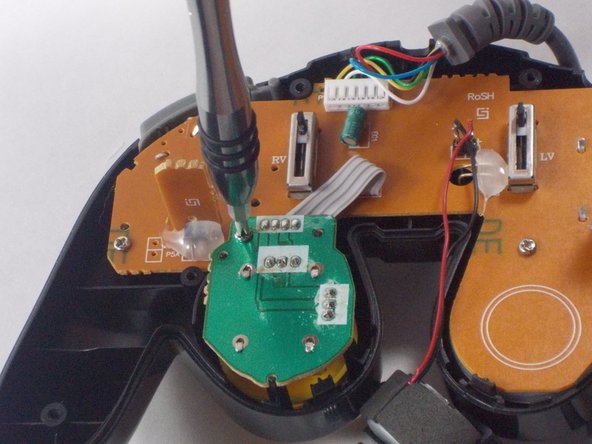
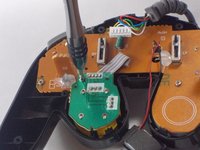
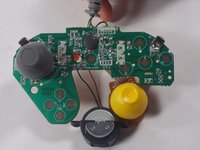
    3. GameStop GS3 GameCube Controller Motherboard Replacement: step 3, image 1 of 3 GameStop GS3 GameCube Controller Motherboard Replacement: step 3, image 2 of 3 GameStop GS3 GameCube Controller Motherboard Replacement: step 3, image 3 of 3
      • Disconnect the motherboard from the front half of the controller by unscrewing the small screws around its perimeter.

      • The motherboard should separate and lift right out from the front half.

      Ask FixBot

      Add Comment

Conclusion

To reassemble your device, follow these instructions in reverse order.

Cancel: I did not complete this guide.

John Harrison

Member since: 10/28/16

225 Reputation

2 Guides authored

Team

UMass Dartmouth, Team 3-5, Isaacson Fall 2016 Member of UMass Dartmouth, Team 3-5, Isaacson Fall 2016

UMASSD-ISAACSON-F16S3G5

3 Members

60 Guides authored

0 Guide Comments

Add Comment

View Statistics:

Past 24 Hours: 1

Past 7 Days: 6

Past 30 Days: 27

All Time: 1,096