
GameSir T4 Pro Joystick Replacement

Madison Puckett and 2 other contributors
Last updated on Dec 30, 2022
Views: 9.7K
View statistics:
- Past 24 Hours:
- 3
- Past 7 Days:
- 55
- Past 30 Days:
- 201
- All Time:
- 9,665
Comments: 7
7 guide comments.
Go to guide commentsCompleted: 3 4
3 people have marked this guide "completed." Will you be next?
4 people have marked this guide "completed." Including you — great job!
Favorites: 1 2
1 person has favorited (and subscribed to) this guide. Will you be next?
2 people have favorited (and subscribed to) this guide — including you!
Introduction
Go to step 1 ↓If your joystick has broken over time, this guide will help you replace these parts. This repair can take anywhere from 4 to 5 minutes and only requires a Phillips #1 screwdriver and the iFixit opening tool. A good replacement for this device is the Dual Shock 4 joystick.
What you need
Parts

Tools


-
-
-
Using the Phillips 1 screwdriver, gently turn the screw to the left (repeat this step until all four screws are taken out).
 Ask FixBot
-
-
-
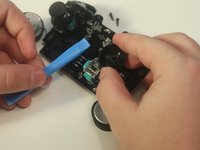
Use your iFixit opening tool to break the seam of the back of your controller.
-
-
-
-
Apply a slow, but consistent pull to the old 600 maH battery.
-
Attach new battery onto the pad.
-
-
-
-
-
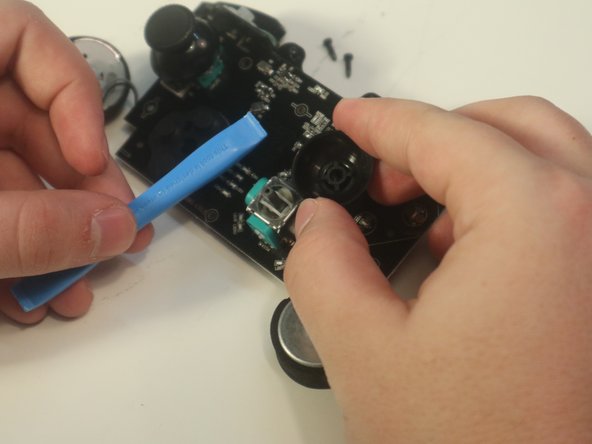
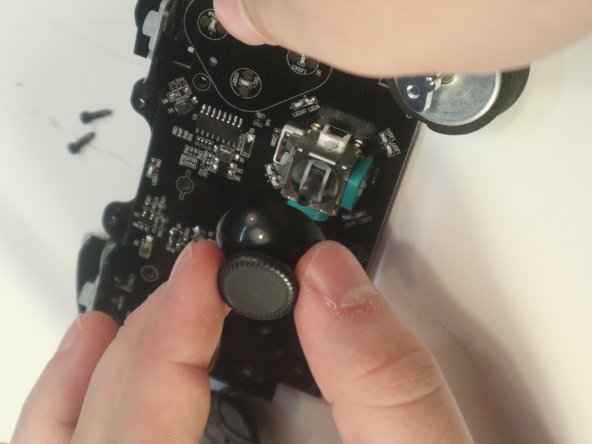
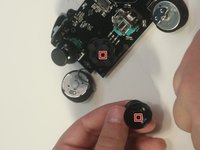
Make sure the square of the joystick matches the square of the pad and pop it in place.
-


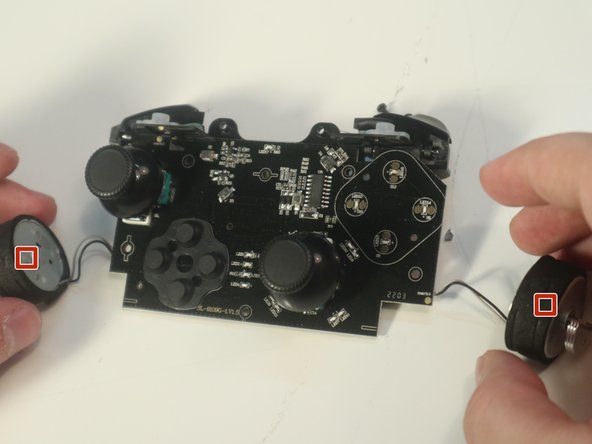
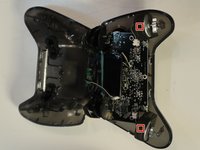
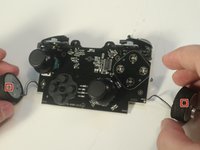


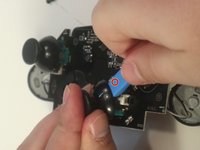

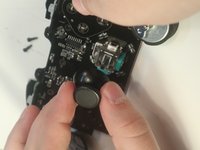
To reassemble your device, follow these instructions in reverse order.
Cancel: I did not complete this guide.
3 other people completed this guide.

Team

Western Carolina University, Team 1-4, Virtue Fall 2022 Member of Western Carolina University, Team 1-4, Virtue Fall 2022
WCU-VIRTUE-F22S1G4
4 Members
60 Guides authored
7 Guide Comments
I bought ps4 joysticks for the repair, but ps4 joysticks seems larger so it's stuck
PlayStation4 stick is not compatible with GameSir T4 Pro. The stick for the Nintendo Switch PRO controller does not interfere, but this also requires processing for installation.
Los stick del control de ps4 no son compatibles no entiendo por qué está esta quia de reparación si es falsa compre los stick de ps4 y no fueron compatibles tuve que modificar el control con un dremel muy delicadamente, ya que los stick de ps4 son ligeramente mas anchos y se atascan al girar se tiene que comer la carcasa del mando unos 2mm en cada agujero donde van los stick asi que no sigan las recomendaciones de esta guia al menos que tengan pensado modificar su control
On a real note. Has anyone found any thumb covers that fit out of the box without mods? The default T4 pro ones seem smaller than both PS4 and Xbox 360 so far that I've checked.
