Introduction
This foundational guide is designed for the GameSir G7 SE, focusing on safely opening the device to access its internal components. Opening your GameSir G7 SE is the first step in any maintenance or repair task, allowing you to address issues from the inside out.
Before beginning, disconnect the controller to avoid any electrical risk. Be mindful that disassembling your device might void warranties.
What you need
-
-
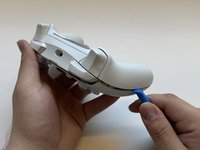
Remove the faceplate by prying upwards with a plastic opening tool.
 Ask FixBot
-
-
-
-
Use a T6 Torx Screwdriver to remove the six 9 mm screws from the interior face plate.
-
-
-
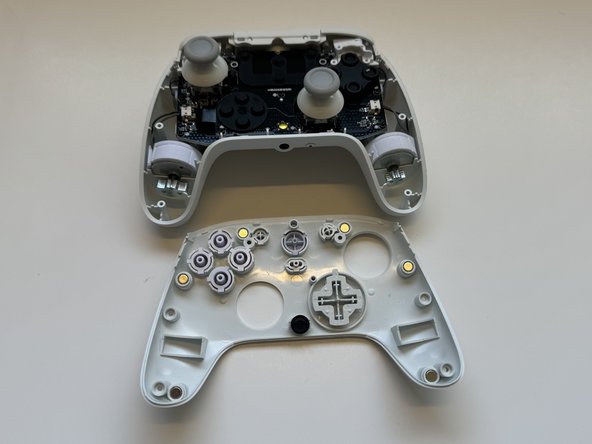
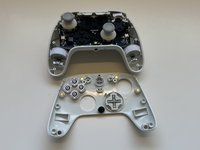
Using a plastic spudger tool, remove the interior face plate. Go around all the edges, prying downwards until it's removed.
-


To reassemble your device, follow these instructions in reverse order.
Cancel: I did not complete this guide.
One other person completed this guide.

Team

Western Carolina University, Team 1-6, Virtue Spring 2024 Member of Western Carolina University, Team 1-6, Virtue Spring 2024
WCU-VIRTUE-S24S1G6
4 Members
15 Guides authored
