Introduction
For GameSir G7 SE controllers experiencing unresponsive or sticky buttons, this guide provides steps for cleaning or replacing the conductive rubber button gaskets. The proper function of these contacts is crucial for accurate game input. Before attempting this repair, ensure the controller is disconnected from power to prevent electrical hazards.
Cleaning the contacts with isopropyl alcohol or replacing them can restore button responsiveness and is detailed in the “Button Activating Without Being Pressed” section of our troubleshooting page.
What you need
-
-
-
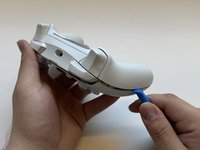
Remove the faceplate by prying upwards with a plastic opening tool.
 Ask FixBot
-
-
-
Use a T6 Torx Screwdriver to remove the six 9 mm screws from the interior face plate.
-
-
-
-
Using a plastic spudger tool, remove the interior face plate. Go around all the edges, prying downwards until it's removed.
-
-
-
-
-
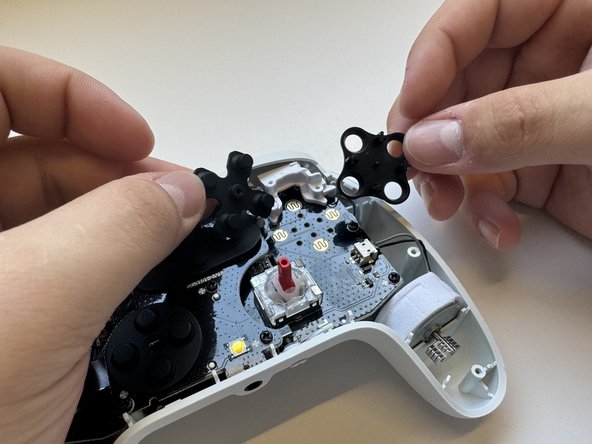
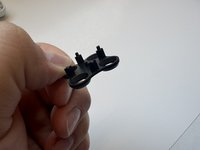
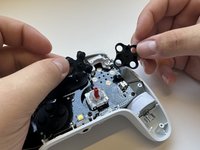
Pull up on the conductive rubber button gaskets to remove them.
-
-


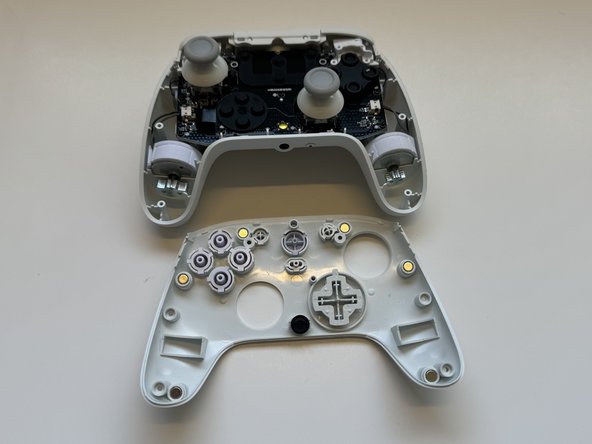


To reassemble your device, follow these instructions in reverse order.

Team

Western Carolina University, Team 1-6, Virtue Spring 2024 Member of Western Carolina University, Team 1-6, Virtue Spring 2024
WCU-VIRTUE-S24S1G6
4 Members
60 Guides authored
