
Game Boy Color Speaker Replacement

Last updated on Sep 24, 2024
Views: 9.1K
View statistics:
- Past 24 Hours:
- 5
- Past 7 Days:
- 52
- Past 30 Days:
- 209
- All Time:
- 9,051
Comments: 0
No one has left comments on this guide. Will you be first?
Go to guide commentsCompleted: 2 3
2 people have marked this guide "completed." Will you be next?
3 people have marked this guide "completed." Including you — great job!
Favorites: 2 3
2 people have favorited (and subscribed to) this guide. Will you be next?
3 people have favorited (and subscribed to) this guide — including you!
Community-Contributed Guide
An awesome member of our community made this guide. It was not created by iFixit staff.
Introduction
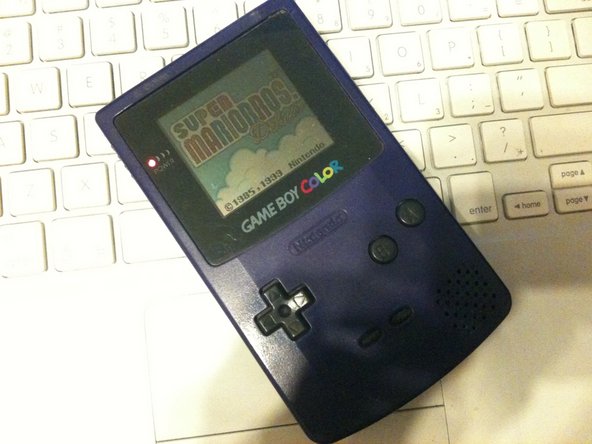
Go to step 1 ↓The Gameboy color is a wonderful handheld, and a lot of the fun comes from the retro sounds. if your Gameboy color has suffered a speaker malfunction(mine got left in the rain :( and died) this is how to fix it and get back to Super Mario Bros. Deluxe!
What you need
Parts
Tools


-
-
-
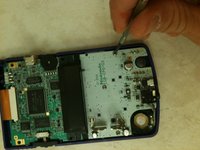
now to remove the 6 triwing screws from the rear of the handheld
-
if you cant find a triwing a small flathead will work
-
-


 Ask FixBot




To reassemble your device, follow these instructions in reverse order.
Cancel: I did not complete this guide.
2 other people completed this guide.

